
.webp?width=112&height=112&name=Help-Desk-EN@3x%20(1).webp)

Customer service software helps service teams collect, organize, route, respond to, and report on customer questions across channels like email, chat, phone, and social media. The best customer service software gives agents a shared view of each customer’s history, so teams can give personalized and quick solutions, without adding more disconnected tools.
Get Started with HubSpot's Help Desk Software for Free
In this guide, I’ll compare 23 customer service software examples, including help desk platforms, omnichannel support tools, call center software, and free options for small teams. I’ll also explain which features matter most, how to compare pricing and implementation effort, and where Service Hub fits for teams that want customer service tools connected to customer data on HubSpot’s agentic customer platform.
What is customer service software?
Customer service software helps businesses collect, organize, route, respond to, and monitor customer questions across channels. A customer service software system can include a help desk, shared inbox, knowledge base, live chat, AI agent, reporting dashboards, and CRM integrations.
Get started with Service Hub today.
Consider a retail support team that handles refund requests, defective product issues, shipping questions, and social media complaints. Those requests may arrive through email, phone, live chat, Facebook, X, and Instagram. Customer service apps bring those conversations into one workflow so agents can track ownership, view customer context, and respond without switching between tools.
Customer service software streamlines those requests so customers get prompt, consistent, and personalized support.
.webp?)
Free Help Desk & Ticketing Software
Keep track of customer requests in one unified help desk that connects to your CRM database.
- Provide personalized, AI-powered support to your customers
- Save time, reduce errors, and streamline service processes
- Improve rep efficiency & time to resolution
- And more!
Benefits of Customer Service Software
Customer service software improves service metrics by helping teams respond faster, resolve issues with more context, and spot operational bottlenecks. In HubSpot’s 2025 customer service statistics roundup, the most important customer experience metrics for service teams included CSAT, retention, response time, resolution time, and customer lifetime value.
The table below shows how customer service software improves these metrics at the customer, rep, and management levels.
|
Party |
Benefits of Software Implementation |
Success KPIs |
|
Customer |
Self-service knowledge base articles and chatbots help users get immediate help with problems. When customers need human support, their complete customer history is accessible to every rep. Customers can be served faster across multiple communication channels without compromising support quality. |
Improved:
|
|
Service reps |
Service reps can deliver personalized support via phone, live chat, or asynchronous messaging (email, social media). Reps save time by leveraging automation features to reduce repetitive tasks and provide consistent support across mediums and channels. |
Improved:
|
|
Customer service management |
Managers have actionable data on how individual reps and entire customer support teams are performing. Tailored training can be provided to improve outcomes. |
Improved:
|
Types of Customer Service Software
With so many customer service software options, businesses need to consider which type of software and features would best serve their service team.
Consider these six software types.
|
Type |
What it Does |
Best For |
|
Help desk |
Centralizes support tickets from multiple channels and routes them to agents based on priority and urgency |
Teams managing large quantities of service tickets that require structure, routing, and reporting |
|
Omnichannel |
Consolidates all customer conversations from across platforms into a single customer view for agents |
Brands managing support across multiple channels that need customer context to provide a helpful, consistent experience |
|
Live chat |
Real-time messaging with customers on a company's website or within the product itself (SaaS) |
Companies that have a short resolution time and can solve customer queries quickly without delayed or live phone support |
|
Call center |
Live inbound and outbound phone support with call routing, recording, and analytics |
Teams handling high volumes of calls or complex issues that require voice as a primary support channel |
|
Customer success |
Helps customers onboard quickly, access self-service features like knowledge base articles, and proactively monitors for inactivity/churn |
Brands that rely on repeat purchases, subscription models, or long-term client relationships |
|
All-in-one support software |
Supports the entire customer service experience within a single platform |
Businesses looking to manage support, reporting, and customer data within one consolidated product |
Channel fragmentation slows support teams down. HubSpot research found that 74% of CRM leaders said switching tools makes ticket resolution take longer. Buyers should still weigh the cost of a unified support platform against expected usage, implementation effort, and KPI impact.
Features of Customer Service Software
Ticketing
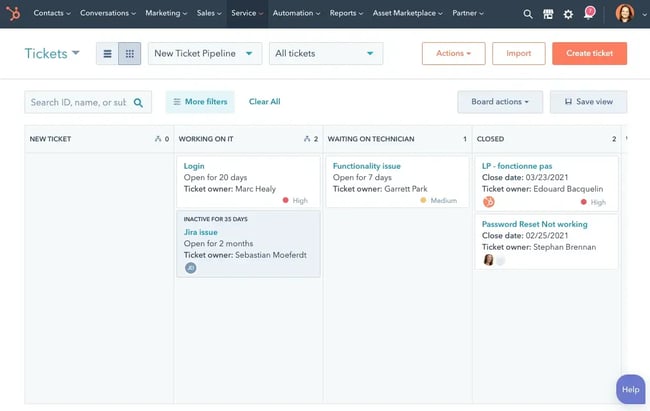
Most customer service software includes ticketing systems, ranging from basic ticketing to AI-enabled ticket management. This is the core feature that routes customer queries to customer support staff.
A reliable ticketing system prevents customer queries from going unanswered, being duplicated, or lacking the context agents need to resolve them efficiently.
Ticket volume continues to rise for many service teams. HubSpot’s 2025 customer service statistics roundup reported that 75% of customer service reps saw their highest-ever ticket volume in 2024.
Knowledge Base
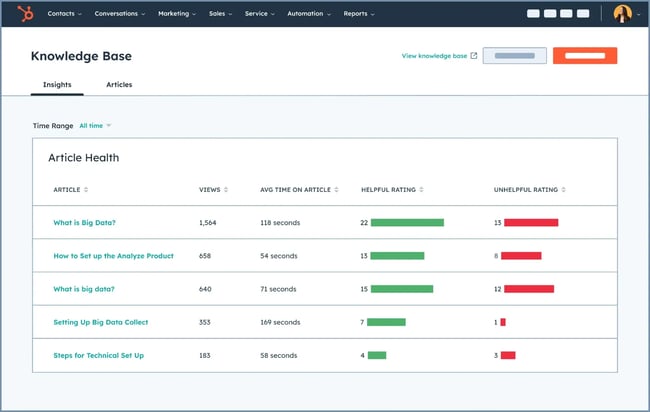
A knowledge base gives customers the power to look up answers to their questions. Knowledge bases can be either traditional or AI-powered:
- A traditional knowledge base is a straightforward, searchable directory of information that businesses have provided, such as help articles, FAQs, and troubleshooting guides.
- AI knowledge bases act like custom search-and-answer tools for company data, drawing on approved documents to answer specific questions in natural language.
Teams that invest in knowledge base content typically see reduced ticket volume as customers resolve common issues without contacting support. HubSpot’s knowledge base software allows teams to create personalized support content in multiple languages and log knowledge base usage in the customer’s CRM record.
Live Chat and AI
Customers expect quick resolutions. HubSpot’s 2025 customer service statistics roundup reported that 67% of consumers expect a customer support ticket to be resolved within 3 hours, which makes live chat, AI agents, and human handoffs important for time-sensitive issues.
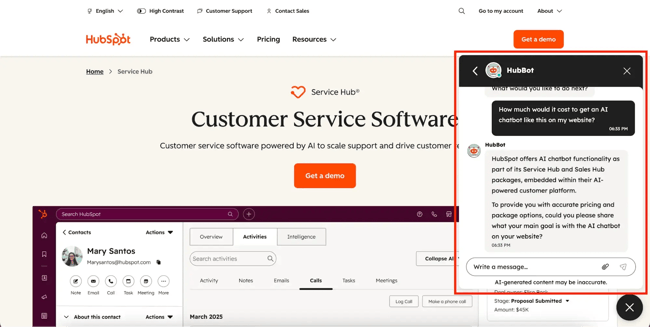
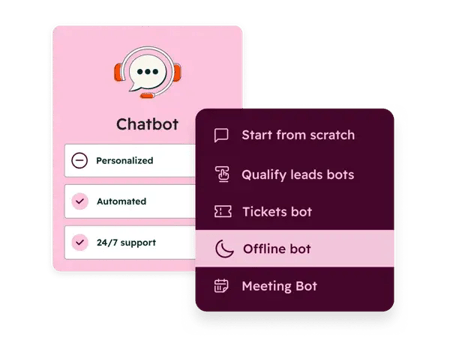
A company’s AI chatbot is often the first point of contact for customer queries. Chatbots provide an immediate response to customer questions, and if they’re synced with your CRM, they can even pull specific customer data, such as shipping updates. When chatbots can’t resolve a problem, it’s escalated to a service rep instead.
See this in action by asking “HubBot” (HubSpot’s AI chatbot) questions about how Service Hub can help your business:
Reporting and Analytics
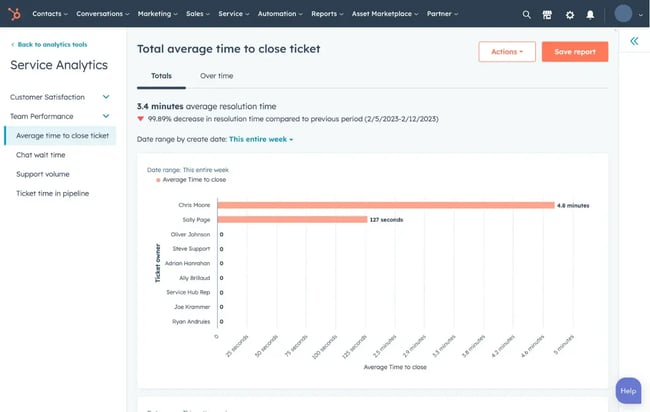
Customer support reporting and analytics provide hard data on the efficiency of support at the individual and team levels. Data from past customer interactions (such as response times, CSAT scores, and ticket volume trends) helps reps learn and improve support going forward. Without proper analytics, teams can’t measure KPIs.
Most customer service software provides at least basic reporting on support performance. Advanced reporting, such as the ability to create custom reports, is a feature of comprehensive platforms like Service Hub.
Automation and Routing
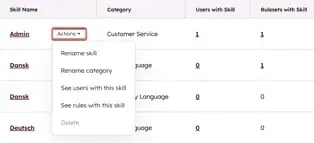
Routing and automation features help send tickets to agent with the right skillset can resolve a customer’s problem. Good routing software matches customers with a service rep who is knowledgeable about their inquiry and is currently available to take on the ticket.
This saves teams time and effort by eliminating the need to manually organize tickets, and customers are more likely to have their tickets resolved within that crucial 3-hour window.
CRM integrations
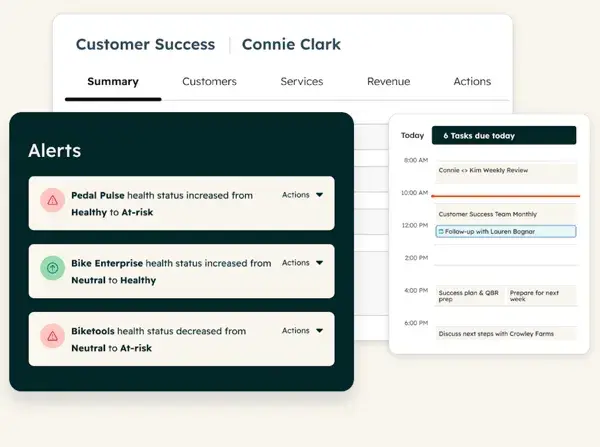
Support software often comes with advanced integration capabilities, the most important of which is integration with CRM systems. Without CRM integration, support software doesn’t capture a customer’s full history with the company.
Customer data remains fragmented for many service teams. HubSpot’s State of Service research found that only 37% of CRM leaders said their customer data was fully integrated with their service tools. Service Hub connects service tools with HubSpot’s CRM data, so reps can view customer context without switching systems.
Mobile Support
Mobile support allows service reps and managers to access tickets, respond to customers, and monitor team performance from their phones. It matters most for field teams that need to update tickets during site visits or between customer appointments.
Next, compare the customer service software examples below across support channels, feature depth, pricing models, and team sizes.
18 Best Paid Customer Service Software Options
- Service Hub
- Zendesk
- Freshdesk
- Intercom
- eDesk
- Help Scout
- Aircall
- TeamSupport
- Sprout Social
- Cloudtalk.io
- SysAid
- Kustomer
- HappyFox
- Hiver
- Tidio
- LiveAgent
- HelpSpot
- ConnectWise
1. Service Hub
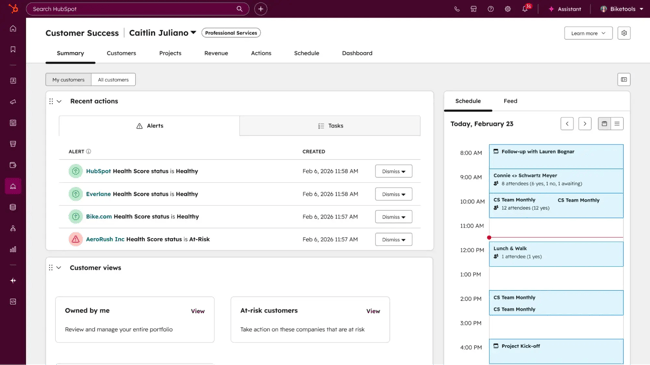
Service Hub is customer service software that brings a help desk,, shared inbox, knowledge base, and other customer success tools together on one platform. It helps service teams track and resolve customer requests while keeping context in sync with HubSpot’s CRM data.
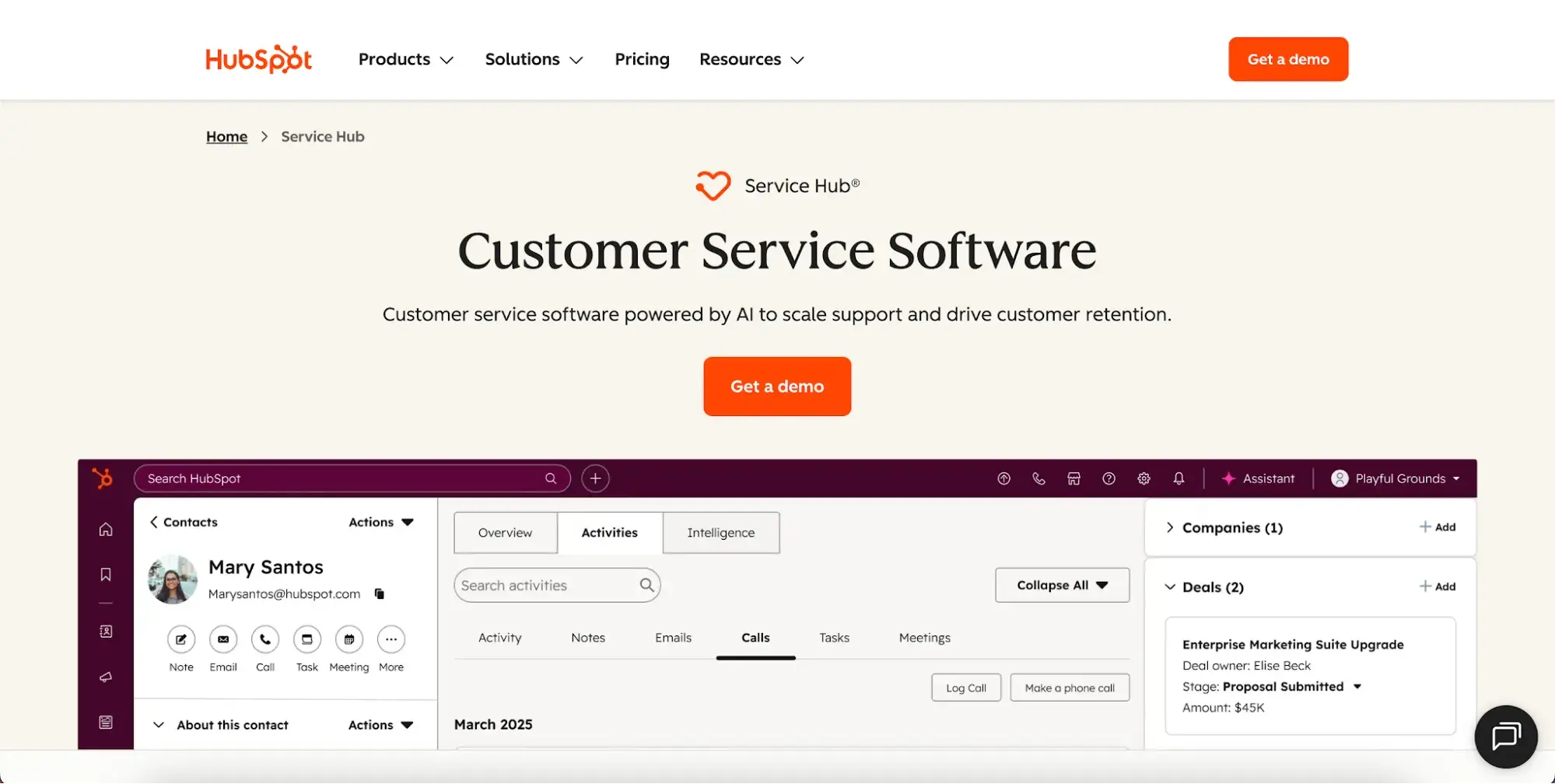
Service Hub provides a shared inbox to simplify 1:1 communication with customers, making it easier to manage customer communication at scale. On top of that, there’s knowledge base software that helps customers find answers to their questions more quickly.
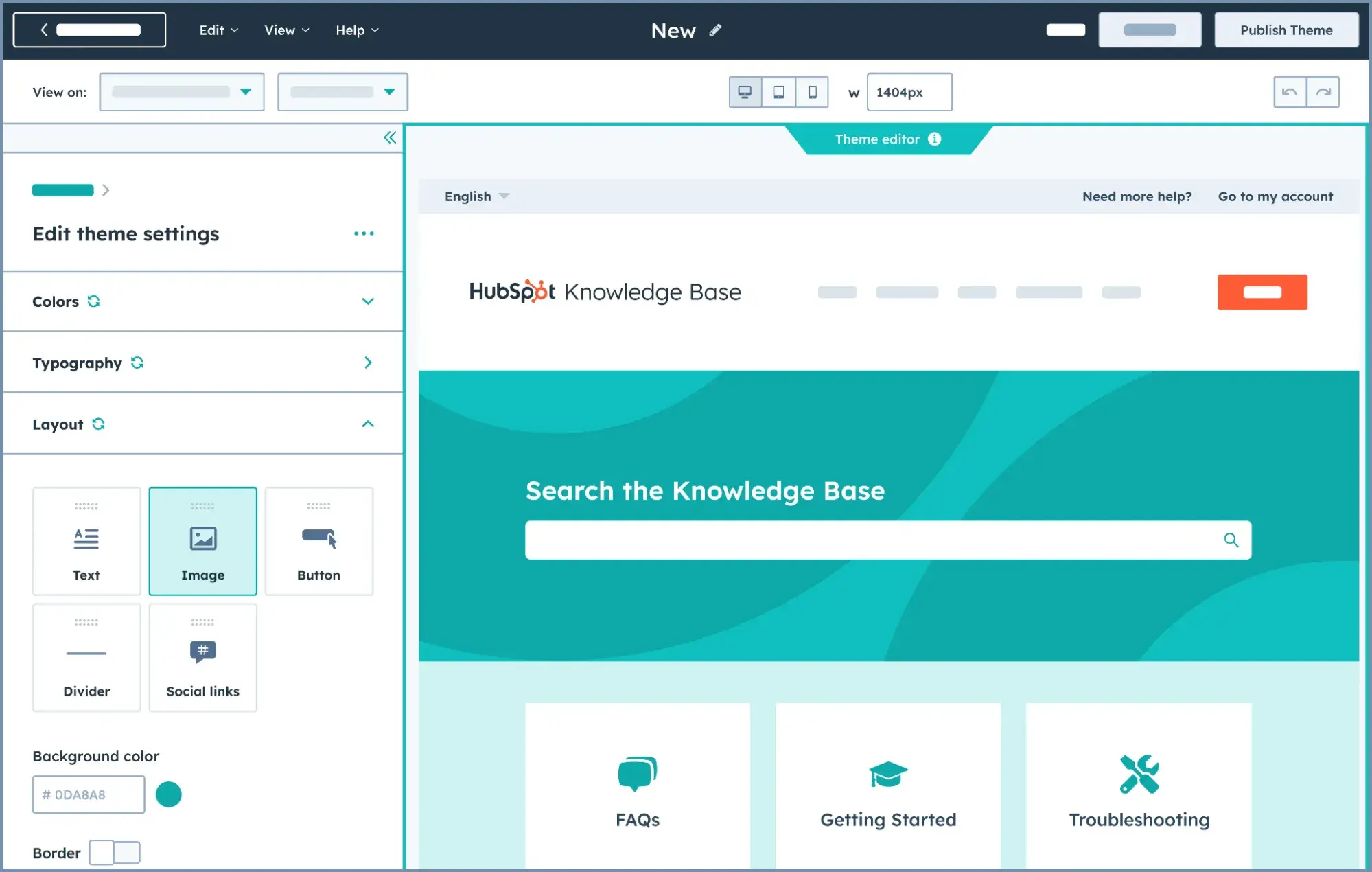
Good customer service software extends beyond ticketing to include customer context and proactive service. Service Hub also includes live chat, chatbots, customer feedback tools, and customer success management features that help teams prioritize outreach and reduce missed messages.
Service Hub consolidates an entire suite of customer service software into one platform:
- Ticketing.
- Shared inbox.
- Knowledge base.
- Live chat.
- Help desk workspace.
- Service analytics and reporting.
- Customer feedback surveys (NPS, CSAT, CES).
- Customer Success Workspace.
- AI customer agent.
- Automation and ticket routing.
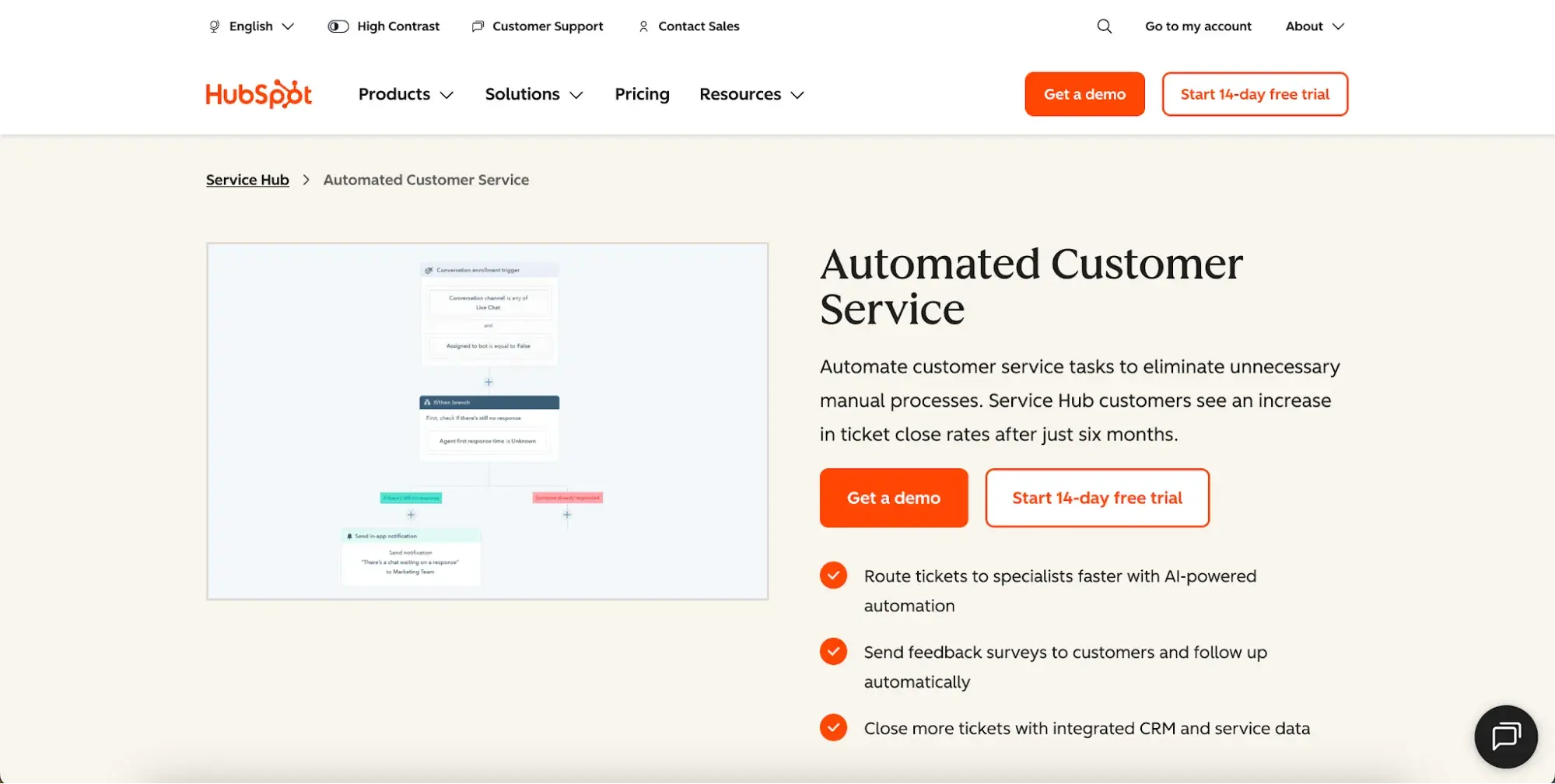
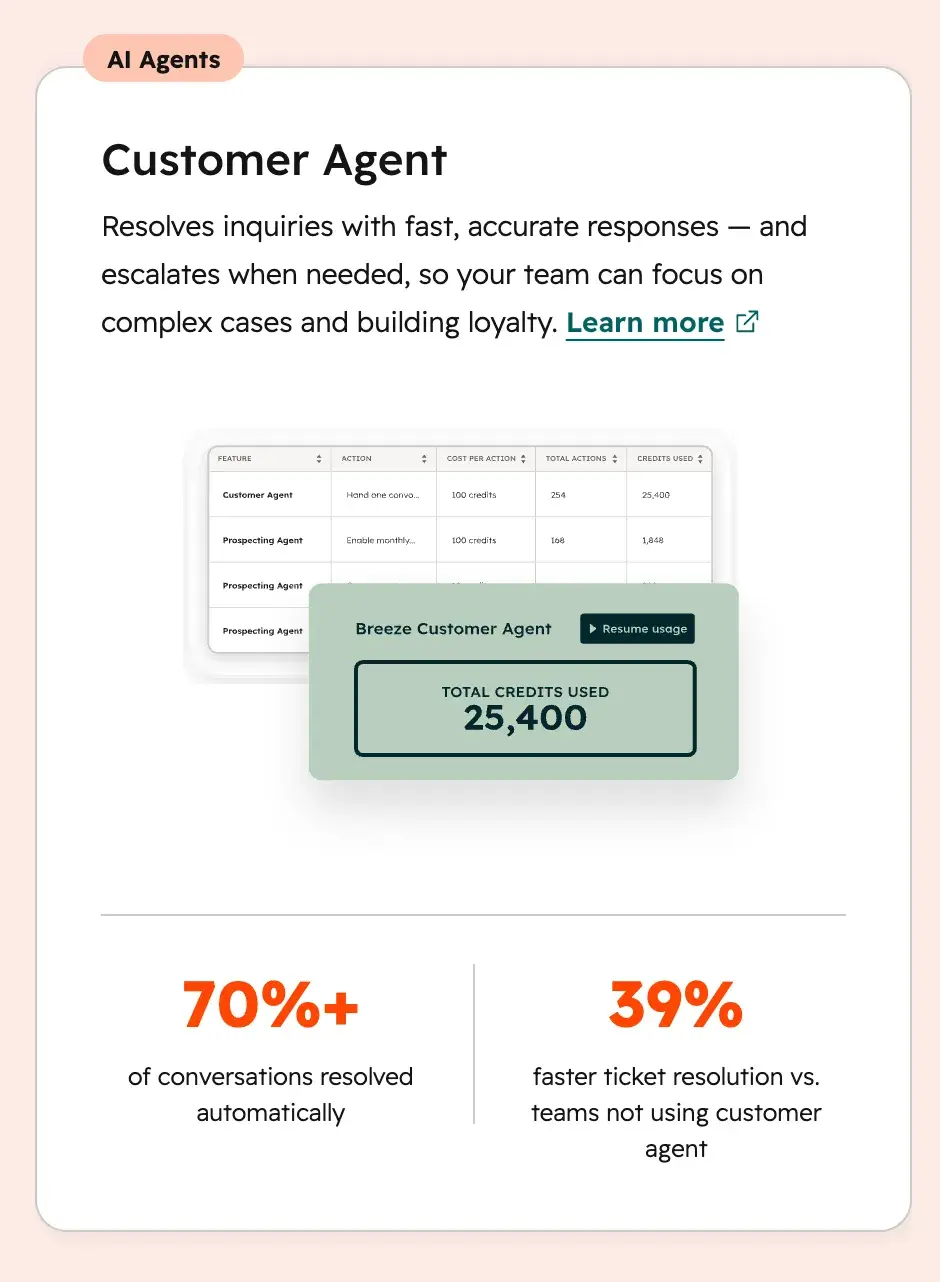
For teams looking to automate routine support interactions, HubSpot’s customer agent can resolve common customer issues without agent involvement, freeing your team to focus on higher-complexity work.
Teams using HubSpot’s Customer Agent report:
- Resolving 70%+ of conversations automatically.
- 39% faster ticket resolution compared to teams not using Customer Agent.
Pricing: Free tools are available for up to two users. Service Hub pricing currently starts at $7/month per seat for Starter when paid annually or $20/month per seat when paid monthly. Professional starts at $90/month per seat when paid annually or $100/month per seat when paid monthly. Enterprise plans start at $150 per seat per month. HubSpot notes that Professional and Enterprise onboarding fees are not included in the displayed cost.
Best for: Growing customer-facing teams that want help desk, knowledge base, shared inbox, customer success, and CRM data in one platform.
What we like: Service Hub keeps support data connected to customer records, so agents can resolve issues with context instead of relying on a standalone help desk.
Free Help Desk & Ticketing Software
Keep track of customer requests in one unified help desk that connects to your CRM database.
- Provide personalized, AI-powered support to your customers
- Save time, reduce errors, and streamline service processes
- Improve rep efficiency & time to resolution
- And more!
2. Zendesk
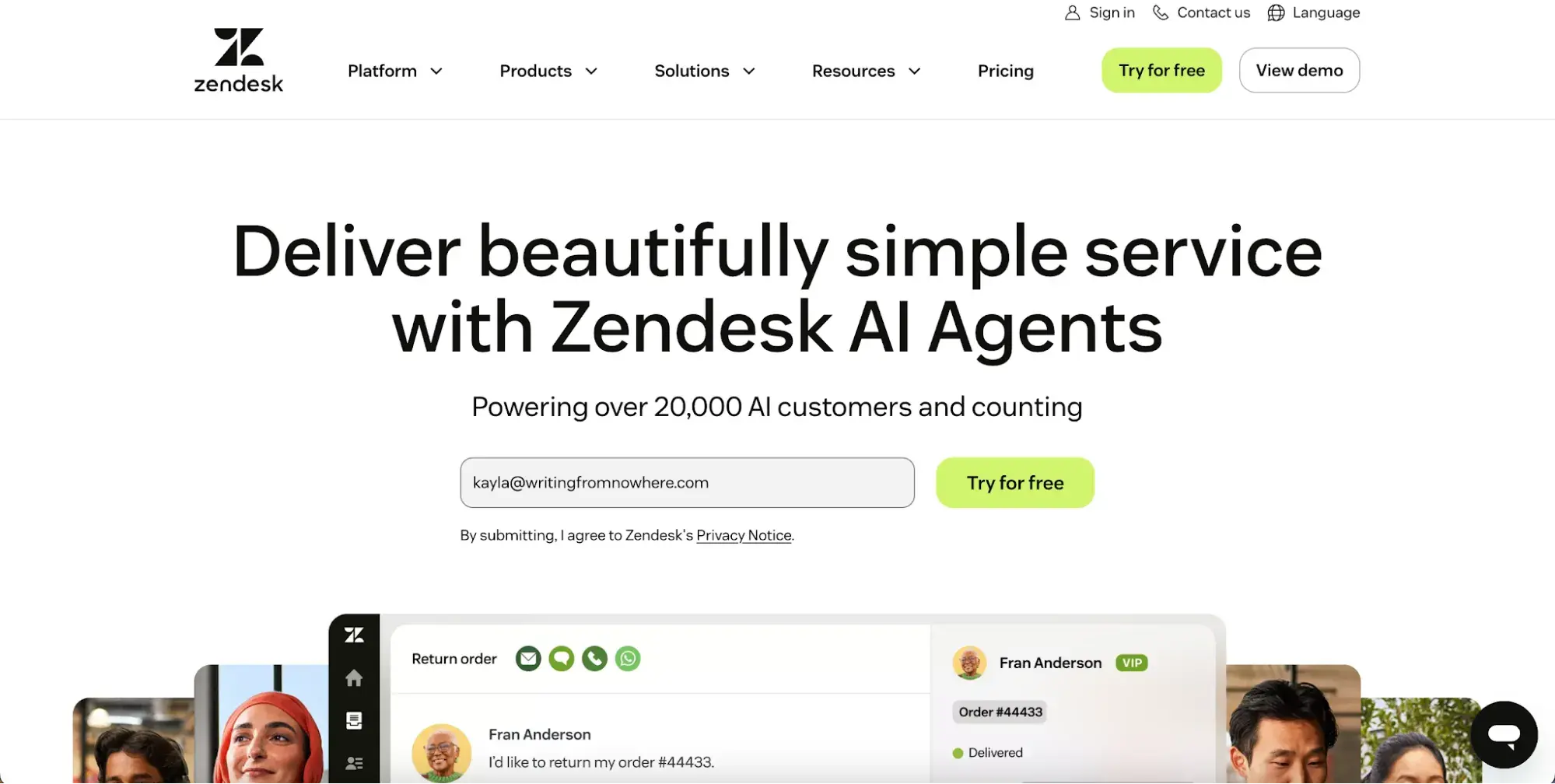
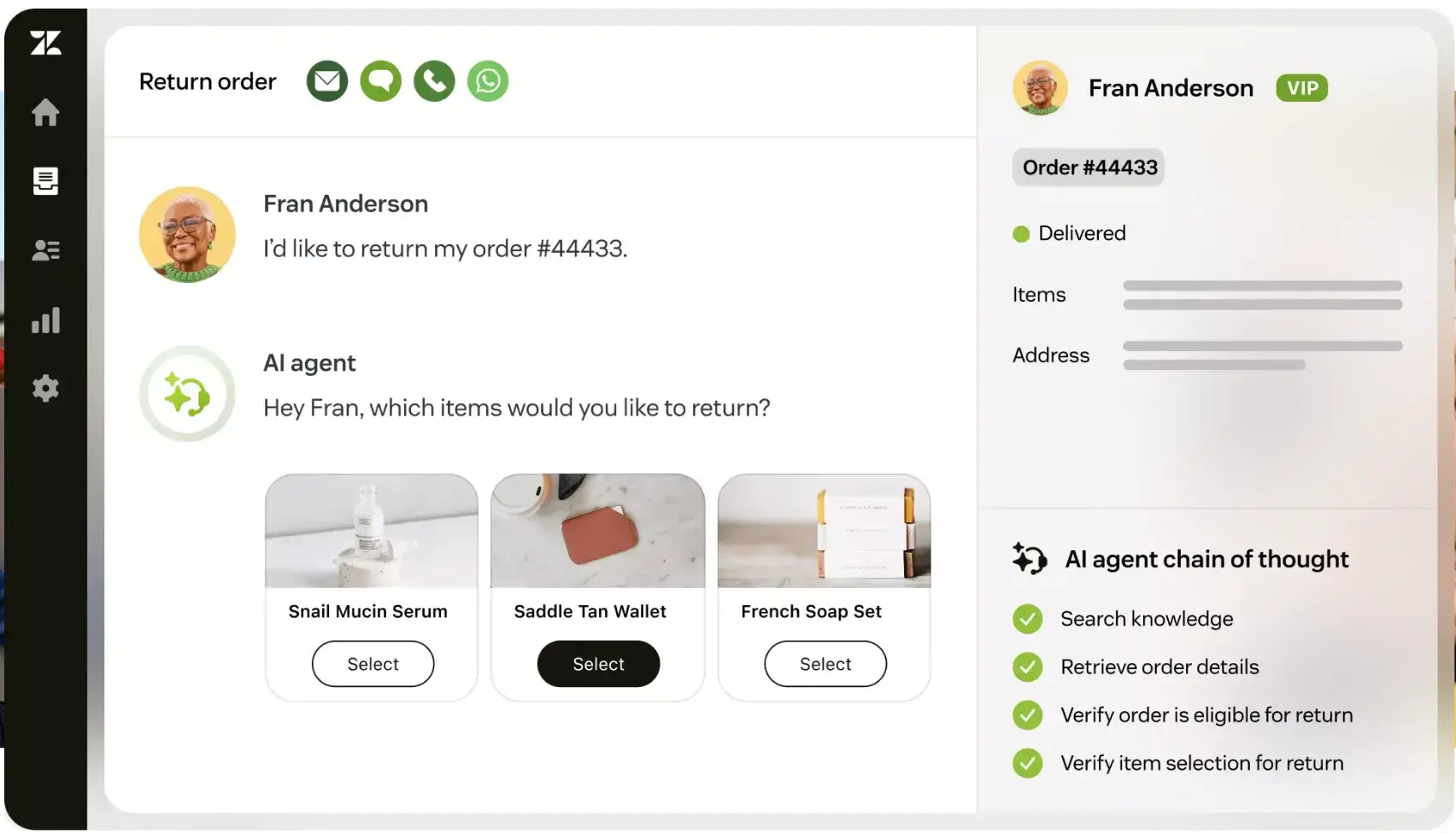
Zendesk provides omnichannel support across email, live chat, voice, and social media channels. It consolidates customer data into a unified workspace, giving agents relevant context when a customer reaches out.
Zendesk generates tickets automatically from customer messages across connected channels, including social platforms. The platform now positions AI agents and an AI Copilot for agents as core capabilities, with Zendesk describing itself as an AI-first customer service solution.
Pricing: Annual plans start at $19/agent/month for Support Team and $55/agent/month for Suite Team. Monthly pricing is higher; Zendesk’s current pricing page lists Suite Team at $69/agent/month, Suite Growth at $115/agent/month, Suite Professional at $149/agent/month, and Suite Enterprise at $219/agent/month. Zendesk says AI agents are included in every Suite and Support plan, with outcome-based pricing for automated resolutions.
Best for: Larger support teams that need mature ticketing, omnichannel support, routing, and reporting.
What we like: Zendesk offers deep help desk and AI tooling for teams with complex support operations.
3. Freshdesk
Freshdesk is a help desk platform from Freshworks. It centralizes customer support across email, chat, phone, and social channels into a unified ticketing workspace. Tickets are automatically categorized, prioritized, and routed to the right agent. Freshdesk also includes Freddy AI, which powers automated responses, suggested replies, and an agent copilot.
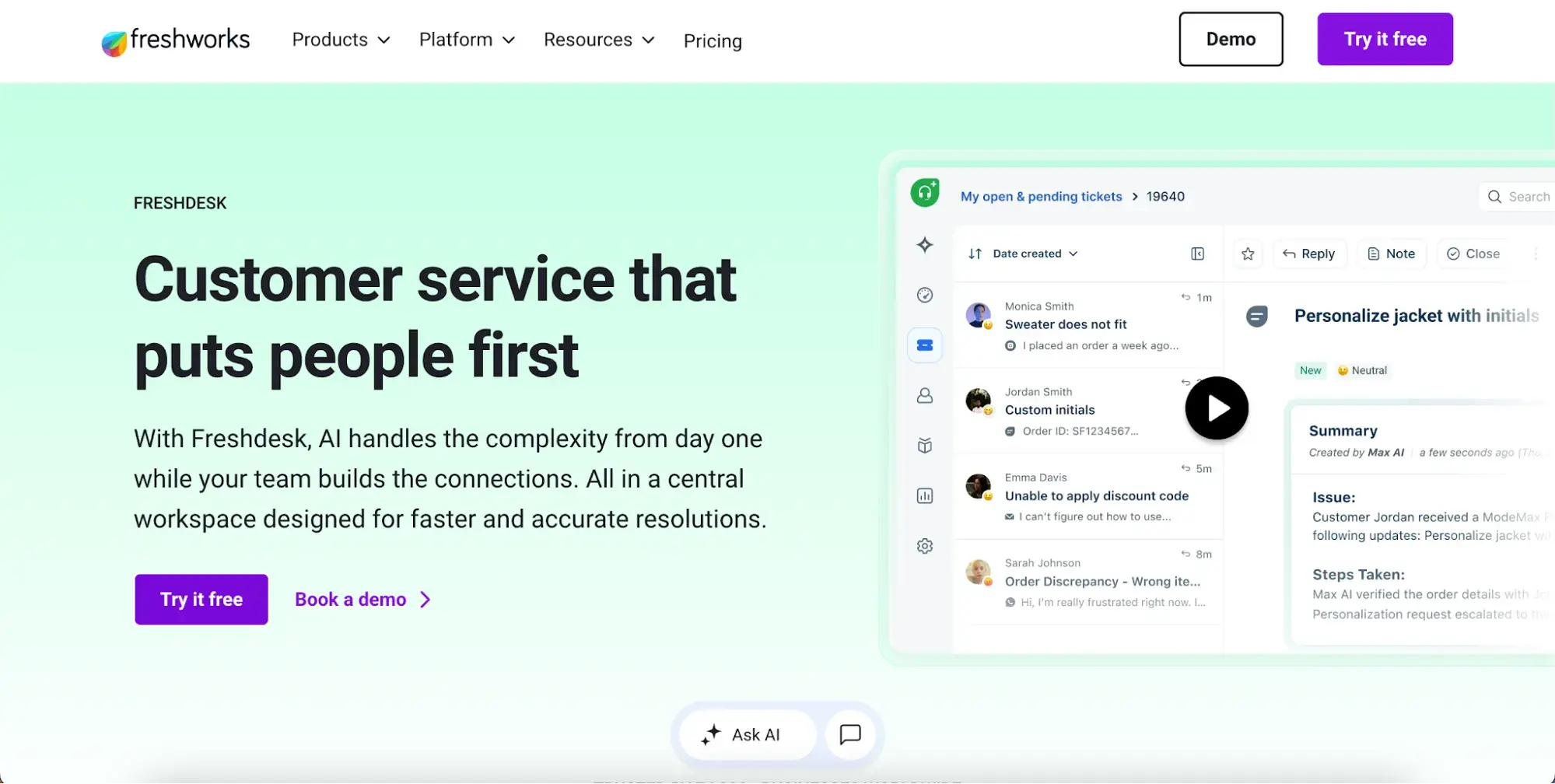
Pricing: Freshdesk offers a 14-day free trial for new accounts. Freshdesk customers can also use the Freshdesk Free Program for up to two agents for six months; this program does not apply to Freshdesk Omni. Paid Freshdesk plans start at $19/agent/month for Growth, $55/agent/month for Pro, and $89/agent/month for Enterprise when billed annually.
Best for: Teams that want a help desk with a free starter option and affordable paid tiers.
What we like: Freshdesk gives smaller teams a clear upgrade path from free ticketing to more advanced support features.
4. Intercom
Intercom manages customer requests by installing chat widgets on your website, mobile app, and product. Intercom describes itself as an AI-first customer service platform, with its AI agent Fin handling customer resolutions across those same channels. With this omnichannel setup, customers no longer have to visit your site to receive chat support.
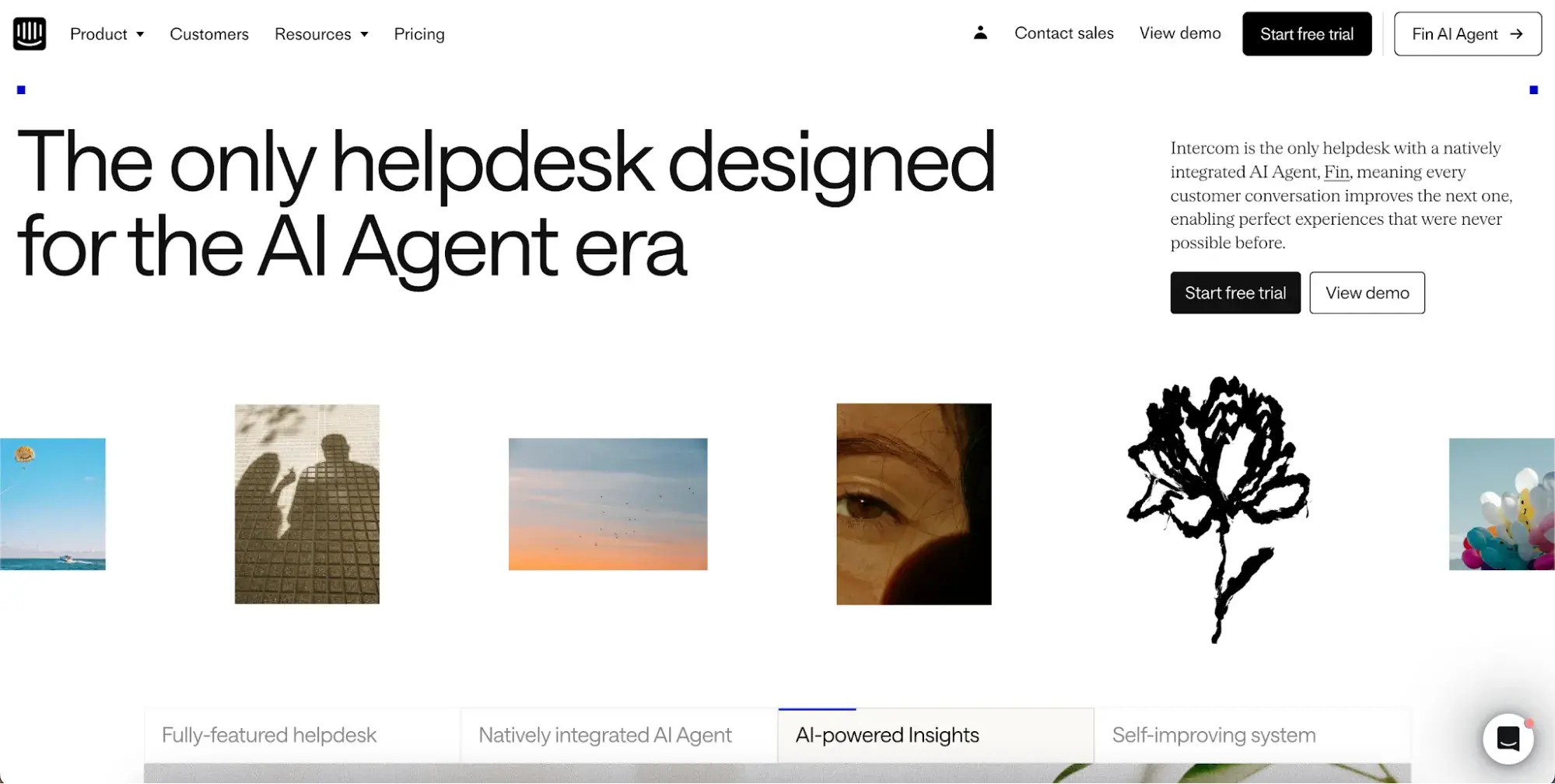
Instead, they can get help right where they’re working, saving time and reducing friction in the customer experience. It also provides a comprehensive customer profile and key behavioral insights, enabling personalized interactions that boost customer satisfaction.
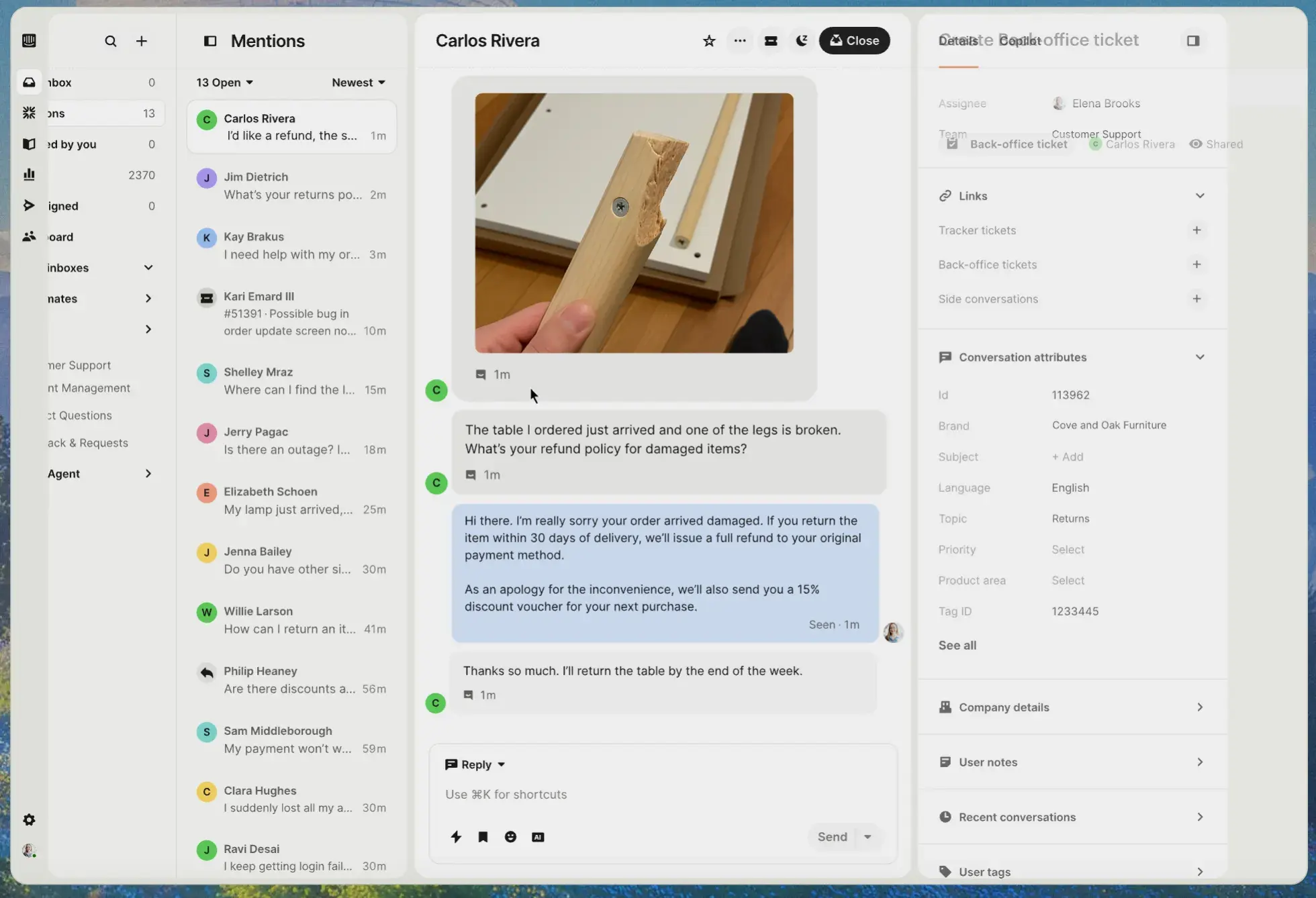
Pricing: A 14-day free trial is available. Intercom pricing has two parts: seat pricing by plan and usage-based charges for items such as Fin outcomes and messaging channels. Intercom’s help documentation lists monthly seat pricing at $39/seat for Essential, $99/seat for Advanced, and $139/seat for Expert; annual pricing is $29/seat, $85/seat, and $132/seat, respectively.
Best for: SaaS and digital teams that want chat-first support with AI automation.
What we like: Intercom’s pricing calculator helps teams estimate the seat-plus-usage model before purchase.
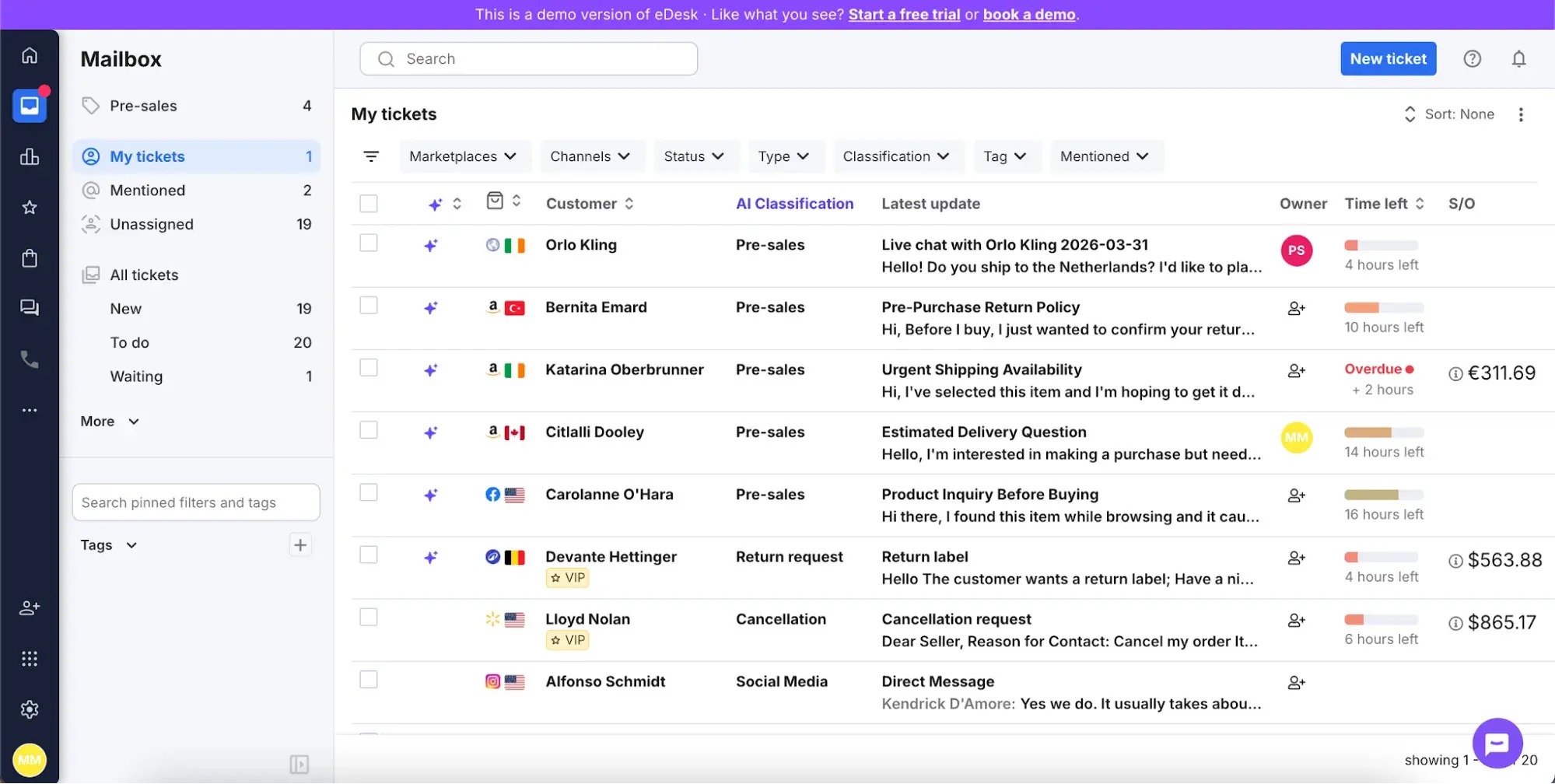
5. eDesk
eDesk offers a help desk built exclusively for ecommerce sellers. It takes the pain out of delivering consistent service across multiple channels. All tickets, order data, and metrics can be found in one place.
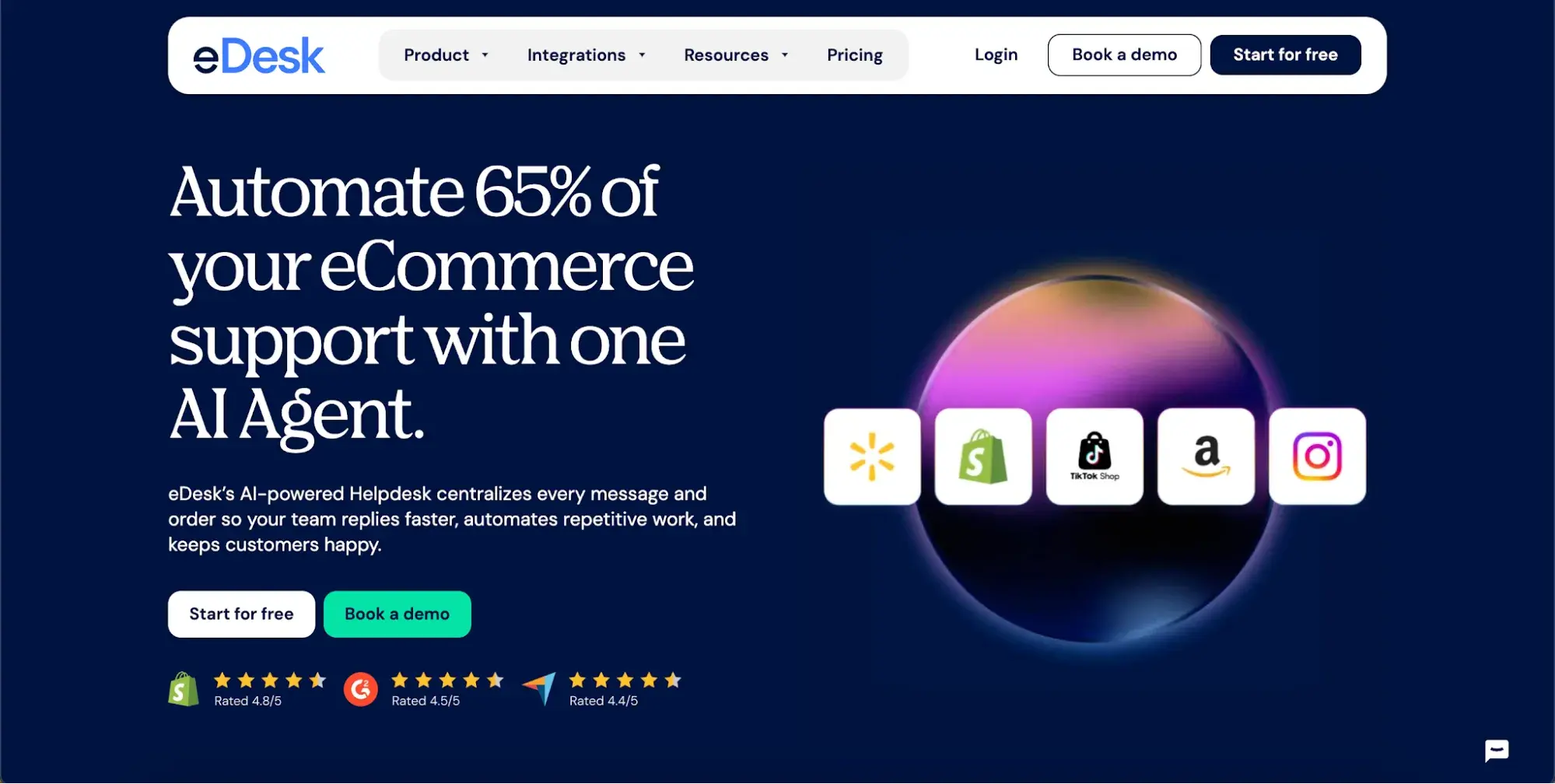
Uniquely, eDesk can integrate with:
- Leading eCommerce platforms such as Shopify, Magento, and BigCommerce
- Leading marketplaces such as Amazon and eBay
- Major social channels such as Facebook, Instagram, and WhatsApp
With eDesk, companies get access to an eCommerce-focused platform that combines AI, native eCommerce integrations, automation, and metrics that help eCommerce support teams respond faster and increase sales.
Pricing: No free plan is listed. Essential plans cost $39/agent/month, Growth plans cost $89/agent/month, and Professional plans cost $119/agent/month. Enterprise pricing is tailored. AI Agent is included in every plan, and eDesk charges $0.99 per automated resolution. A 14-day free trial is available.
Best for: Ecommerce teams managing marketplace and online store support.
What we like: eDesk connects ecommerce conversations, order data, and AI automation into a single support workspace.
6. Help Scout
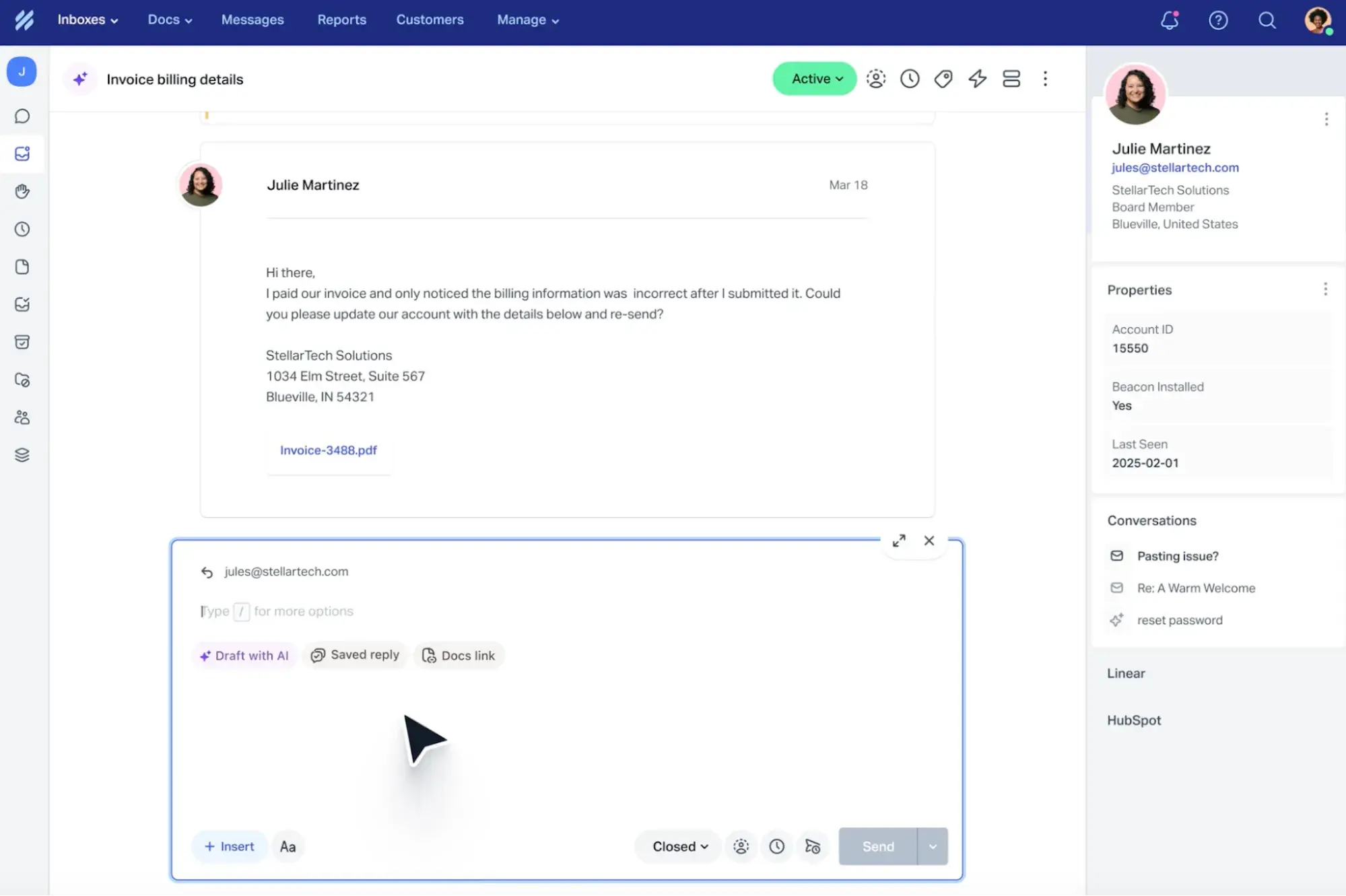
Help Scout is an all-in-one platform that lets support teams deliver email, self-service, and live chat support from a single centralized tool.
Beacon, Help Scout’s support widget, lets customers search your knowledge base, initiate a live chat conversation, or send an email support request from any page of your website or app. It also offers 100+ integrations to boost team productivity.
Pricing: A free plan is available. Standard and Plus pricing varies by billing term, with monthly pricing higher than annual pricing. Confirm the live annual/monthly toggle on Help Scout’s pricing page before publishing.
Best for: Small and growing teams that want shared inbox support without enterprise complexity.
What we like: Help Scout’s free plan gives small teams a low-risk way to start with a shared inbox and self-service support.
7. Aircall
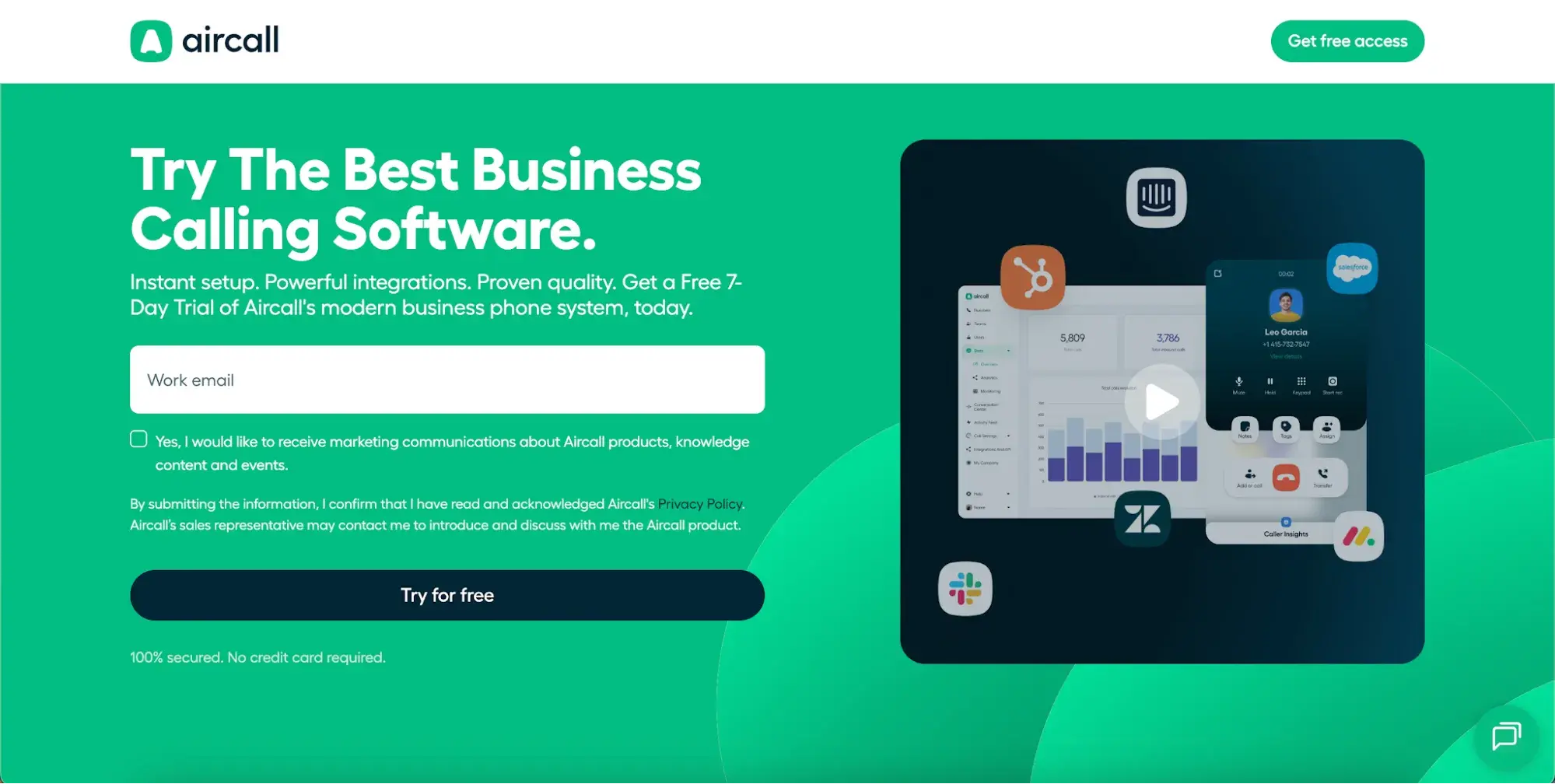
Aircall helps teams resolve issues over the phone. It runs entirely in the browser or app, with no hardware required, and integrates with 100+ CRMs and help desk tools, including HubSpot, Salesforce, and Zendesk. Aircall is GDPR- and HIPAA-compliant, making it a viable option for teams that handle sensitive customer data in regulated industries.
Pricing: Aircall’s annual pricing starts at $30/license/month for Essentials and $50/license/month for Professional, with a minimum of 3 licenses. Monthly pricing is higher; third-party pricing checks and Aircall support materials list monthly pricing at $40/license/month for Essentials and $70/license/month for Professional. Custom plans require at least 25 licenses. Annual billing saves up to 25%, and a free trial is available.
Best for: Teams that rely on phone support and need call routing, analytics, and CRM integrations.
What we like: Aircall provides support teams with a dedicated phone system that integrates call data with other service workflows.
8. TeamSupport
TeamSupport is a customer support platform that describes itself as purpose-built for B2B software and technology companies. It includes a “Customer Hub” where customers can create and view the status of their support tickets. They can also search through your company’s knowledge base and reach out to service agents using the same interface. This centralizes your team’s service operations and makes it easier for you to communicate updates to customers.
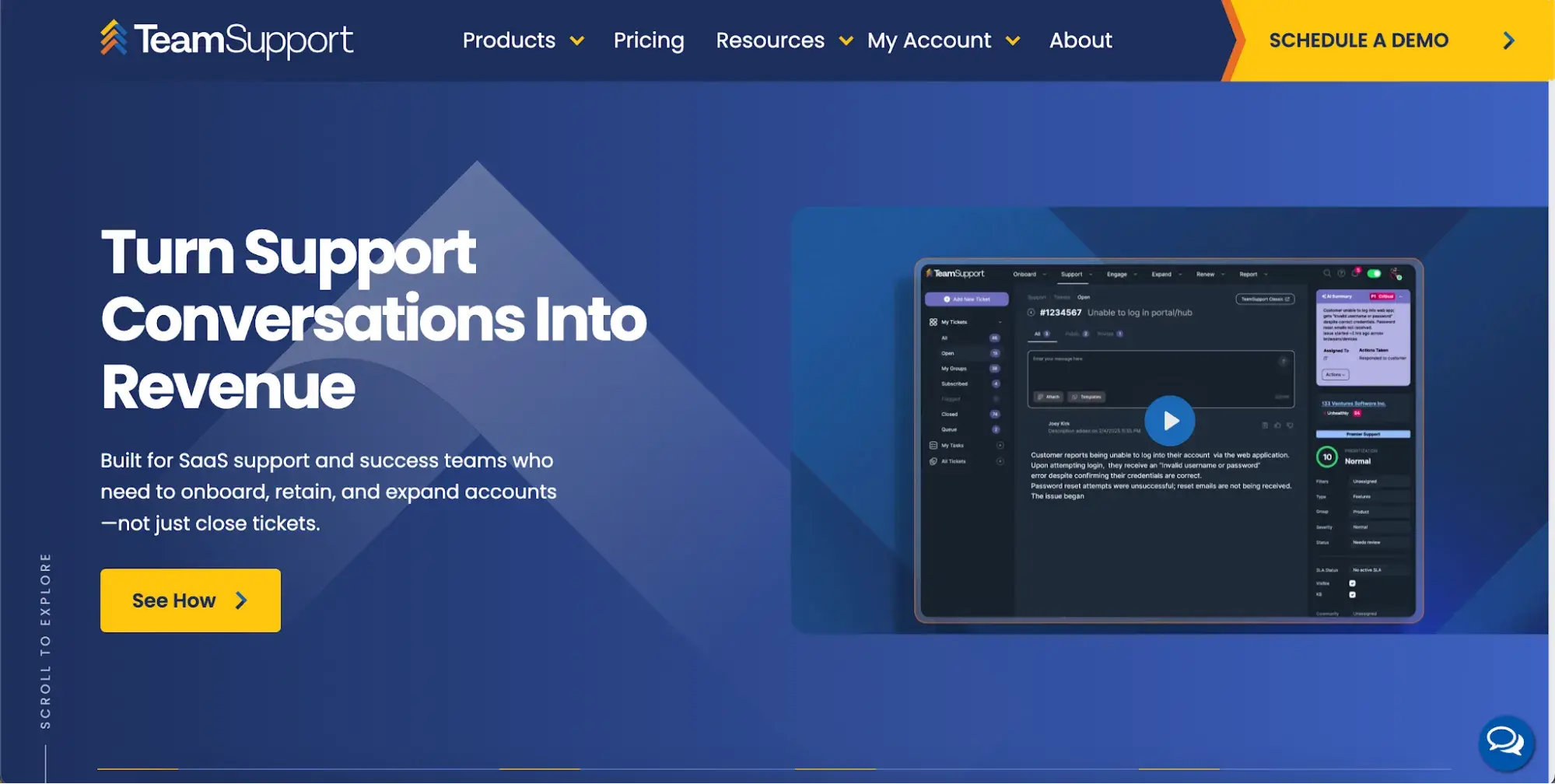
Pricing: Starter plans cost $45/month, billed annually for up to five users; Professional plans cost $65/month, billed annually for unlimited users; and Scale plans cost $85/month, billed annually for unlimited users. Confirm trial availability on the vendor page before publishing.
Best for: B2B support teams managing complex accounts and long customer relationships.
What we like: TeamSupport focuses on account-level context, which helps B2B teams support companies rather than isolated tickets.
9. Sprout Social
Sprout Social provides businesses with tools that manage social media engagement. Part of this includes customer service features that help support agents respond to customers who ask questions or provide feedback through social media channels. Sprout now describes itself as an AI-powered platform, with tools like AI Assist for reply enhancement and AI-driven sentiment analysis built into the inbox.
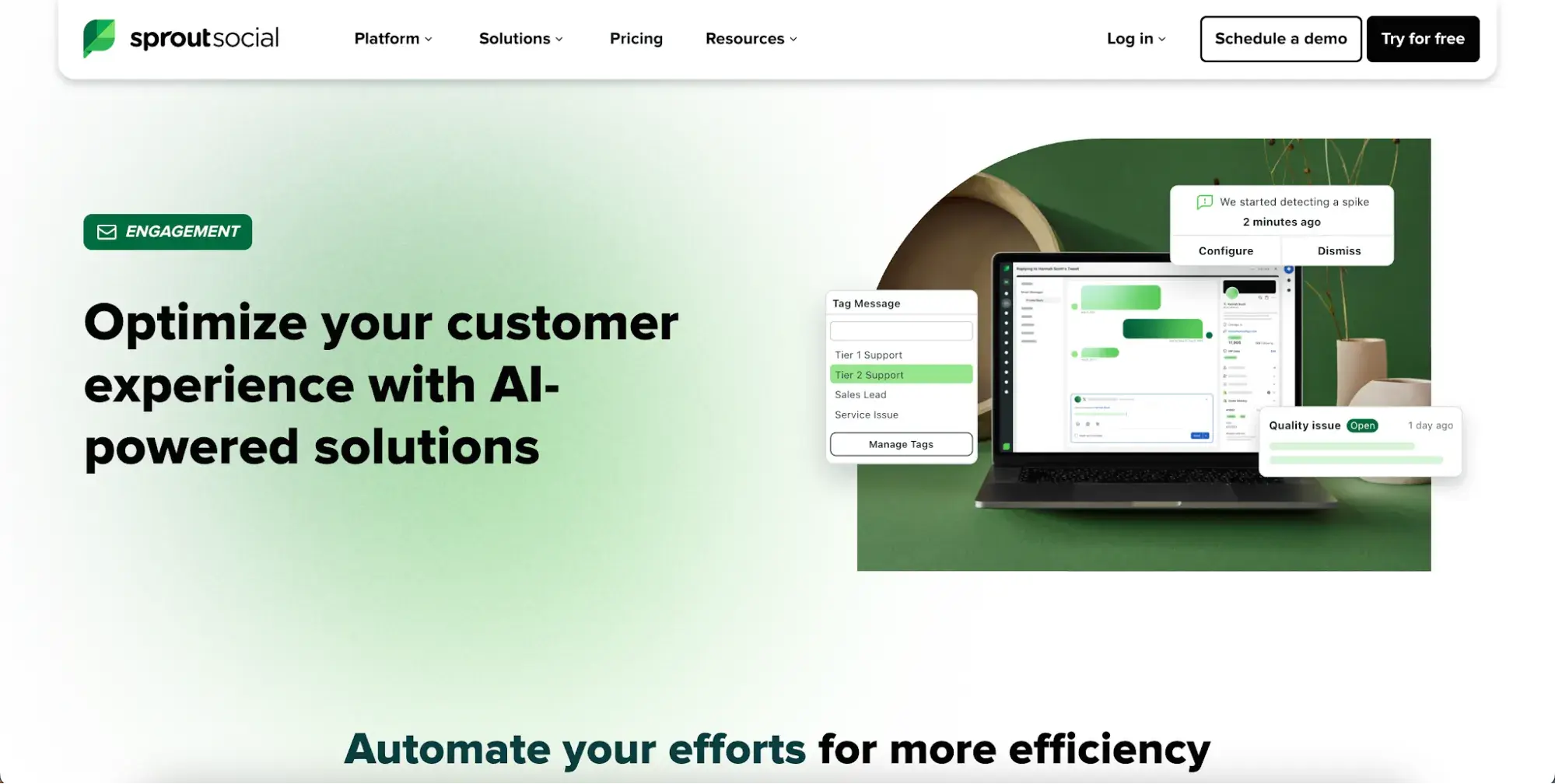
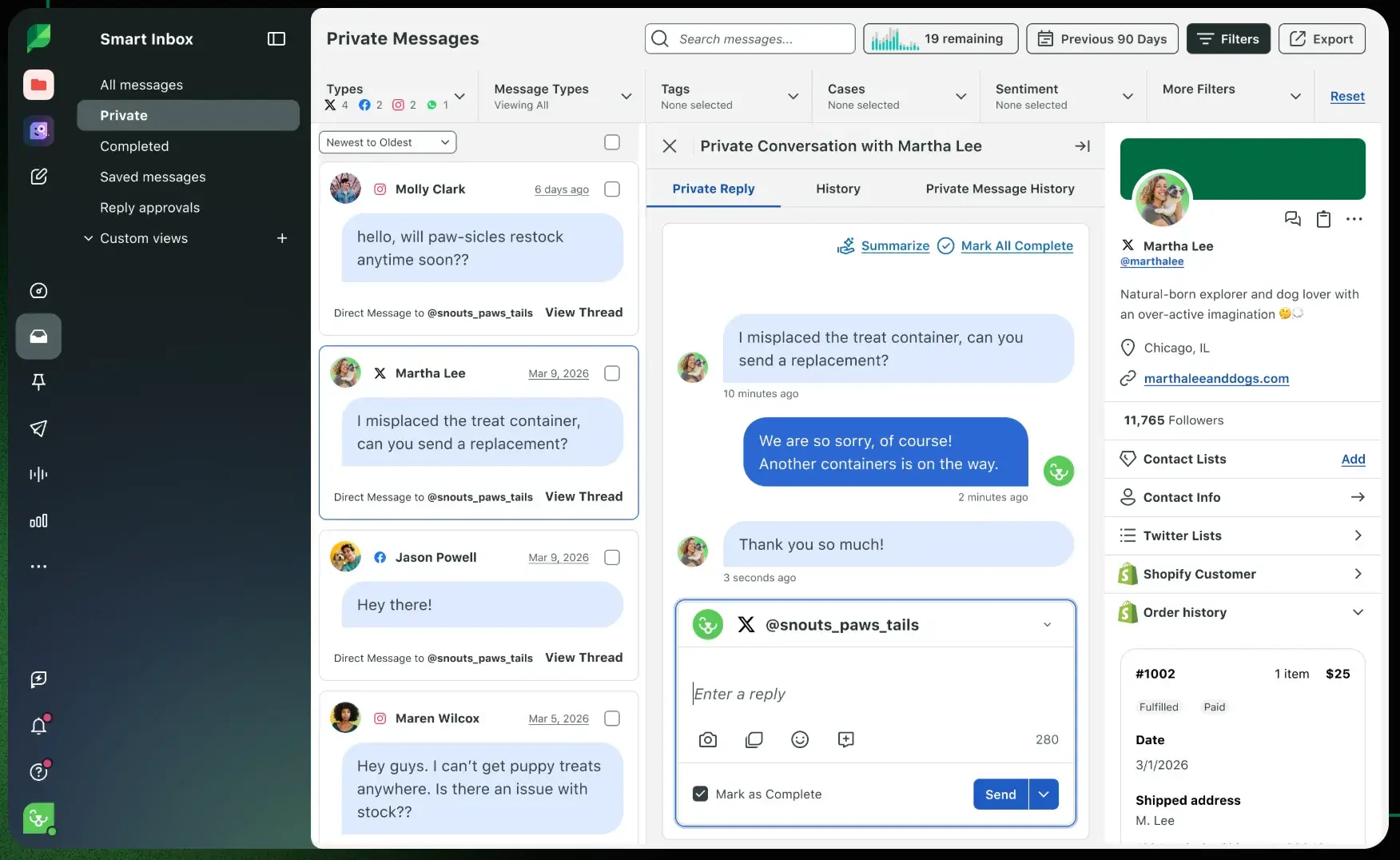
Its Smart Inbox feature centralizes all network and profile interactions into a single stream for quick monitoring and response. As social media quickly becomes a fundamental service medium, Sprout Social gives your team the resources to delight your online customer base.
Pricing: No free plan is listed. Standard plans cost $199/seat/month; Professional plans cost $299/seat/month; Advanced plans cost $399/seat/month; and Enterprise pricing is custom. A free 30-day trial is available; no credit card required.
Best for: Teams that handle a high volume of social media customer care.
What we like: Sprout Social combines social engagement, inbox management, and reporting for service teams that meet customers on social channels.
10. CloudTalk
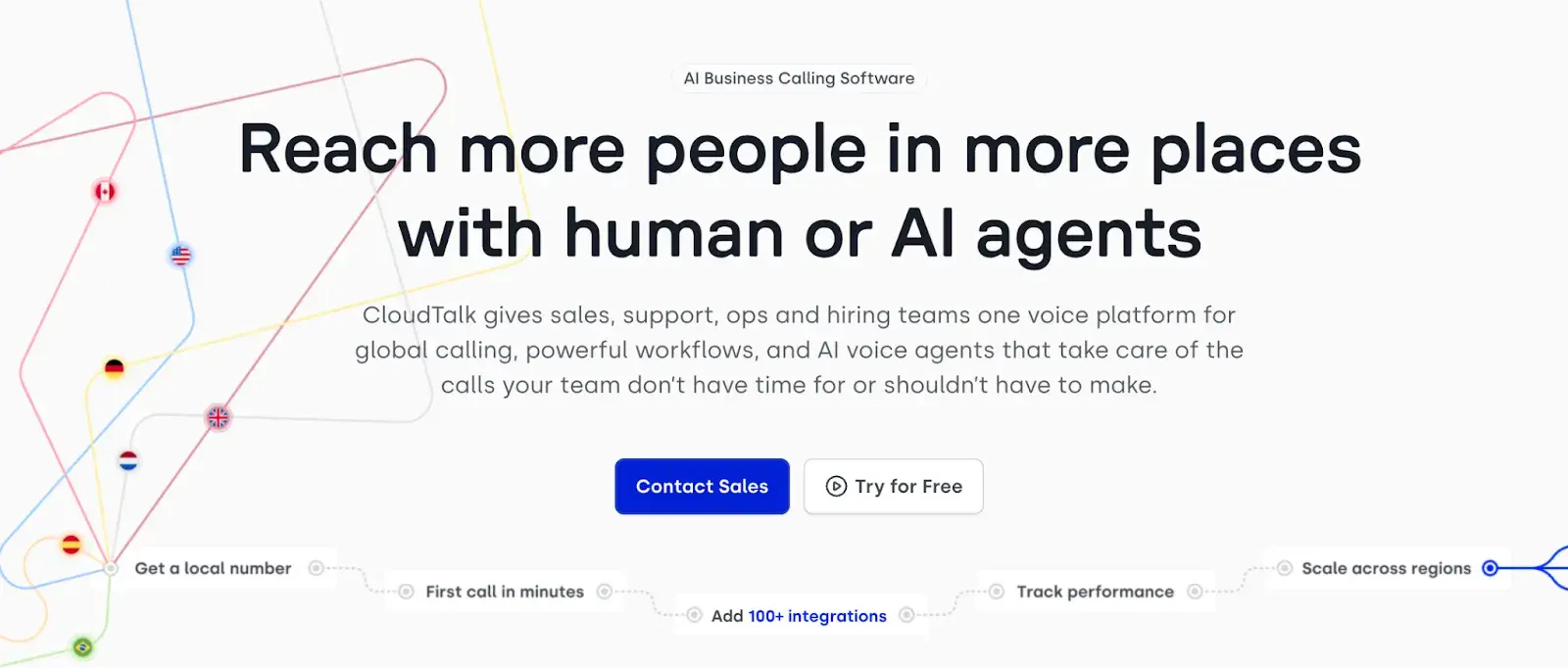
CloudTalk is an AI-powered call center solution that combines inbound call management, smart routing, and real-time analytics. AI voice agents handle routine inquiries, while features such as sentiment analysis and call transcription provide managers with visibility into team performance. CloudTalk integrates with CRMs and help desk tools and is available in 160+ countries.
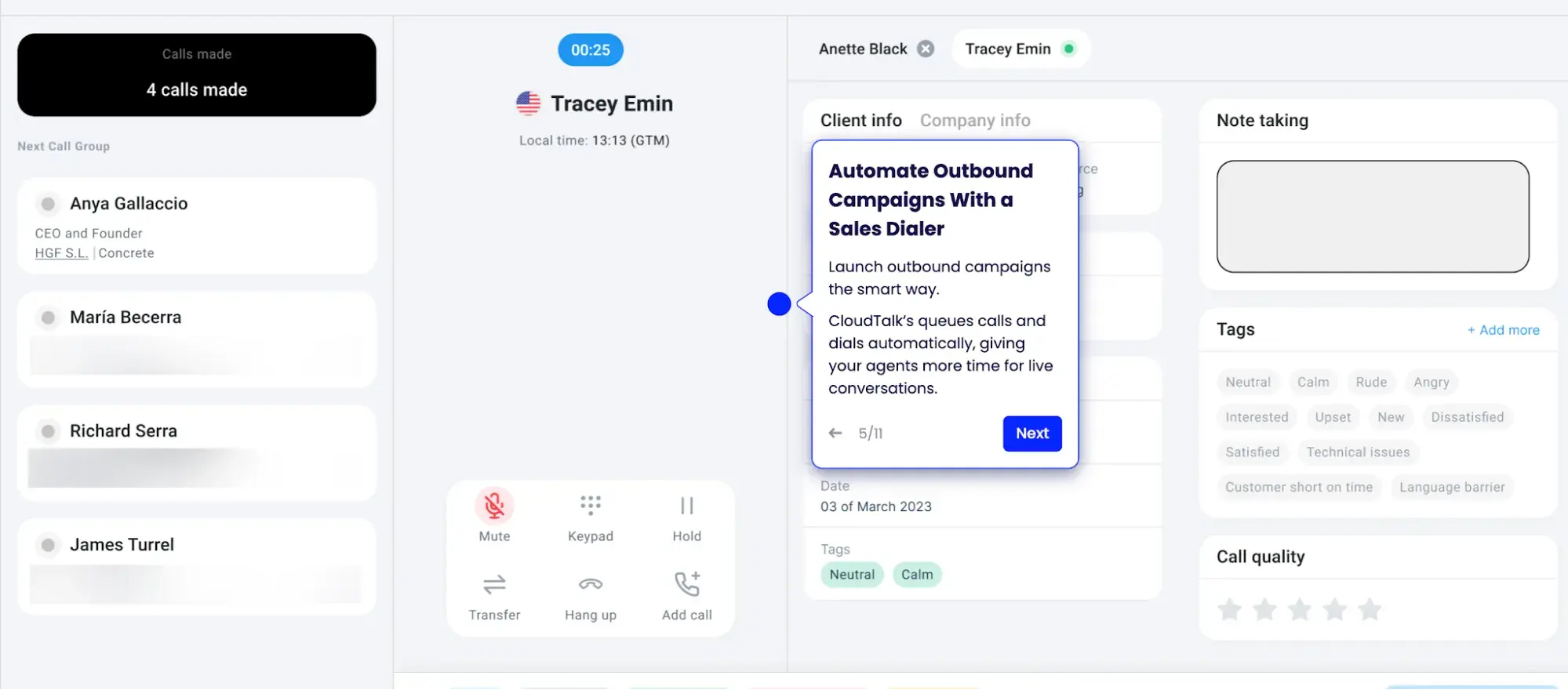
Pricing: CloudTalk’s current pricing page lists annual pricing at €19/user/month for Lite, €25/user/month for Starter, €29/user/month for Essential, and €49/user/month for Expert. Monthly pricing is higher, so confirm whether the draft should use monthly or annual pricing before publishing. A free trial is available.
Best for: Sales and support teams that need cloud phone support.
What we like: CloudTalk keeps voice support accessible for distributed teams while still offering routing and analytics.
11. SysAid
SysAid is an ITSM and help desk platform that offers three plan tiers, each designed for different team sizes and levels of complexity. The Help Desk plan covers ticket handling and AI assistance for smaller teams. The ITSM plan adds workflow automation and AI agent customization for mid-sized or mature IT teams. The enterprise tier is built for large organizations with advanced customization requirements.
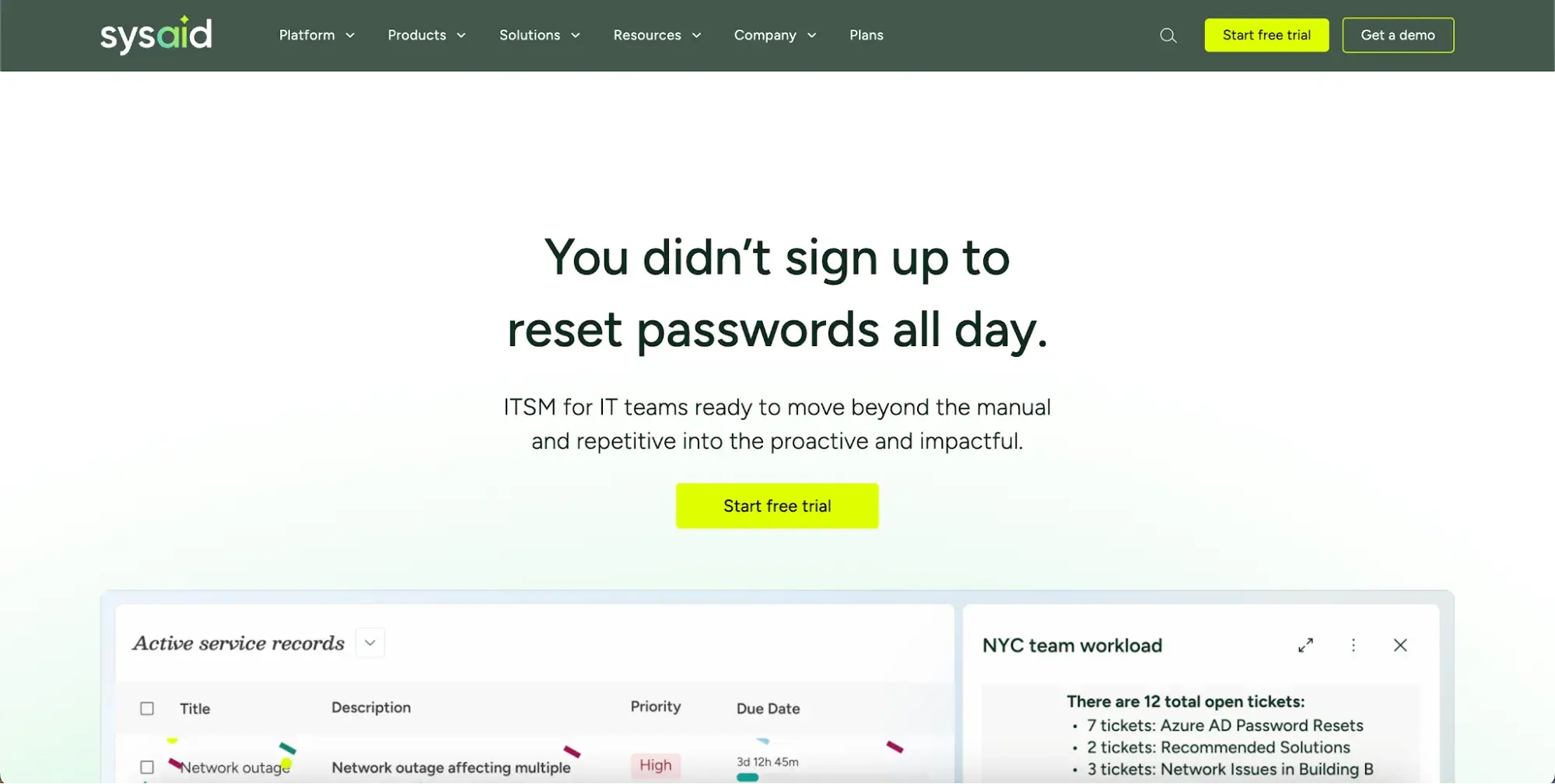
Price: No free plan. Pricing is available on request across all three tiers. A free trial is available; no credit card required.
12. Kustomer
Kustomer is a customer service CRM that centralizes customer data into a unified timeline, giving agents a chronological view of all interactions: email, chat, purchase history, and more. Agents can access customers’ full purchase history and previous interactions to deliver personalized service.
All communication across channels is consolidated into a single conversation view, regardless of where the interaction occurs. This keeps service reps informed of a customer’s full history with the team without switching between tools.
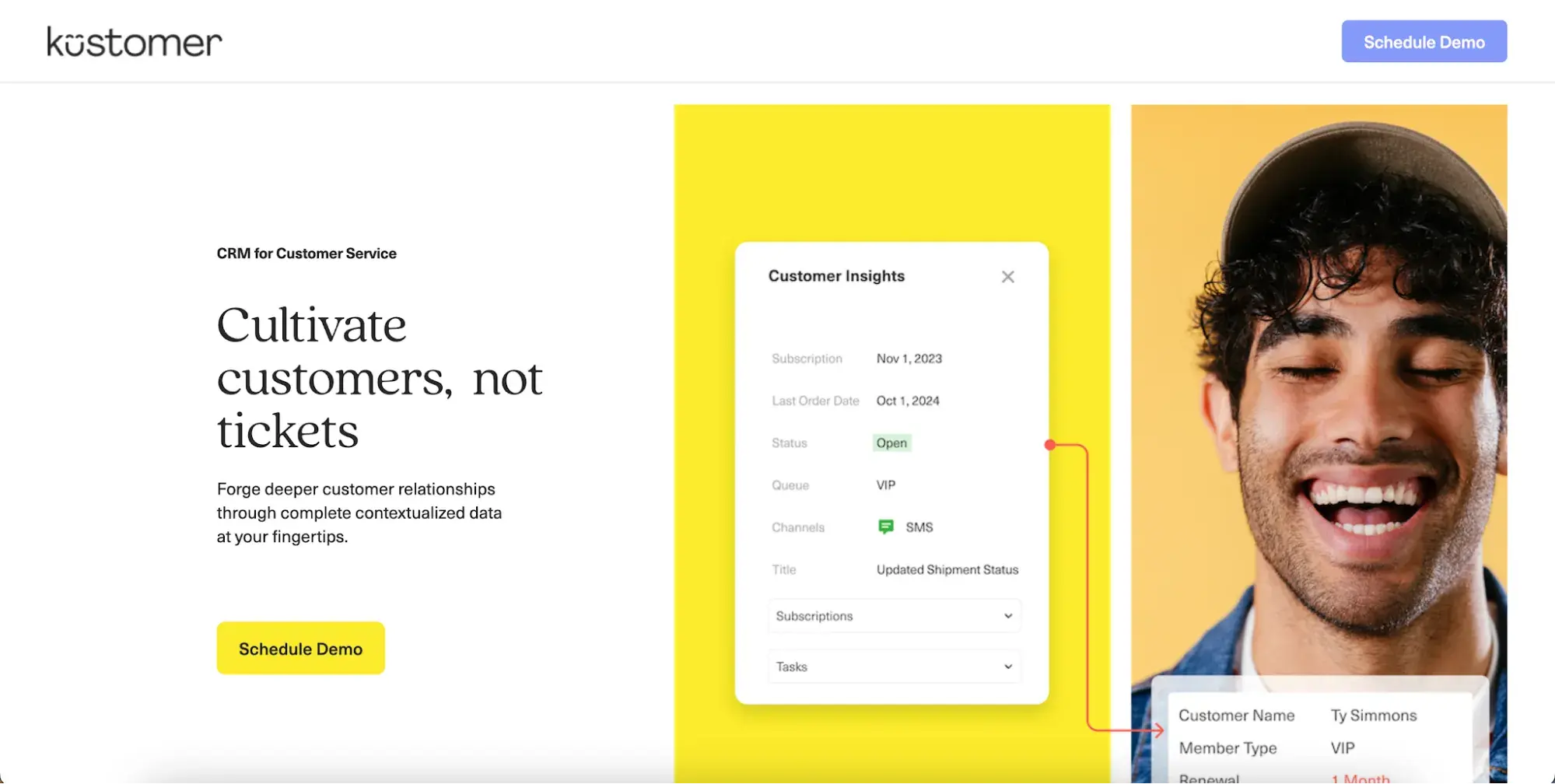
Pricing: Custom pricing is available on request. Because Kustomer does not show simple public plan pricing in the draft’s source set, confirm seat-based and usage-based details with the vendor page before publishing.
Best for: Companies that want CRM-style customer support with flexible AI and custom pricing.
What we like: Kustomer centralizes support context within a customer timeline, helping teams manage complex customer histories.
13. HappyFox
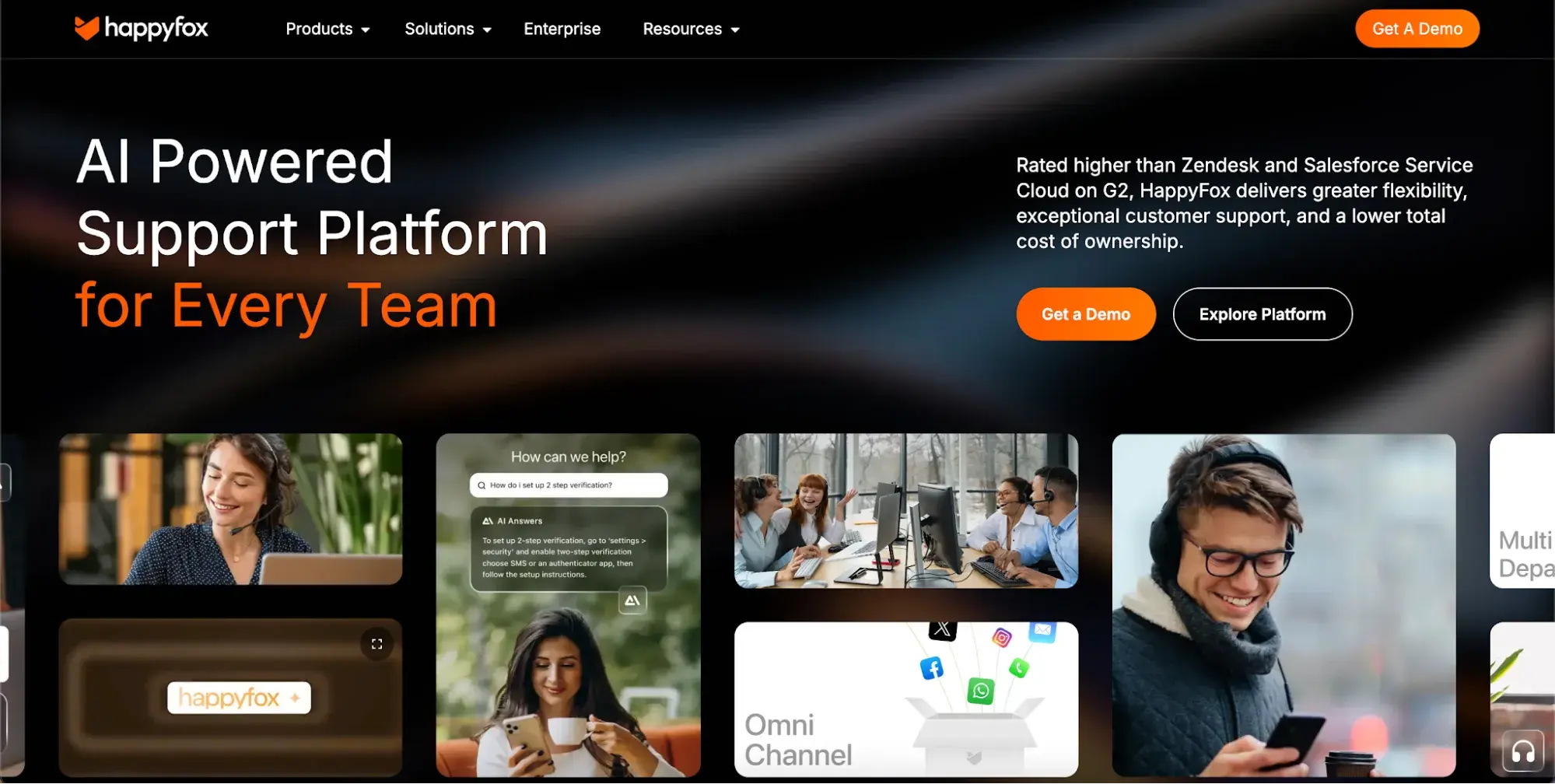
HappyFox is a customer service platform that covers help desk ticketing, live chat, AI agents, and workflow automation. Its reporting tools are a notable strength: managers can review CSAT scores by agent, track first response and resolution times, monitor SLA performance, and analyze service trends across the organization. Custom reports are available on all pricing plans. NPS tracking is supported through integrations with survey tools like Delighted and SurveyMonkey.
The reporting depth provides insights into a company’s overall service trends, giving upper management the data needed to implement successful changes that support workflows.
Pricing: A free plan is available. Monthly pricing is $35/user/month for Growth, $65/user/month for Pro, and $95/user/month for Elite; annual pricing is lower. Hiver says the free trial gives users access to the Elite plan for seven days and does not require a credit card.
Best for: Teams that manage support from Gmail and want a help desk structure without leaving the inbox.
What we like: Hiver gives Gmail-based teams shared inbox functionality, analytics, and collaboration tools without requiring a full platform migration.
Free Help Desk & Ticketing Software
Keep track of customer requests in one unified help desk that connects to your CRM database.
- Provide personalized, AI-powered support to your customers
- Save time, reduce errors, and streamline service processes
- Improve rep efficiency & time to resolution
- And more!
14. Hiver
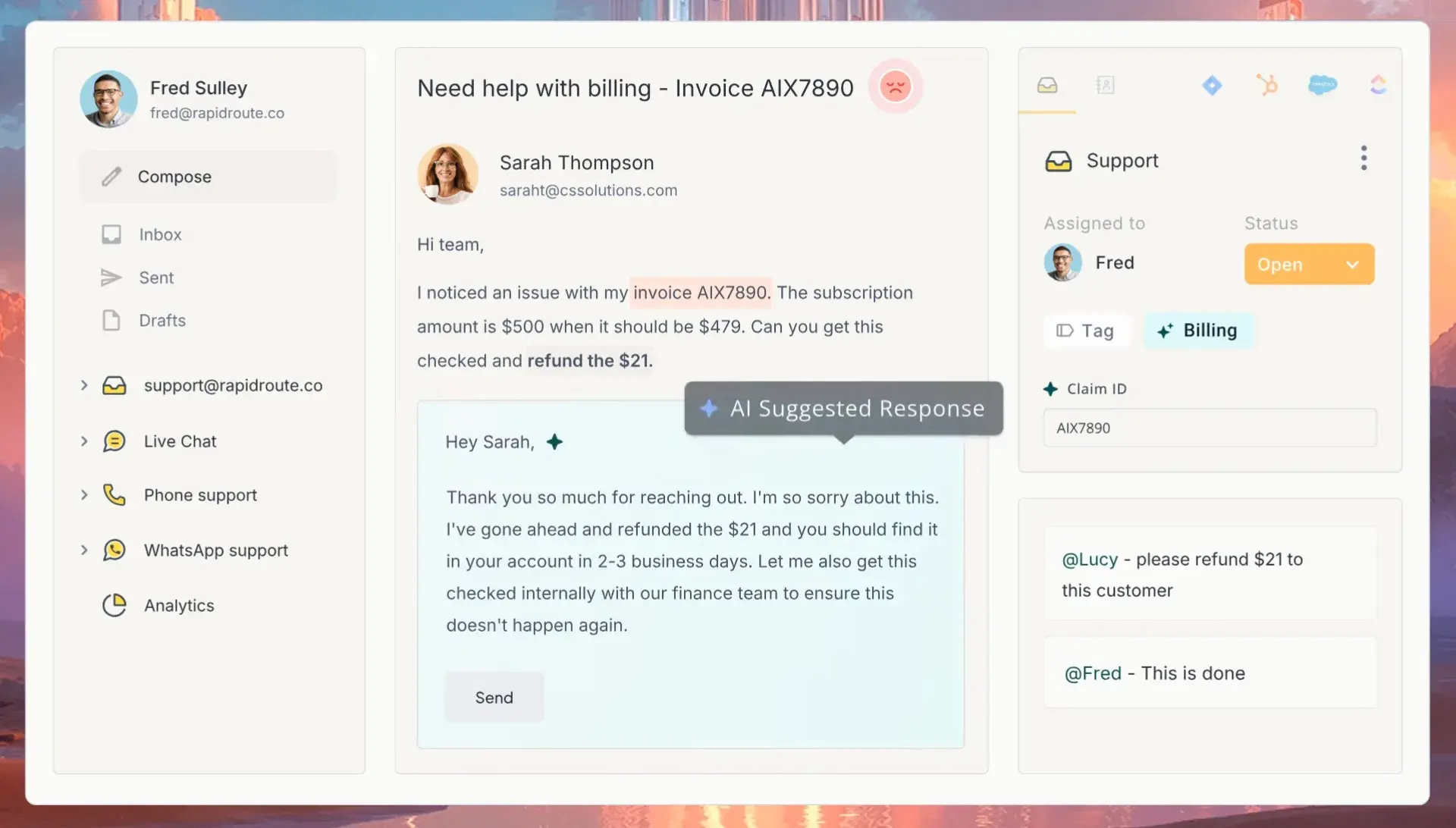
Hiver is an AI-powered customer service platform built around shared inbox management. Originally designed to work within Gmail, Hiver has expanded to support omnichannel customer service across email, live chat, voice, and more. Support teams use Hiver to assign, track, and collaborate on customer queries arriving in shared inboxes, without leaving their existing email workflow.
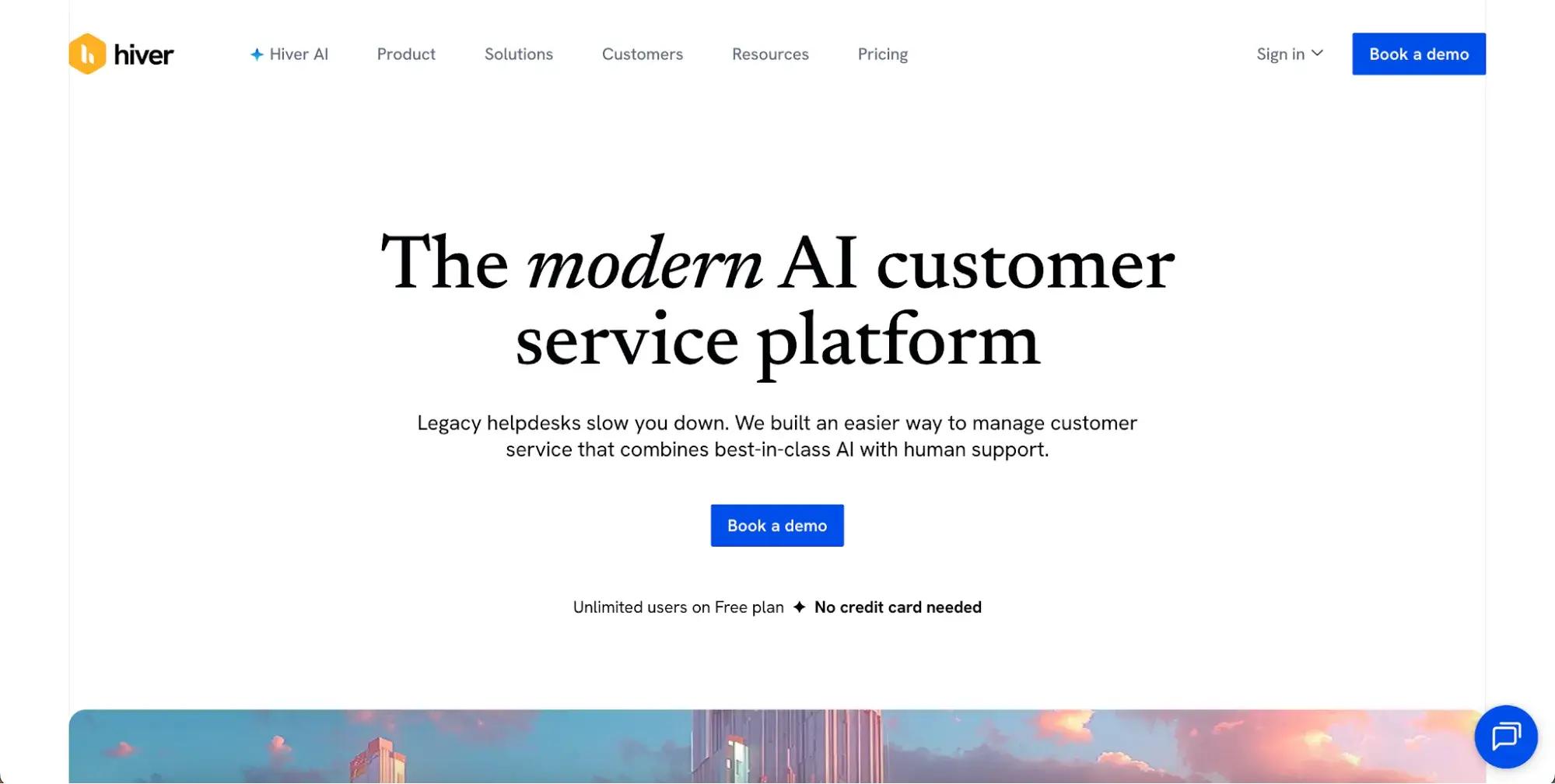
AI features include AI Agents for automated resolution, AI Copilot for agent assistance, and AI QA for conversation quality review.
Price: A free plan is available. Growth plans cost $35/user/month. Pro plans cost $65/user/month. Elite plans cost $95/user/month. All prices shown are for monthly billing. Annual billing is available at up to 20% savings.
15. Tidio
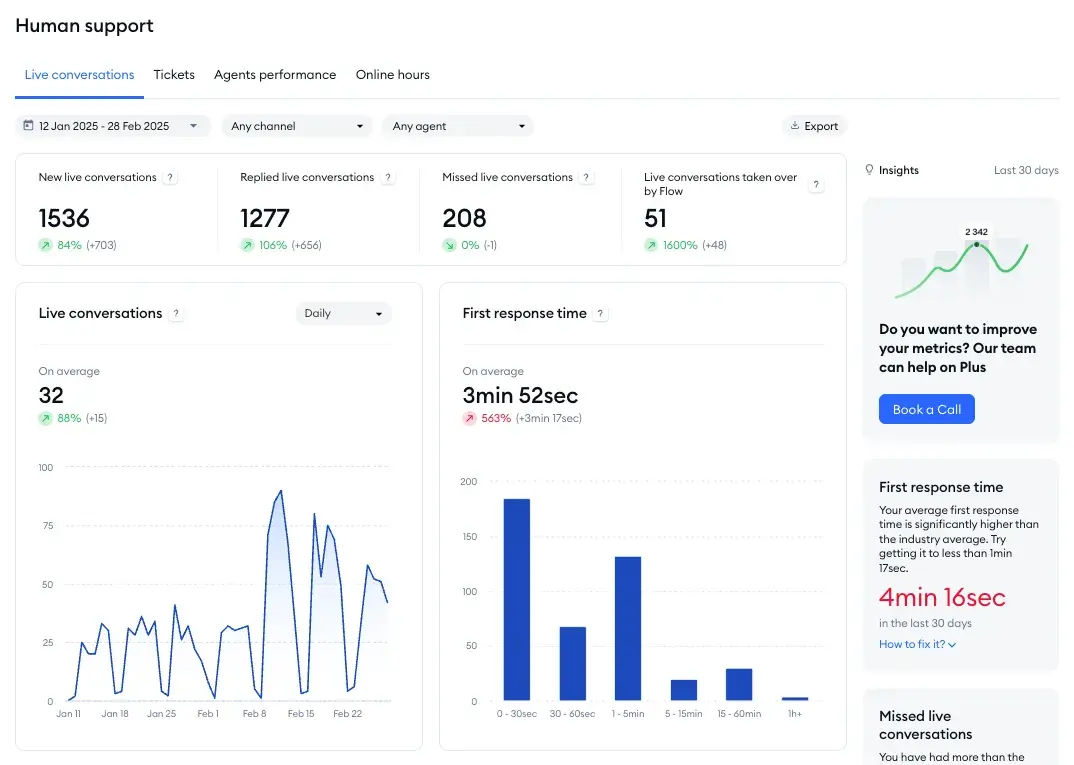
Tidio is a great service platform for small and medium-sized businesses. It combines live chat, an AI agent (Lyro), a help desk ticketing system, and automation tools on a single platform.
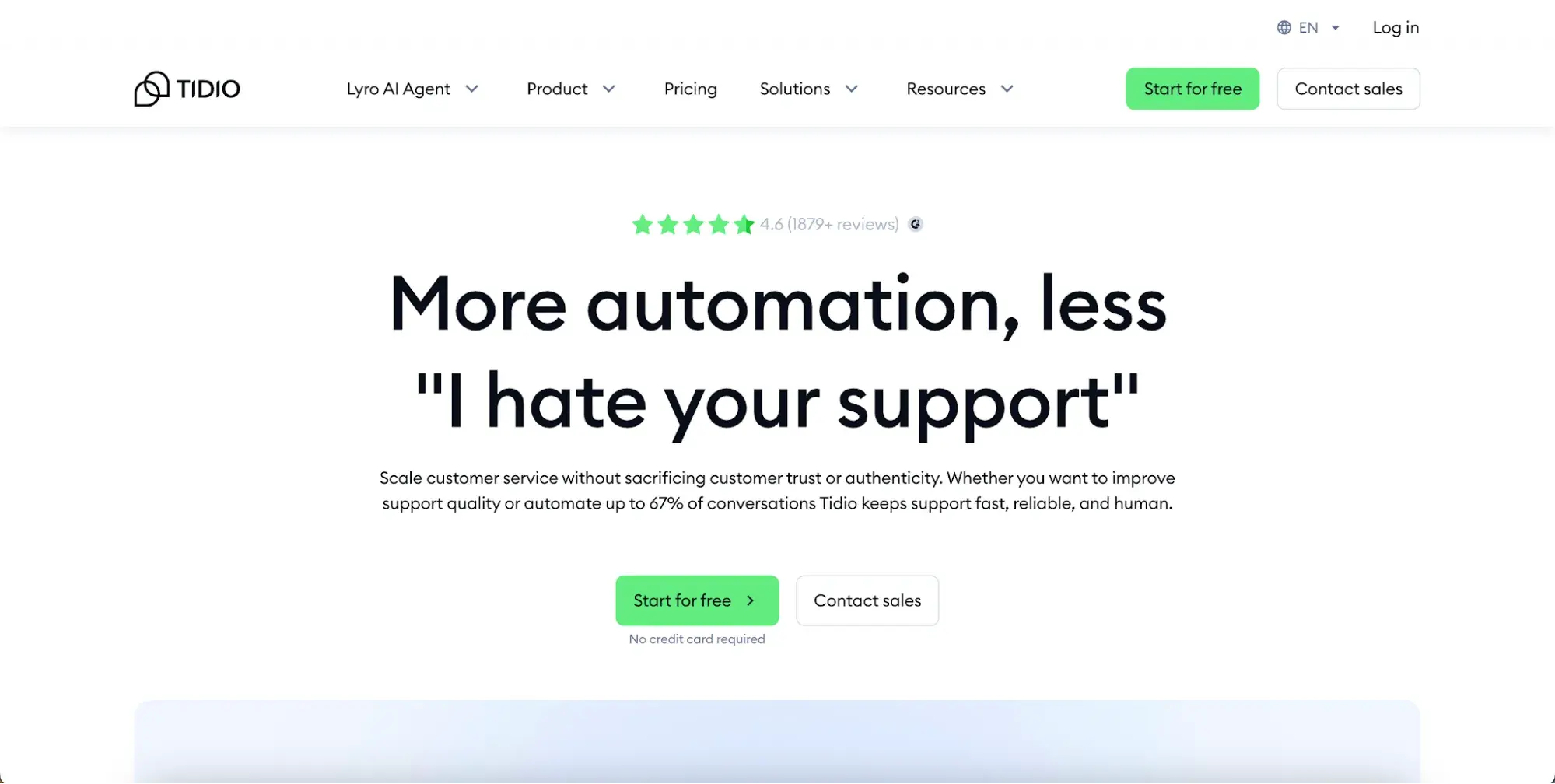
Lyro AI handles routine customer inquiries automatically, while live chat supports real-time agent conversations. Tidio’s Flows feature enables proactive automations, including:
- Personalized greetings
- Product suggestions
- Triggered discounts based on visitor browsing behavior
The ticketing system converts emails into tickets for agent tracking and supports notes and tags for team collaboration.
Pricing: A free plan is available. Annual pricing starts at $24.17/month for Starter and $49.17/month for Growth. Plus starts at $749/month, and Premium pricing is available on request. Monthly pricing is higher, so confirm the draft’s monthly values against the pricing toggle before publishing.
Best for: Small businesses that want live chat, chatbots, and lightweight customer communication tools.
What we like: Tidio still offers a free plan, which makes the current draft’s “no free plan” note an accuracy issue to fix.
16. LiveAgent
LiveAgent is an omnichannel, cloud-based call center software platform. While it has standard call center tools like call routing and transfers, it also offers more advanced features, including unlimited call recordings and callbacks. That way, customers can still communicate with your team even when your agents are busy or unavailable.
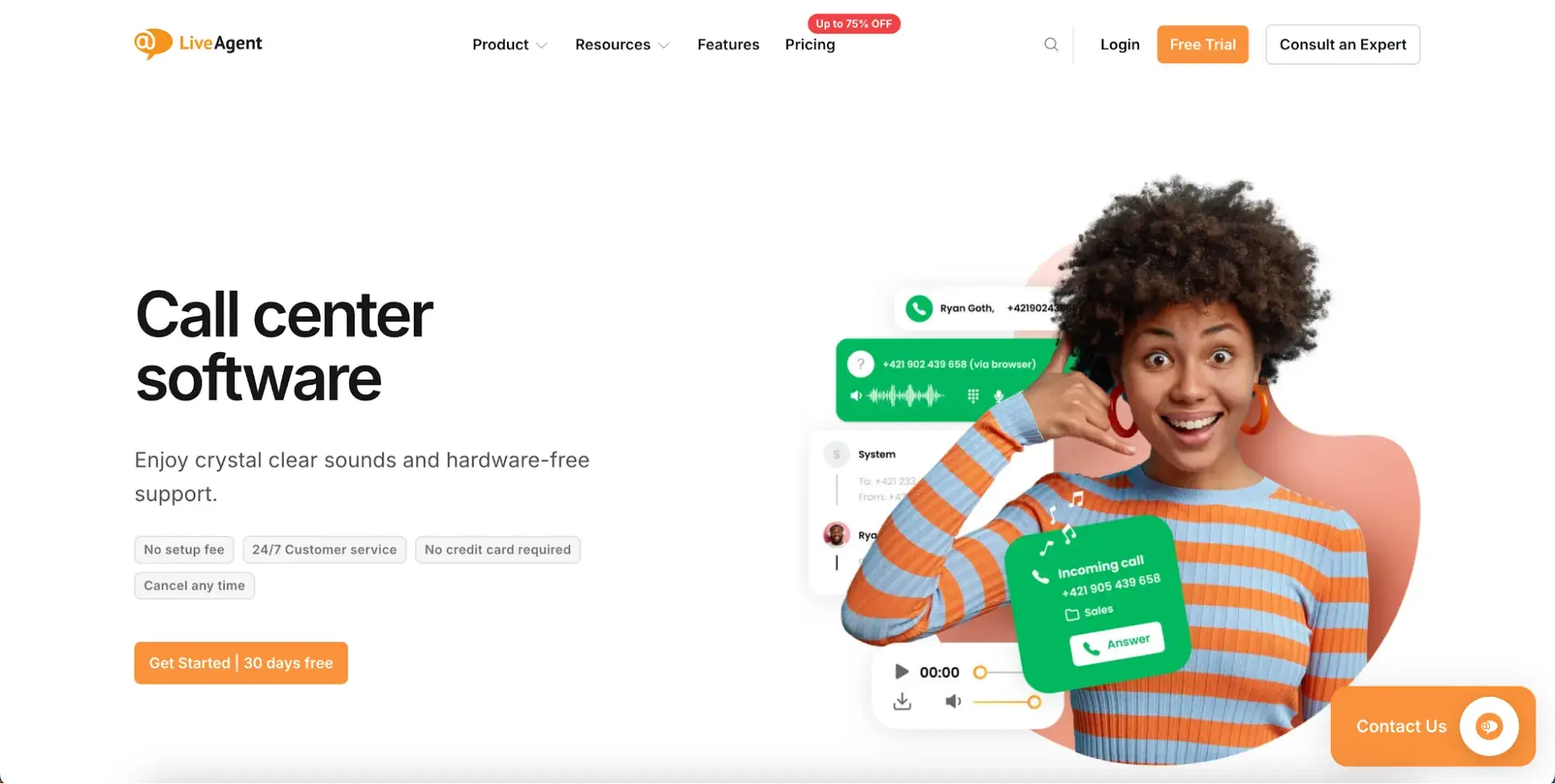
What we like: The 30-day free trial requires no credit card, so teams can test the ticketing, live chat, knowledge base, and AI features before choosing a plan.
Pricing: Small plans cost $15/agent/month, Medium plans cost $29/agent/month, and Large plans cost $49/agent/month. Enterprise pricing should be confirmed on the live pricing page before publishing. A 30-day free trial is available.
Best for: Teams that want a broad customer service toolset with ticketing, live chat, call center, and knowledge base features.
17. HelpSpot
HelpSpot is a help desk platform built around email-based ticket management. HelpSpot is available as a cloud-hosted or self-hosted solution, making it a practical option for organizations with strict data residency requirements. Customers include enterprises and institutions across healthcare, government, financial services, and higher education.
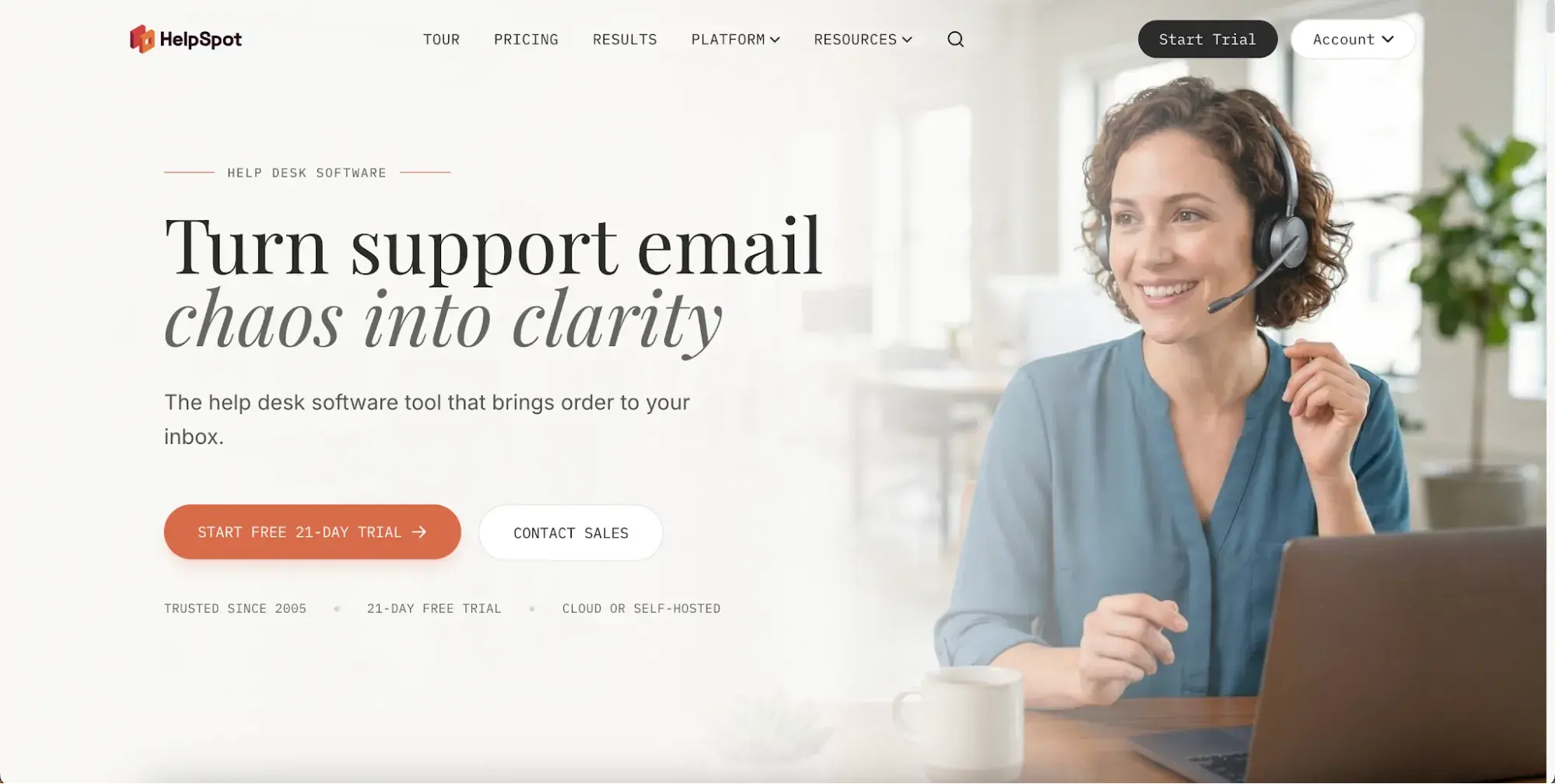
Pricing: HelpSpot’s current homepage states that annual pricing starts at $899/year for 3 agents. Every plan includes all features, no tiers, no add-ons, no per-ticket charges, AI features, cloud or self-hosted deployment, and a 21-day free trial with no credit card required.
Best for: Teams that want straightforward annual pricing and the same features across tiers.
What we like: HelpSpot’s current site emphasizes one price, all features, and no add-ons or per-ticket charges.
18. ConnectWise
ConnectWise PSA helps automate customer service for managed service providers and IT teams. Its service level agreement (SLA) management feature lets teams set response-time and resolution benchmarks for each client or ticket type.
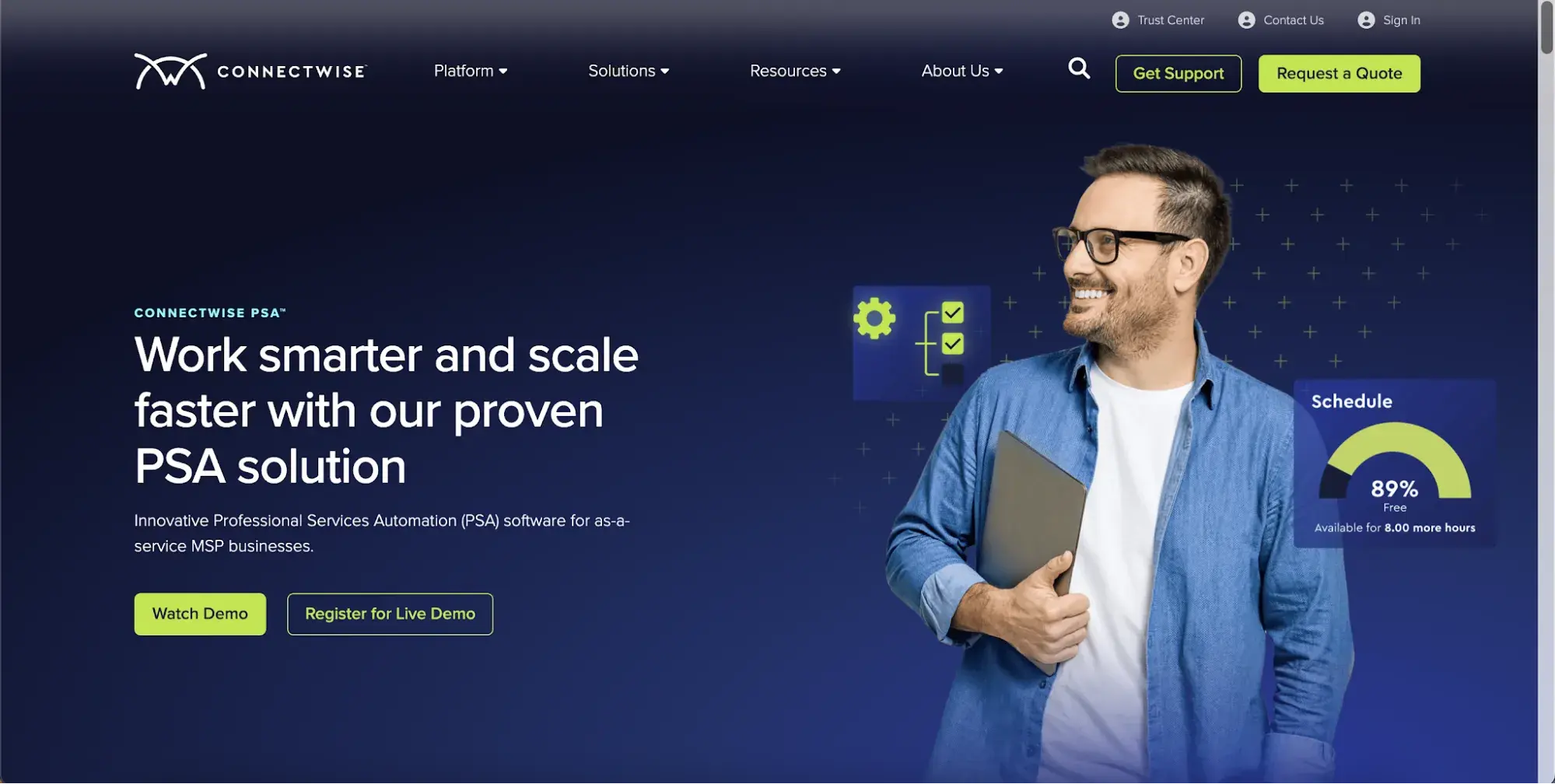
Tickets are automatically monitored against these standards, and alerts are triggered when thresholds are at risk. This not only helps teams reduce potential churn, but it also helps managers set a precedent for what excellent customer service looks like.
Pricing: Custom quotes are available based on business needs.
Best for: Managed service providers that need PSA and help desk workflows.
What we like: ConnectWise PSA’s custom quote model suits service organizations that need pricing tailored to their business needs.
The best customer service software for one team may not fit another team’s budget, channels, or implementation timeline. Teams that need low-commitment options can start with the free tools below before moving to paid help desk or omnichannel platforms.
Free Customer Service Software
- Service Hub Free Tier
- Hesk Free Tier
- Zoho Desk Free Tier
- Pipefy
1. Service Hub Free Tier
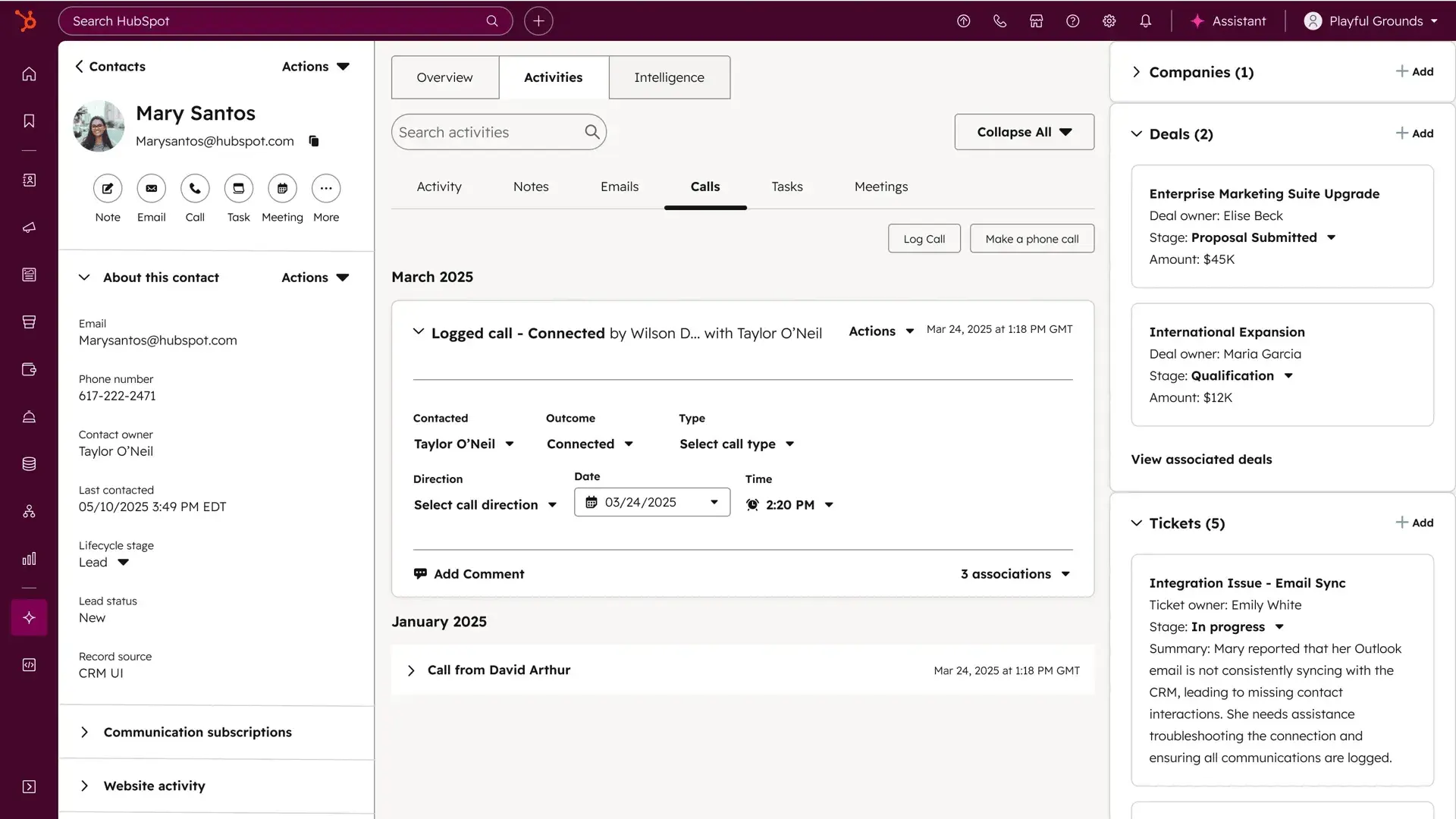
Service Hub offers a free version that covers the core functionality support teams need to get started. The free plan allows two users and up to 1,000 contacts, making it best suited for small teams or those evaluating the platform before committing to a paid tier. When teams need more seats and features, upgrading is easy.
2. Zoho Desk free tier
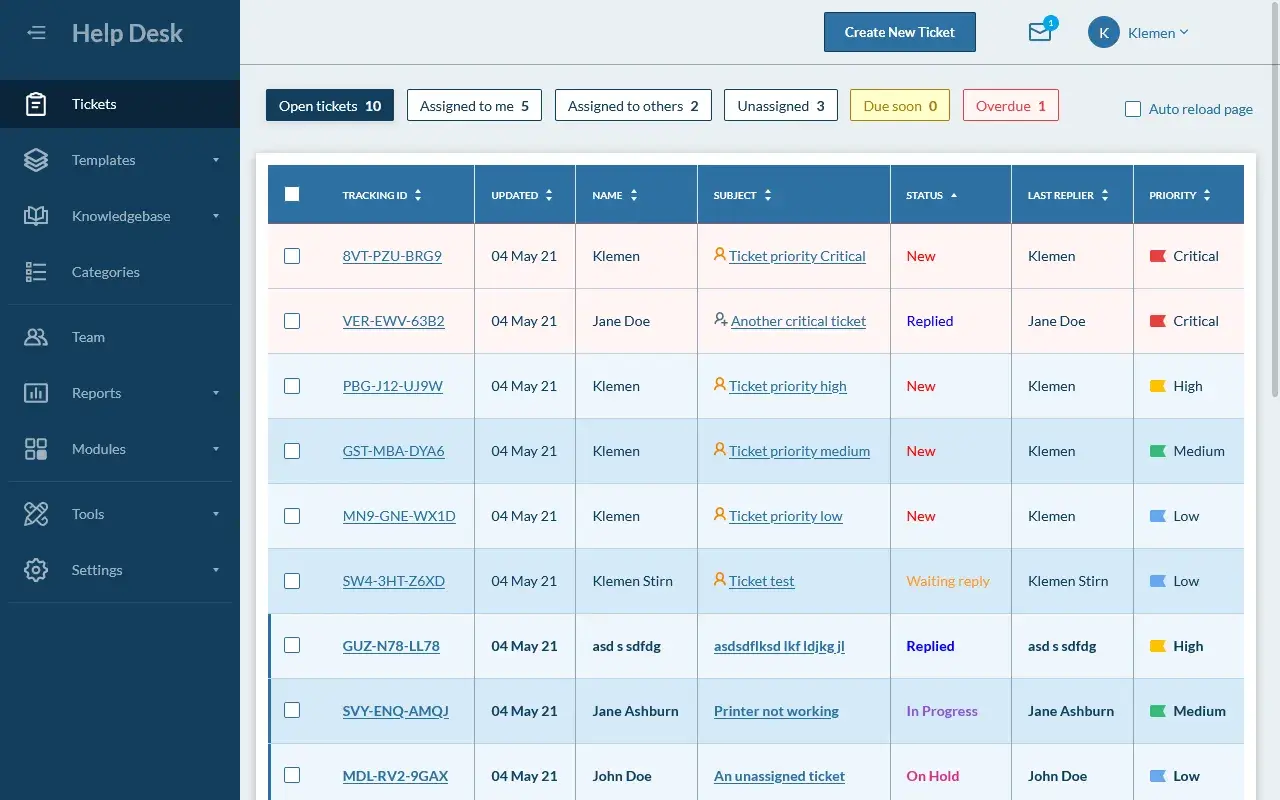
Zoho Desk offers a free help desk plan for up to three agents with no time limit and no credit card required. It serves internal staff through automation, task assignment, built-in reporting, and customer ratings. Customers are served via quick-response windows and self-service support.
3. Hesk Free Tier
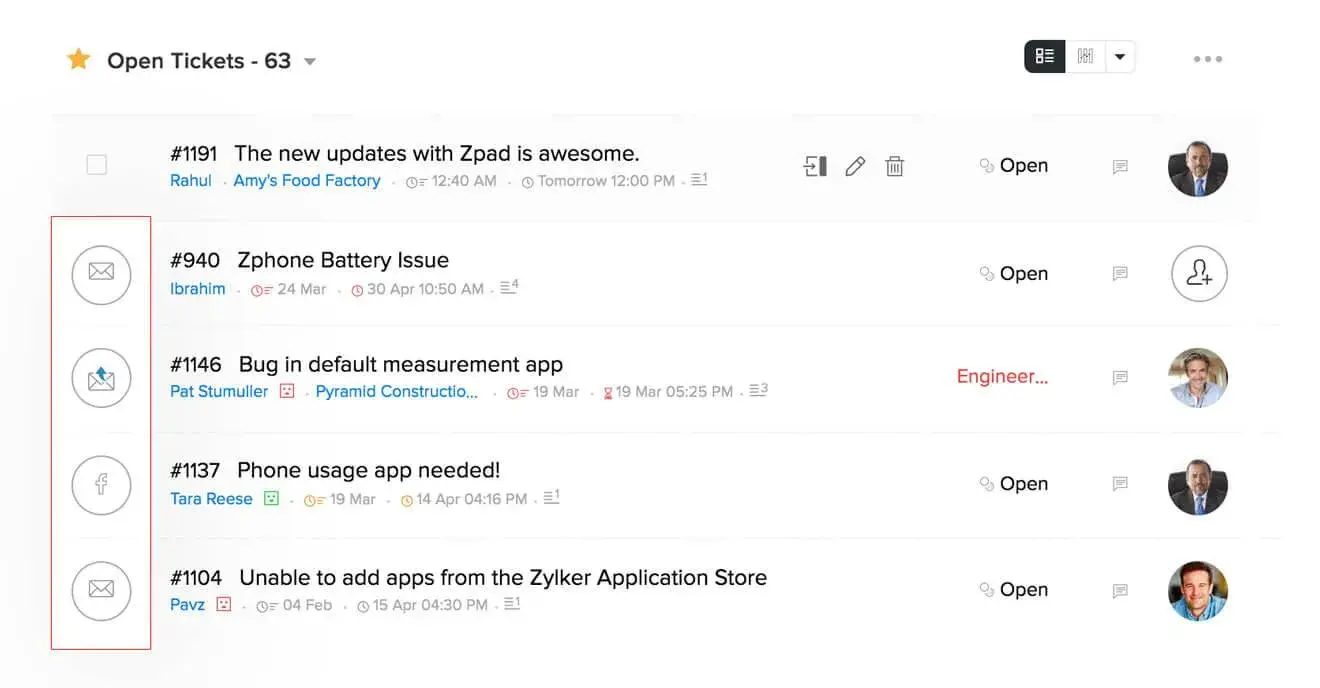
Hesk is a self-hosted help desk software that has been downloaded over one million times since 2005. It lets support teams create custom ticket fields and configure the interface to match their workflow. Customers submit tickets through a web-based portal, which are then automatically assigned to available agents. A cloud-hosted version is also available for teams that prefer not to manage their own servers.
4. Pipefy
Pipefy is not dedicated customer service software, but its free customer onboarding template can help teams create structured onboarding workflows, track customer progress, automate follow-ups, and maintain consistent early customer handoffs.
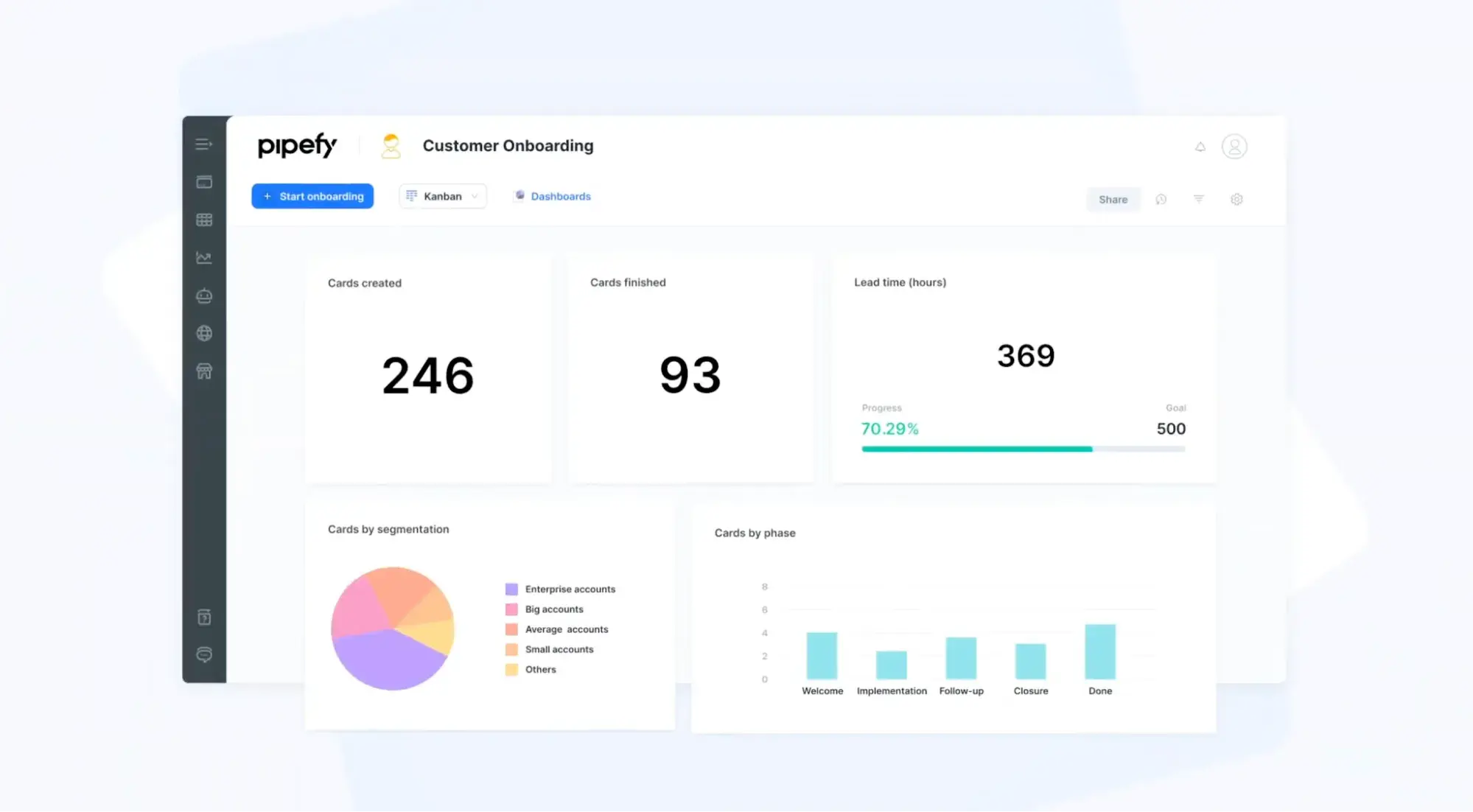
Pro tip: When your onboarding is clear and easy to follow, you can reduce churn early in the customer journey.
For more service tools, check out these customer support resources.
How to Choose the Right Customer Service Software
Confidently choosing the right support tool comes down to understanding your organization’s needs and goals and weighing those against the costs and features that vendors offer. These eight considerations will help clarify the decision.
Volume Capacity
Can your support software handle your customer volume? This is the first consideration teams should make before investing in a tool. In customer service software specifically, hitting a volume ceiling can look like:
- Ticket limits that cap how many open requests the system can have.
- Delayed automation that stops routing tickets correctly when busy.
- CRM sync delays that leave agents without current customer data mid-conversation.
Pro tip: Read third-party reviews before buying. Look specifically for mentions of slowdowns, broken workflows, or sync problems during high-volume periods.
Software KPIs
After volume capacity, KPIs are the next consideration for teams. Which success metrics does the team most need to improve with this software upgrade? Consider these options:
|
KPI to Improve |
Software Type |
Corresponding Tools |
|
First response time |
Live chat, omnichannel, help desk with automation |
Service Hub, Intercom, Tidio, Freshdesk |
|
Resolution time |
Help desk with AI, all-in-one |
Service Hub, Zendesk, Freshdesk |
|
CSAT |
All-in-one, omnichannel, live chat, help desk, customer success |
Service Hub, Kustomer, Intercom, Freshdesk |
|
Ticket backlog |
Help desk with routing and automation |
Service Hub, HappyFox, TeamSupport |
|
Retention |
Customer success, all-in-one with CRM |
Service Hub, Kustomer |
|
Customer self-service rate |
Knowledge base, help desk |
Service Hub, Help Scout, Zoho Desk |
|
Call resolution rate |
Call center |
Aircall, CloudTalk, LiveAgent |
Software Ceiling
Onboarding a support team to new software is costly, so it’s ideally an investment that will last. Tools need to meet teams where they are now and scale with expected growth.
Teams that choose software that can’t scale with them will inevitably hit ceilings that force them to switch plans as they reach growth milestones. Some of those common ceiling limits are:
- Ticket limits per plan, or a cap on how many open or monthly tickets the system will manage before requiring an upgrade.
- Agent seat thresholds, or enterprise plans that require purchasing more seats than a team actually needs.
- Feature restrictions, or needed features reserved for higher tiers.
If a six-month growth goal would push the team into an unaffordable software tier, choose a more scalable option.
AI Training Investment
Many companies underestimate the amount of work it takes to deploy and maintain a useful AI support bot. Bots need to be trained on product data to answer questions, while also being given specific boundaries and rules for engaging with customers.
Some companies mistakenly think that AI bots are a set-it-and-forget-it support element. AI models need to be updated as new information becomes available. This process is both additive and reductive: teams have to manually remove old product data from memory and replace it with updated information.
Before investing in AI support, companies should consider:
- What (if any) support or resources do software companies provide for AI training and upkeep?
- Who on the team will train the model up front, and who will be responsible for ongoing maintenance?
Public examples of AI support failures show why teams need clear guardrails, escalation rules, and regular content maintenance before they let an AI bot answer customers.
Software Support
A common concern when investing in customer service software is that vendor support is strong during onboarding but evaporates afterward.
Customer service software outages, slow vendor support, or broken ticket workflows can affect public reviews on sites such as G2, Trustpilot, and Google Maps. Review the vendor’s SLA, then search independent reviews for comments about post-onboarding support quality.
Review the vendor’s service level agreement (SLA), then independently research by looking for reviews that mention the quality of post-onboarding support.
Feature Overhead
Small and large teams have different needs. While some support software can adequately serve teams of all sizes, some tools designed for large teams will be overkill. For example, advanced automation and routing features add cost without adding value for teams whose ticket volume doesn’t justify them. Modular plans or scalable pricing can help eliminate unnecessary features.
Be aware of these potential cost add-ons for support software:
- Per-channel pricing.
- Per-seat costs at different tiers.
- Per-chat AI bot upcharges.
- Per-resolution AI billing.
Before investing, list the features the team would use within the first 90 days of onboarding a new support tool. If paid features outnumber useful features, the team may need a different tool or tier.
Team Needs
Managers often choose customer service software, but service reps use it every day. Before investing, ask frontline reps which parts of the current support workflow slow them down most. Common issues include poor mobile experiences, slow load times, buffering when updating tickets, and clunky workflows.
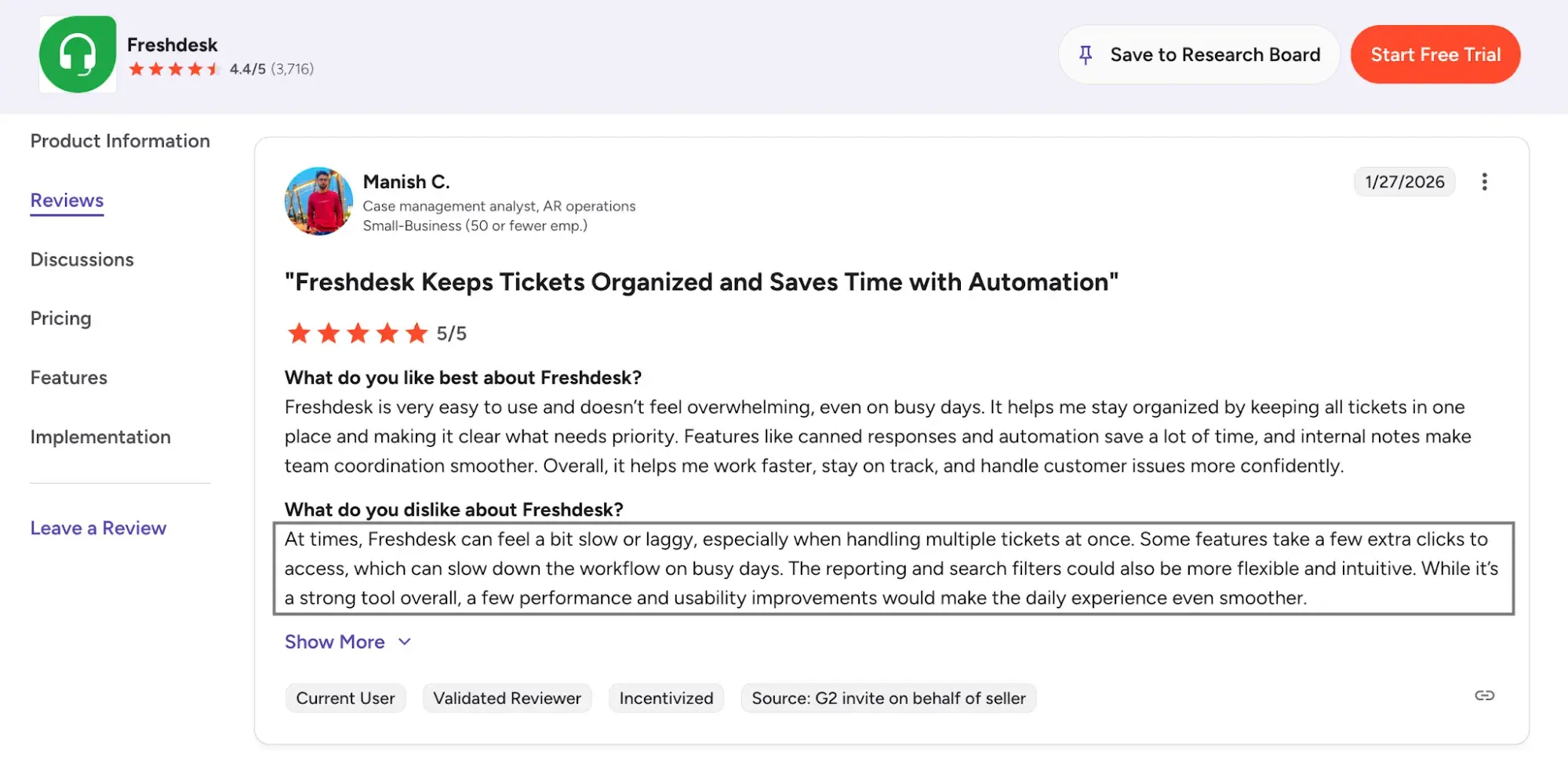
There is huge value to companies in having at least one frontline rep participate in the software demo before investing.
Reporting
The best customer support software helps teams improve their service over time. Yes, this comes from software features that help teams deliver faster service (such as AI assistance or conversation intelligence). But it also comes from service rep training.
Consider the skill level your reps have when they join the company, and the feedback different software investments can provide to help them improve.
For example, a rep who consistently receives low CSAT on technical tickets might need product knowledge training, not communication coaching. Reporting tools that break down CSAT by ticket category make that distinction visible.
Frequently Asked Questions About Customer Service Software
What is the best customer service software?
The best customer service software depends on the team’s size, budget, support channels, and implementation needs. Service Hub is a strong option for teams that want help desk, shared inbox, knowledge base, live chat, reporting, customer feedback, customer success tools, and CRM data connected on HubSpot’s platform.
Are CSM and CRM the same?
CSM and CRM are related, but they are not the same. CSM can mean customer service management or customer success management; CRM means customer relationship management. CSM software helps teams manage service or success workflows such as tickets, renewals, health scores, and customer outreach, while CRM software stores broader customer relationship data such as contact records, deal history, and communications across teams.
Which customer service software is best for beginners?
Service Hub is a strong beginner option because teams can start with free customer service tools, then add paid help desk, automation, reporting, and customer success features as their needs grow. Beginners should choose software with a simple setup, clear ticket ownership, useful reporting, and enough integrations to avoid rebuilding the system later.
Getting Started with Customer Service Software
Taking care of customers improves retention, loyalty, and growth. The right customer service software helps teams respond faster, keep better records, and create more consistent support experiences.
Start by identifying the service challenges that matter most to the team, such as slow response times, limited customer context, rising ticket volume, or fragmented channels. Then use the comparison above to build a shortlist of tools that fit those needs, budget, and implementation timeline. Free tools can work for early-stage teams, but paid plans may make more sense when the team needs automation, reporting, AI, or deeper integrations.
Editor's note: This post was originally published in January 2025 and has been updated for comprehensiveness.
Free Help Desk & Ticketing Software
Keep track of customer requests in one unified help desk that connects to your CRM database.
- Provide personalized, AI-powered support to your customers
- Save time, reduce errors, and streamline service processes
- Improve rep efficiency & time to resolution
- And more!