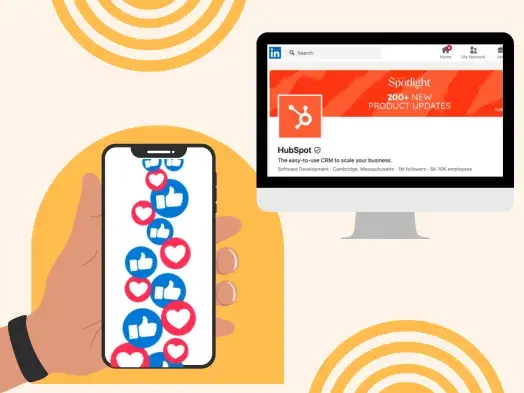
When it comes to actually generating those LinkedIn leads, you need a clear strategy. So I sat down with Jim Habig, who spent two years as LinkedIn’s marketing VP, and asked him to spill his secrets to using the social platform. His most surprising advice? Your company’s top execs are key to everyday LinkedIn success.
Table of Contents
- LinkedIn Lead Generation Strategy
- The Most Effective Content for Generating Leads on LinkedIn, According to LinkedIn's VP of Marketing
- What Marketers Get Wrong When It Comes to LinkedIn for Lead Gen
LinkedIn Lead Generation Strategy
Lead generation refers to all the activities and strategies you use to attract potential customers. Generating leads is important because, with nurturing, potential customers can become paying customers that use your products and drive revenue.
LinkedIn’s typical audience comprises professional decision-makers with purchasing power, helping you speak directly to potential customers who can become paying customers. Below, I’ll discuss how you can use LinkedIn for lead generation.
How To Use LinkedIn For Business And Marketing
Take control of your LinkedIn strategy with this free guide. You'll learn about...
- Maximizing visibility.
- Building a community.
- Paid vs. organic content.
- And More!
Download Free
All fields are required.
1. Make sure your executives have a strong LinkedIn presence.
When you’re first getting started on LinkedIn, it can be tricky to know how to dedicate your initial efforts. Should you create a compelling LinkedIn page and immediately post content to your business's feed? Or should you start by posting job openings to attract new talent?
Habig agrees that optimizing your company page is critical to making a strong first impression. He encourages marketers to ensure their page is complete and up-to-date with relevant information like a business description, logo, website URL, and industry.
However, an often overlooked opportunity to generate leads falls on individual employees' pages.
As Habig puts it, “You'll want to encourage your leadership teams and employees to have well-crafted personal profiles with professional headshots, descriptive headlines, and detailed job experiences.”
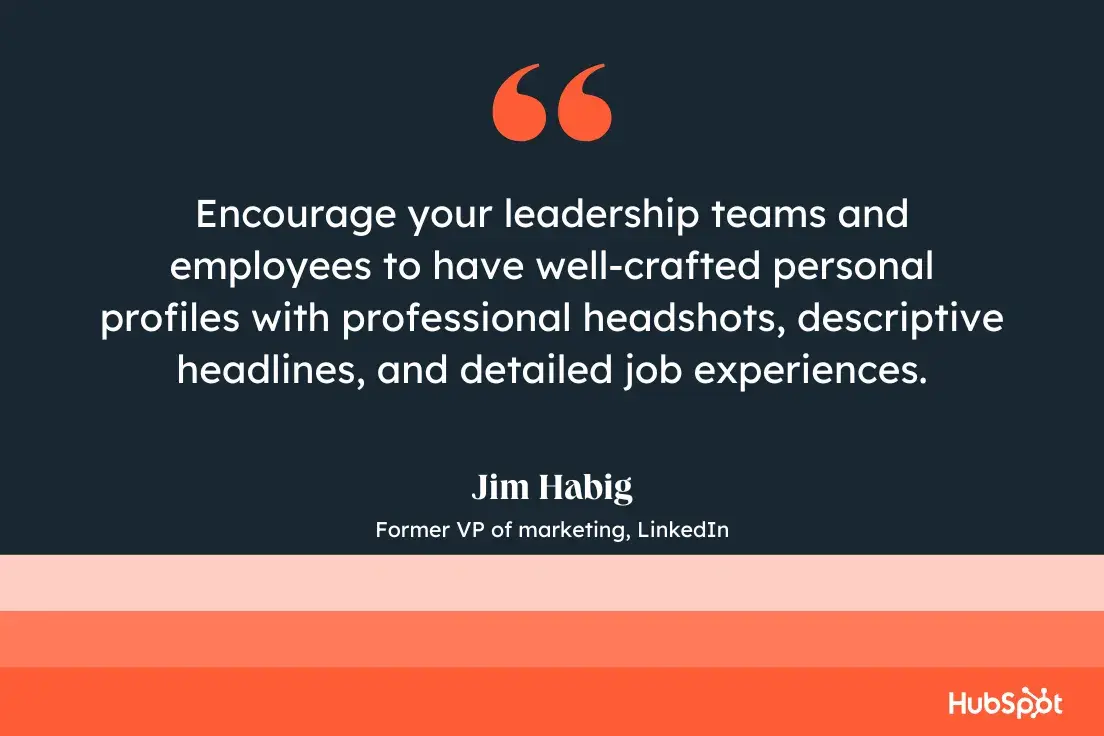
He adds, “A consistent brand presence builds credibility, attracts the right audience, and fosters trust among potential leads.”
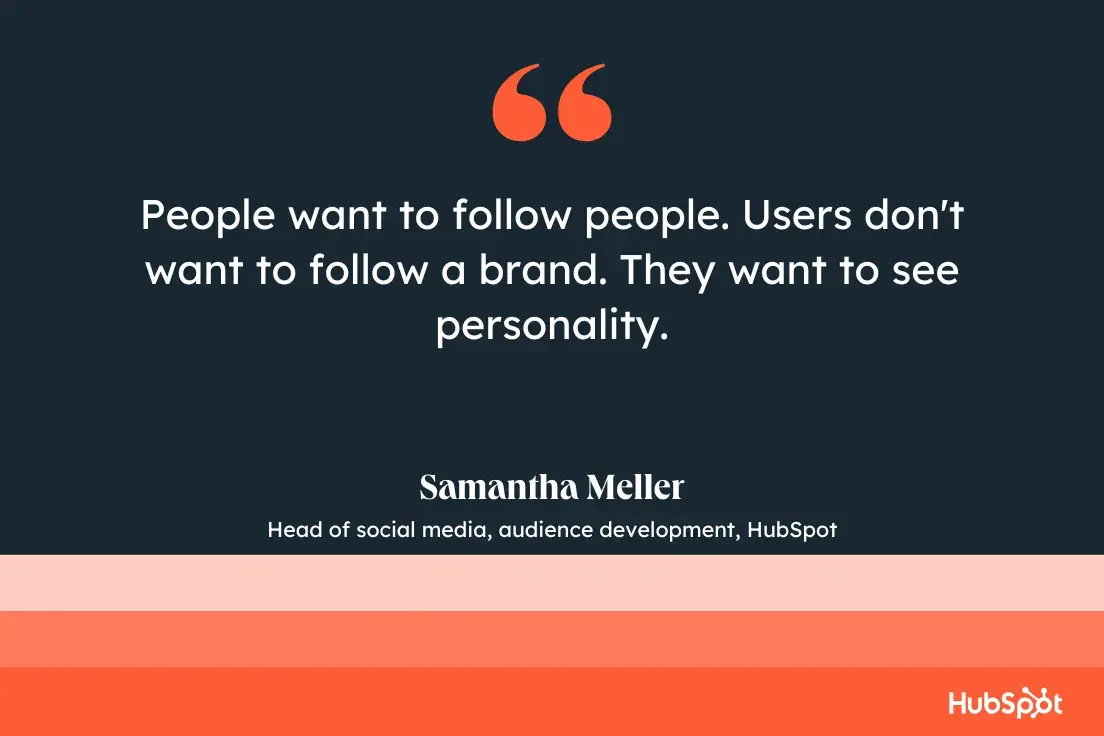
Samantha Meller, HubSpot’s head of social media, audience development, agrees. “I strongly believe that people want to follow people,” she says. Even on LinkedIn, a platform more associated with business than pleasure, she says that users “don't want to follow a brand. They want to see personality.”
Consider the leaders at your company and their current LinkedIn presence. Could they contribute more thoughtfully to LinkedIn groups within your industry or post more often to their feeds? More likely than not, your executives could be doing more to grow their LinkedIn following.
For instance, let's take a look at a LinkedIn post from HubSpot CEO Yamini Rangan:
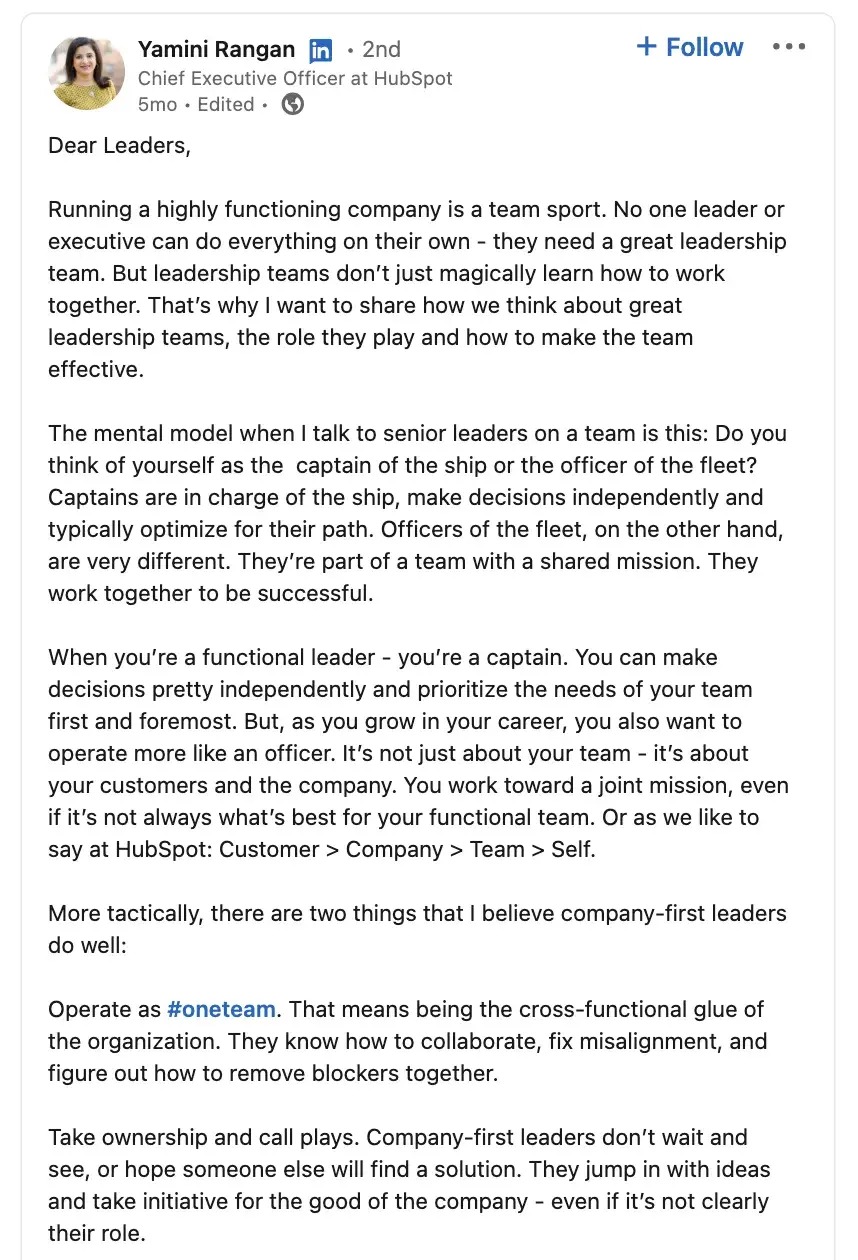
Rangan uses LinkedIn wisely, leveraging the platform to share helpful, relevant content for business leaders. I especially like that she builds a personal brand and helps her followers find valuable content related to business growth. Ideally, your executives should be doing the same.
2. Create a powerful LinkedIn Page for your business.
LinkedIn Pages is a free product that can help your company build visibility on the platform. I recommend using it to house your brand's thought leadership content, such as videos, commentary from executives, and curated information from other sources.
You'll also want to ensure your page is active with thought-provoking content and contributions to conversations already happening on LinkedIn.
Take a look at 10 Best Practices for Creating (and Growing) LinkedIn Pages to learn more.
3. Post relevant content and engage with your audience.
To ensure your LinkedIn page and profile are strong, consider posting various content types, including video. Featuring this industry-relevant content helps you position yourself as a knowledgeable source and establish relevance and credibility with potential customers. I talk more about the best types of content to post on LinkedIn here.
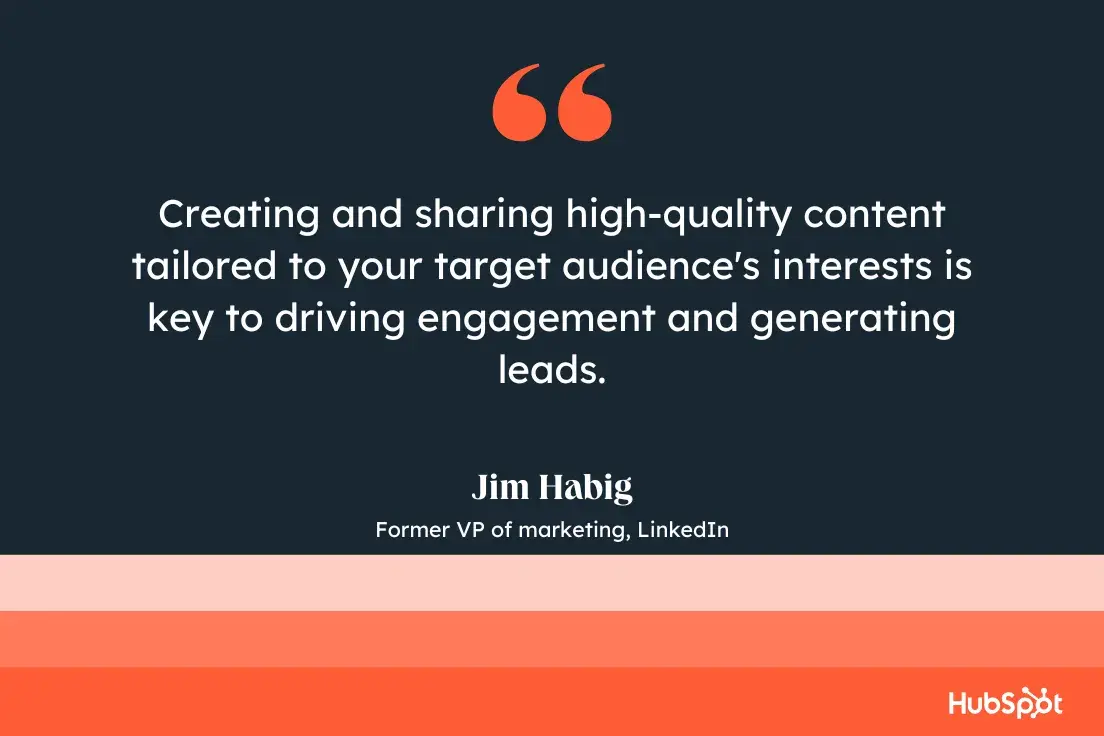
As Habig puts it, “Creating and sharing high-quality content tailored to your target audience's interests is key to driving engagement and generating leads. Share a mix of content types — like blog posts, infographics, case studies, and videos to keep your audience engaged.”
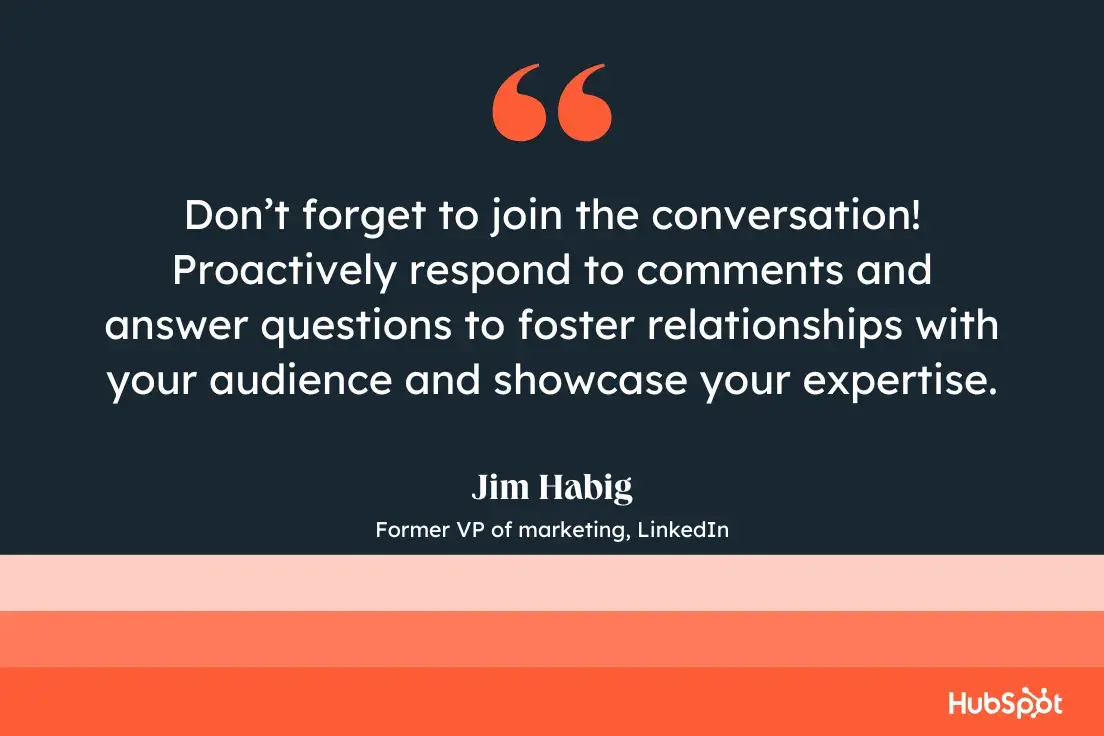
He continues, “And don’t forget to join the conversation! Proactively respond to comments and answer questions to foster relationships with your audience and showcase your expertise.”
When you’re recognized as an insightful, valuable source, you’ll begin to develop connections with like-minded professionals that fit your ideal customer profile. If you post often, you’ll become a regular on their feed, and familiarity makes it easier to initiate further conversations.
The communities you build and engage with are essential, as social media marketers told us that the biggest benefit to building a social media community is an increase in brand awareness. Growing brand awareness = new eyes on your business, new eyes = potential new leads.
For example, if all of my LinkedIn connections are professionals within my industry, they can expose me to new audiences with the content I post. If someone clicks “Like” on a post I’ve made, it may show up on the feed of a new lead. The lead can see that our shared connection liked my post, which vouches for my credibility and authority, possibly prompting them to send a request to connect (a new lead!).
Follow your page analytics to figure out what resonates with your audience and ensure you create content people want to see.
4. Join LinkedIn groups your clients and customers are in.
LinkedIn, at its core, is a social platform like any other. Just as on Facebook, users can create groups centered around industry-relevant interests, and I recommend joining these groups and having conversations with other professionals.
You can stay informed by exporting LinkedIn comments, then posting content and updates to encourage discussions about relevant topics. Or simply talk about the services you offer — if you’ve joined groups wisely, your potential customers can see what you say and begin to recognize you as a source of valuable information.
You can also use groups to learn more about your audience. If members are active, learn from what they say and discover common industry pain points and how leads want these issues addressed. Use this information to your advantage, and create hyper-targeted value propositions when you reach out that speak directly to your customer’s needs.
5. Use LinkedIn Ads and Sponsored Content to ensure your content reaches your intended audience.
Since LinkedIn is the top paid and organic channel for B2B businesses, spending your money on the platform would be worthwhile. But, if you have a smaller marketing budget, I understand being wary of putting money behind paid campaigns on LinkedIn.
Habig suggests: “Consider using LinkedIn's advertising and sponsored content solutions to reach the right audience based on factors like job title, industry, and company size.”
He adds, “You'll want to utilize sponsored content to promote your top-performing posts or lead generation forms to capture valuable lead information. Try testing various ad formats like sponsored InMail, carousel ads, and lead gen forms to identify which works best for your target audience.”
In particular, Habig believes the LinkedIn Lead Gen Forms is one of the platform's most powerful offerings for lead generation.
He told me, “LinkedIn Lead Gen Forms streamline lead generation by auto-populating users' LinkedIn profile information when they click on your ad. This simplifies the process for users, allowing them to submit their information with ease and boosting lead generation efficiency. Furthermore, the collected data can be effortlessly synchronized with your CRM system.”
I also recommend using other free native content features that can help you increase your engagement with your audience, like articles and polls. You can even automate a lot of this process by using a LinkedIn bot.
While LinkedIn has a native ads management service, you can also use HubSpot’s ads management tool to create, organize, and execute advertising campaigns on LinkedIn. You’ll also get access to high-quality reports that explain ad performance, helping you optimize a strategy to meet your customers’ needs.
How To Use LinkedIn For Business And Marketing
Take control of your LinkedIn strategy with this free guide. You'll learn about...
- Maximizing visibility.
- Building a community.
- Paid vs. organic content.
- And More!
Download Free
All fields are required.
6. Ensure you have strong sales and marketing alignment.
You're likely all too familiar with the recent shift in consumer buying behavior. Nowadays, customers are researching online ahead of time and typically use marketing content to inform their purchasing decisions before even reaching out to a sales rep. What’s more, the top reason consumers use LinkedIn is to learn new things.
So, with these savvier consumers, it is now critical that marketers meet the needs of consumers who are further along the buyer‘s journey and then seamlessly hand them off to sales so sales have the context on which stage of the buyer’s journey the consumer is at.
This is where I have to call out the importance of sales and marketing alignment. Every time we run our Marketing Trends Survey, we hear about the importance of sales and marketing alignment. These teams working together contribute to higher lead quality, more closed deals, and a 107% higher likelihood of goal attainment.
Many salespeople know the target audience better than anyone, so leveraging their knowledge when creating marketing materials is vital. To figure out strategies for better aligning your sales and marketing departments, get more expert advice: How to Create Strong Sales and Marketing Alignment, According to LinkedIn's Global Product Marketing Leader.
7. Leverage connections with current customers and clients.
LinkedIn’s main draw is networking, and you should use this feature to your advantage for lead generation.
Connect with current customers and clients on LinkedIn and learn from who their industry connections are, as they may be relevant to you as well. If you have relationships with existing clients, ask for referrals and references, or simply learn how to get in contact with a connection they have that matches your customer profile.
LinkedIn is a professional network, so such requests are less pushy, spammy, and sales-esque than cold calling someone after finding their number online. Leads can receive your request to connect, browse your profile, and see your shared connection as a guarantee of trust.
In addition, when you connect with new leads, you use warm outreach. This means that you already know a bit about them and can immediately make propositions that relate to their interests, providing value to them off the bat.
8. Maintain a consistent presence on the platform.
Just like all of your other social media sites, LinkedIn requires consistency. If I post one article a week and log out, I’m not establishing myself as a consistent presence with my connections.
Aside from the content you share, you want to communicate consistently with your leads. Disappearing in the middle of a conversation is not a good look and does the opposite of furthering their interest in doing business with you.
Additionally, to ensure you're reaching the right audiences, consider leveraging LinkedIn Matched Audiences to retarget website visitors.
Habig says, "LinkedIn offers advanced targeting capabilities to help you connect with your ideal audience. With LinkedIn Matched Audiences, you can retarget website visitors, create contact-based audiences using email lists or CRM data, or build account-based audiences by targeting specific companies. This feature enables you to engage people who have already shown interest in your business or are more likely to be interested."
He adds, "For newcomers to LinkedIn or those seeking guidance on setting up targeting, consider using LinkedIn's pre-built audience templates. These templates simplify the process and cater to various audiences, such as doctors, recent college graduates, millennials, and more."
As I mentioned above, use platform analytics to learn about your audience’s interests and when your posts get the most traction, and create a strategy that will keep you consistently present and visible on LinkedIn. Then, try to make scaling easier with different strategies and LinkedIn automation tools.
The Most Effective Content for Generating Leads on LinkedIn, According to LinkedIn's VP of Marketing
When asked which content Habig believes performs best on LinkedIn when it comes to generating leads, Habig told me two types of content typically win out: educational and thought leadership.
He said, “There's a delicate balance between offering what I’ll call practical content geared towards the practitioners and presenting forward-thinking thought leadership. Both are essential for capturing the attention of your prospects and customers.”
Habig continues, “Providing educational content — such as how-to guides, case studies, whitepapers, and e-books — positions your brand as a 'helpful teammate' that your audience can rely on for support and expertise.”
You don't want to ignore the potential power of thought leadership, either.
Habig says, "It‘s crucial to incorporate thought leadership, demonstrating that you’re in tune with the industry's trajectory.”
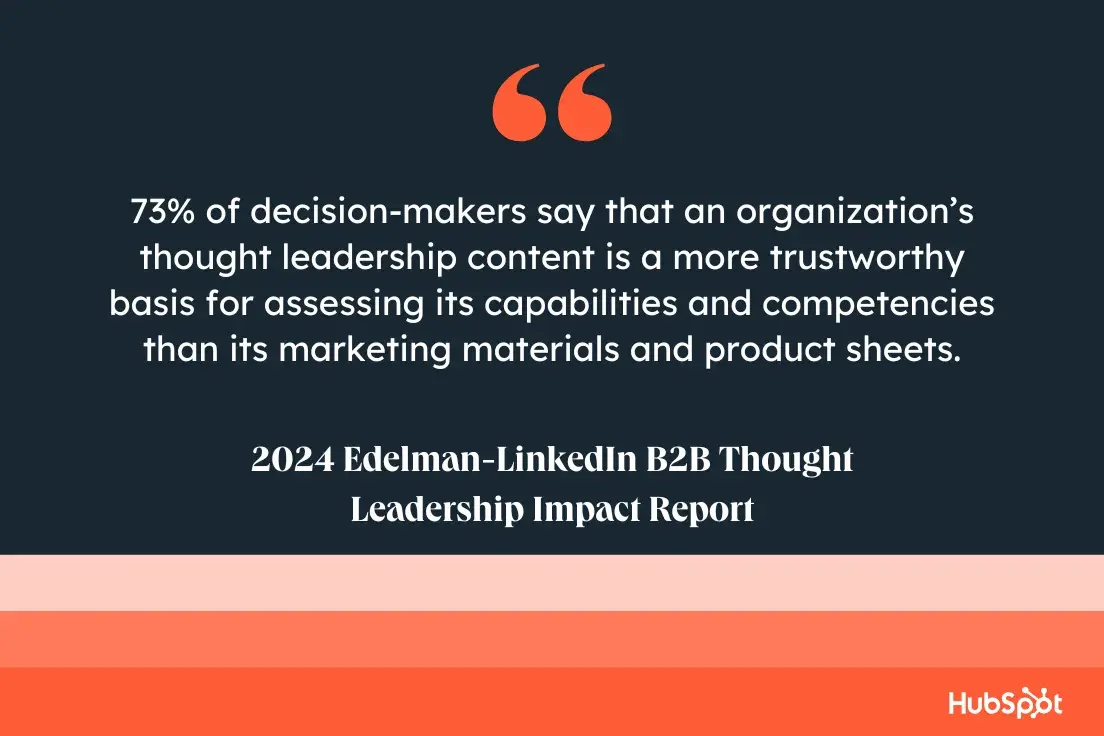
According to research conducted in collaboration with Edelman, nearly three-quarters (73%) of decision-makers say that an organization’s thought leadership content is a more trustworthy basis for assessing its capabilities and competencies than its marketing materials and product sheets.
I always recommend prioritizing your own content analytics to see what performs best with your audience, but testing and experimenting is a good practice. Try Habig's recommended formats — if you haven’t already — and see how they do.
What Marketers Get Wrong When It Comes to LinkedIn for Lead Gen
Finally, I had to ask: What is the biggest mistake marketers make when it comes to LinkedIn lead gen strategies?
Habig had a straightforward answer:
"People underestimate the impact that creativity can have in growing your business and attracting new leads. In a recent report, we found that 69% of people said B2B purchasing is just as emotionally driven as B2C. Creativity is a powerful way for businesses to build their brands, differentiate themselves, and tell compelling stories about the problems they’re solving that will pique the interest of their audience."
Which is good news for most marketers — who likely got into marketing for the storytelling in the first place.
Editor's note: This post was originally published in October 2019 and has been updated for comprehensiveness.
How To Use LinkedIn For Business And Marketing
Take control of your LinkedIn strategy with this free guide. You'll learn about...
- Maximizing visibility.
- Building a community.
- Paid vs. organic content.
- And More!
Download Free
All fields are required.




![How to Write a LinkedIn Recommendation [Quick Tip + Examples]](https://53.fs1.hubspotusercontent-na1.net/hubfs/53/write-linkedin-recommendation.png)