
If you’re looking for the fastest CMS, you’re probably trying to get your site to load faster for visitors. And that’s wise because users expect blazing speed. In fact, Google recommends that your largest contentful paint (LCP), which is the main content of your site, loads within 2.5 seconds. Anything over, and you risk losing visitors and conversions.
When fractions of a second matter, there’s a lot to be optimized — your hosting, your content, your caching — but what about your content management system (CMS)?

In this post, I’ll unpack the role that your CMS plays in website performance. We’ll review six popular CMSs — including Content Hub, WordPress, Drupal, and Joomla — and how you can optimize each for performance.
Table of Contents
- Fastest CMS Summary
- Is there such a thing as a “fastest CMS”?
- Fastest CMSs for Every Use Case
- How to Optimize Your CMS for Speed
- Modern CMS Alternatives for Maximum Speed
- Get the Most Out of Your CMS
- Fastest CMS FAQs
Fastest CMS Summary
Looking for the fastest CMS in 2025? There's no single “fastest” platform because performance depends on architecture, hosting, and optimization. That said, Hugo is considered among the fastest static site generators in 2025, delivering super-fast page loads by serving prebuilt HTML files directly from a CDN. Static site generators typically outperform traditional CMS platforms in load time because they eliminate database queries and server-side rendering entirely.

HubSpot's Free Website Builder
Create and customize your own business website with an easy drag-and-drop website builder.
- Build a website without any coding skills.
- Pre-built themes and templates.
- Built-in marketing tools and features.
- And more!
Among traditional CMS platforms, November 2025 HTTP Archive data shows Duda leading at 87% Core Web Vitals pass rate, followed by HubSpot Content Hub at 72% — the highest among platforms combining CMS functionality with integrated marketing tools. HubSpot Content Hub includes built-in performance optimization features like automatic caching, CDN delivery, image compression, and code minification. Ghost (67%), Drupal (64%), Joomla (56%), and WordPress (50%) follow, though WordPress benefits from optimization plugins for the best speed. Hosting quality significantly impacts CMS website speed, so even a fast CMS needs proper infrastructure. Use Google PageSpeed Insights to test and benchmark your site's performance.
Want a faster website without the optimization work? Try Content Hub for free today.
Is there such a thing as a “fastest CMS”?
In short, no, there is no one content management system that can be proven as the “fastest” because there are so many influences at play when considering the performance of a website.
Many things affect how your website performs for any given user.
There are factors on the client end:
- Device type
- Connection speed
- Geographical location.
There are also factors on your end:
- The amount of content on your website
- The number of scripts (both internal and external) your pages run
- Your web hosting
When considering everything that affects website speed, your content management system falls relatively low on the list. There are more important criteria to consider when looking for the right CMS, including cost, scalability, security, and overall fit for what you want to accomplish.
When it comes to speed, it’s more about what you do with the CMS you have, rather than which CMS you choose. A self-proclaimed “fast CMS” can lag behind in poor hands, while any popular CMS can perform well with the right steps.
What Makes a CMS Fast
- Architecture: Static (pre-built HTML) versus dynamic (database queries and rendering on each request)
- Hosting & Infrastructure: Server resources, modern protocols (HTTP/2/3), geographic proximity, and edge delivery (CDN)
- Caching: Page, object, browser, and CDN caching to avoid repeating work on every visit
- Front-End Output: Optimized images, smaller CSS/JS payloads, and fewer render-blocking resources
- Minimal Plugins & Third-Party Scripts: Every add-on can increase page weight, add server work, and slow down interactivity
How to Evaluate CMS Speed
Your CMS is only one piece of performance, but it can influence how quickly pages render, how much code they ship, and how well they cache. Benchmark your current site first, make one change at a time, and retest so you can see what actually moved the needle.
Key metrics to track
- Time to First Byte (TTFB): how quickly your server starts responding
- Largest Contentful Paint (LCP): how fast the main content loads (Core Web Vital)
- Interaction to Next Paint (INP): how responsive the page feels to clicks/taps (Core Web Vital)
- Cumulative Layout Shift (CLS): how much of the page unexpectedly shifts (Core Web Vital)
- Page weight + requests: total KB and scripts that affect load and interactivity
How to test
Use Google PageSpeed Insights for Core Web Vitals and recommendations, then validate with WebPageTest or GTmetrix for waterfall details and TTFB breakdown.
Fastest CMSs for Every Use Case
To see how popular CMS platforms perform in the real world, I looked at November 2025 desktop data from HTTP Archive’s Technology Report, which tracks all three Core Web Vitals across millions of live websites.
|
CMS |
Sites Tracked |
Good Core Web Vitals |
|
Duda |
16,228 |
87% |
|
HubSpot Content Hub |
17,425 |
72% |
|
Ghost |
3,311 |
67% |
|
Drupal |
100,604 |
64% |
|
Joomla |
57,347 |
56% |
|
WordPress |
1,984,686 |
50% |
Source: HTTP Archive Technology Report, November 2025
A few things to note when interpreting this data:
- Managed platforms like Duda and HubSpot Content Hub have a built-in advantage because the vendors control hosting infrastructure and apply optimizations automatically.
- Self-hosted platforms like WordPress, Drupal, and Joomla vary widely depending on hosting quality, theme choice, and plugin configuration, which are all managed by the website owners.
- WordPress also powers nearly 2 million tracked sites (including everything from simple blogs to complex enterprise applications), which naturally brings down its aggregate score. A well-optimized WordPress site can absolutely compete with managed platforms; it just requires more hands-on effort.
Below, I’ll break down each platform's performance features and optimization options in detail.
1. Content Hub
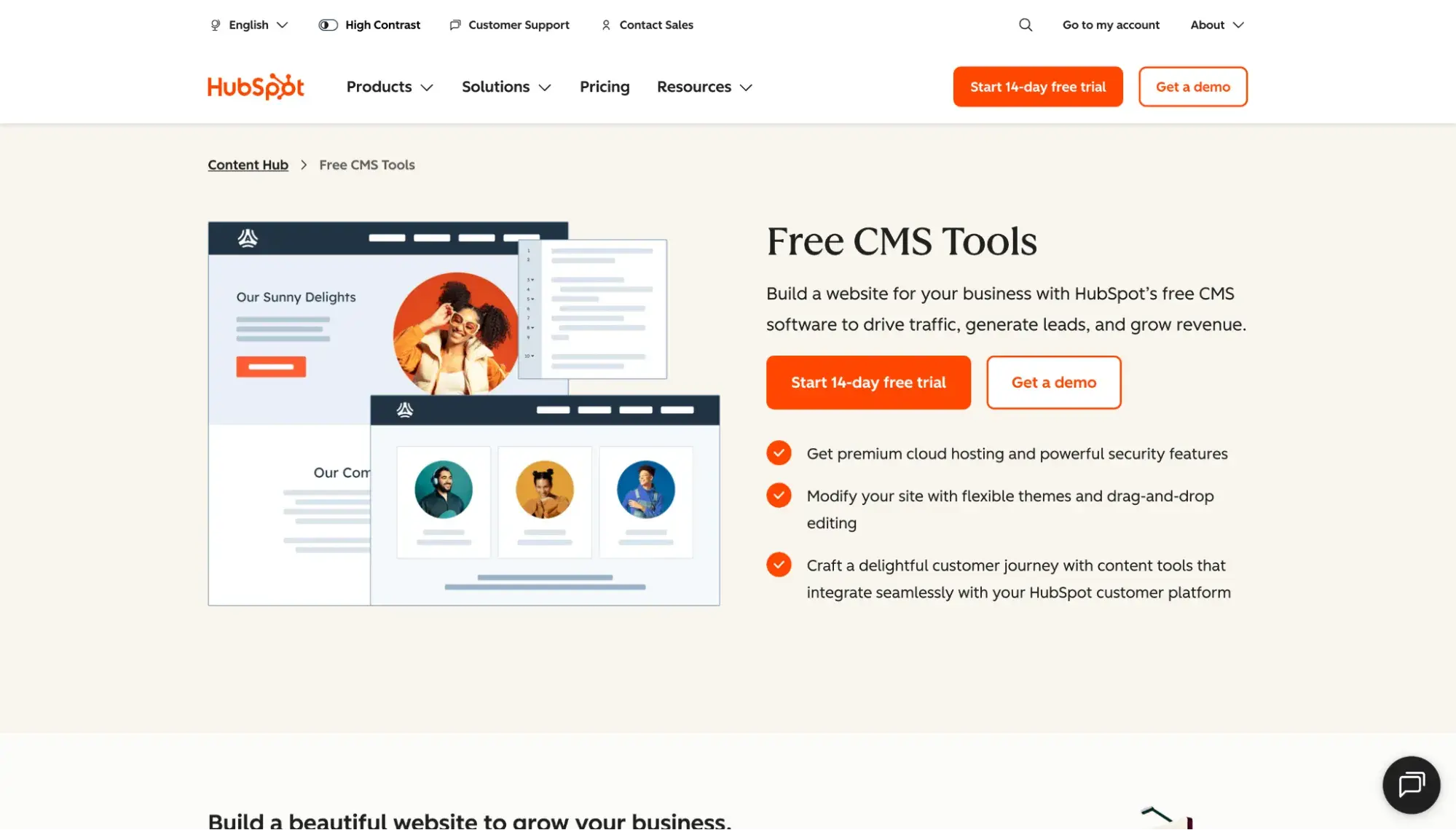
Best for: Marketing teams wanting all-in-one CMS and marketing software with managed hosting
Content Hub, HubSpot’s content management platform, is among the most advanced on the market, offering speed, security, and integration with HubSpot’s marketing, sales, and service software.
Content Hub is made for scaling businesses that don’t want to search for plugins and add-ons to increase performance. It comes with several built-in performance optimization measures, including:
- Browser and server caching: Content Hub automatically implements both server and browser caching to deliver pages, scripts, and style sheets more quickly, and updates expiration headers automatically.
- JavaScript and CSS minification: Minification is the process of deleting unnecessary characters in CSS and JavaScript (JS) code, including comments, line breaks, and spaces. These characters help humans interpret the code, but aren’t needed for the browser to read them. Content Hub minifies JS and CSS code uploaded to the design manager for smaller files and faster parsing.
- Brotli compression with GZIP fallback: Text files are all compressed with Brotli, which reduces transferred file sizes. GZIP is used as the fallback.
- Image file compression: Content Hub compresses images as you upload them, resulting in smaller image files without a visible drop in quality. The CMS also strips JPEGs and PNGs of metadata.
- HTTP/2: All websites powered by Content Hub are served using HTTP/2, a revision of HTTP that reduces latency.
HubSpot's Free Website Builder
Create and customize your own business website with an easy drag-and-drop website builder.
- Build a website without any coding skills.
- Pre-built themes and templates.
- Built-in marketing tools and features.
- And more!
In addition to what’s already included in Content Hub, there are other tweaks that you can make if you’re comfortable editing code. These changes include deferring unnecessary JS and other image optimization techniques. See the developer tutorial for more info.
Beyond infrastructure, Breeze (HubSpot‘s AI) helps teams move faster by generating content, optimizing copy, and automating repetitive tasks. A fast CMS isn’t just about page load times; it's also about how quickly your team can create, publish, and iterate. AI-assisted workflows reduce the time from idea to live page, letting you produce content faster without sacrificing quality.
2. WordPress
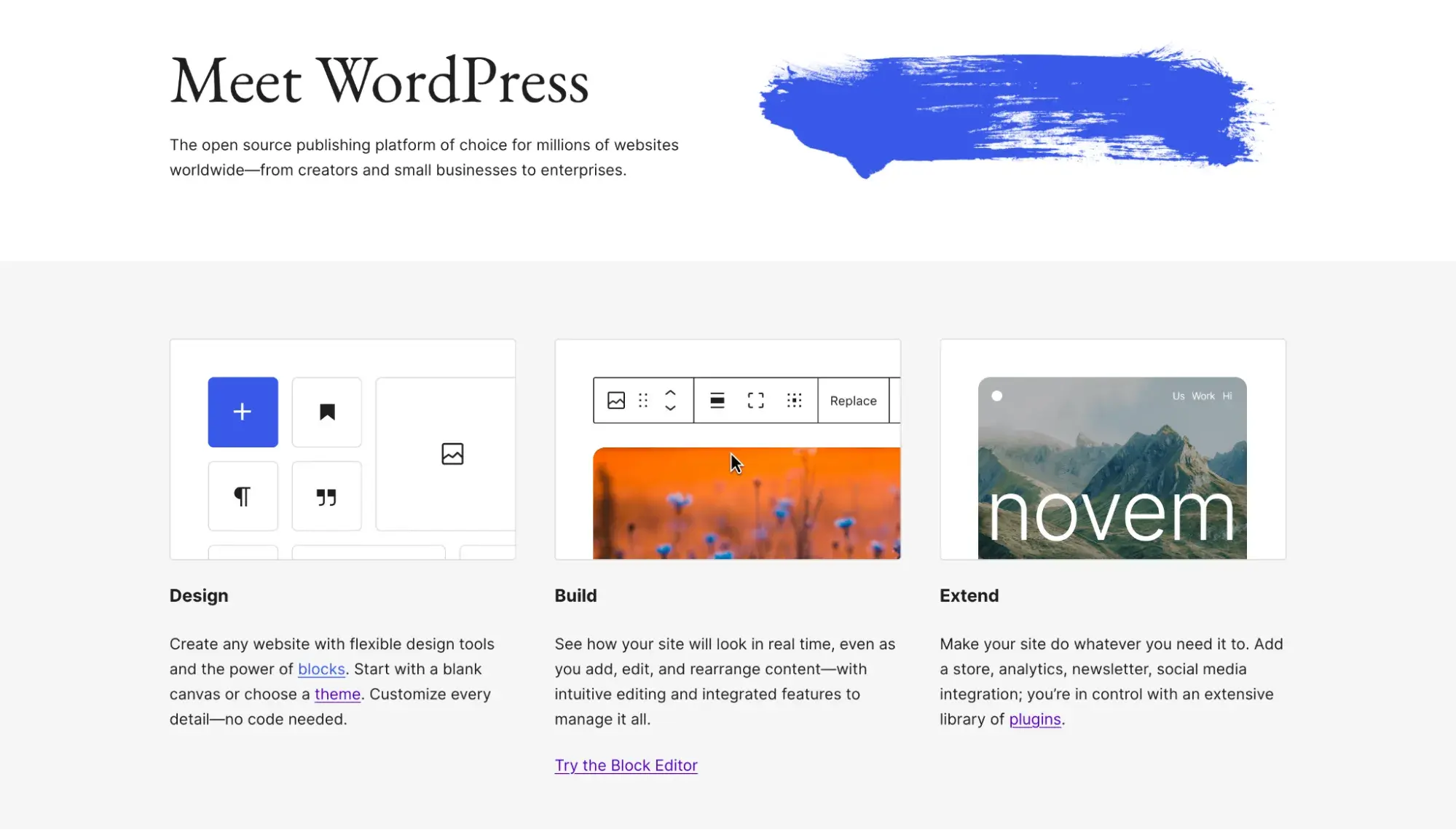
Best for: Beginner to intermediate users wanting the most popular CMS
With a 60.2% share of the CMS market as of December 2025, WordPress is the go-to content management system for the majority of new website admins. And for good reason — the WordPress CMS is flexible, easy to learn, and, above all else, free and open-source. Anyone looking to launch their first organizational website or blog has likely considered it.
The lack of a price tag comes with a tradeoff, though. For one thing, running a WordPress website isn’t actually free — you still have to pay for hosting, a domain, and premium plugins.
Also relevant here is the fact that WordPress leaves much of the performance up to you. This isn’t to say that the WordPress CMS is a poor choice. However, having the fastest site possible requires a bit of extra effort on your end.
The first and most important factor to consider for performance is your web hosting. Since your hosting provider owns and maintains the actual hardware that your site lives on, you’ll want to pick a provider and a plan that can handle your expected amount of traffic, and one that allows you to switch plans when your website scales.
If it’s in your budget, choose a managed WordPress hosting provider. These providers specialize in hosting WordPress websites and have configured their servers to deliver WordPress sites as efficiently as possible. They also handle security, backups, and updates for you, and you’ll get WordPress-specific support.
Next, site owners can take advantage of the huge ecosystem of third-party WordPress plugins. There’s a plugin for virtually anything you want to achieve, including better performance. Consider high-quality plugins for image optimization and caching (but note that many managed hosts ban caching plugins, as they conflict with the server setup).
This isn't a license to download every plugin you can, though — too many plugins will hurt performance, especially low-quality plugins. Keep only the plugins you use, and consider cutting down if you notice a performance dip.
The same goes for WordPress themes, too. Those that are poorly coded or bloated with features will require more scripts and style sheets than necessary. Avoid these themes when possible, and opt for a lightweight, fast-loading WordPress theme instead.
If you've exhausted your optimization options and are ready to skip the plugin juggling altogether, see how migrating from WordPress to a unified CMS can improve load times — one company cut its desktop load times from 4.2 seconds to 1.3 seconds after making the switch.
3. Drupal
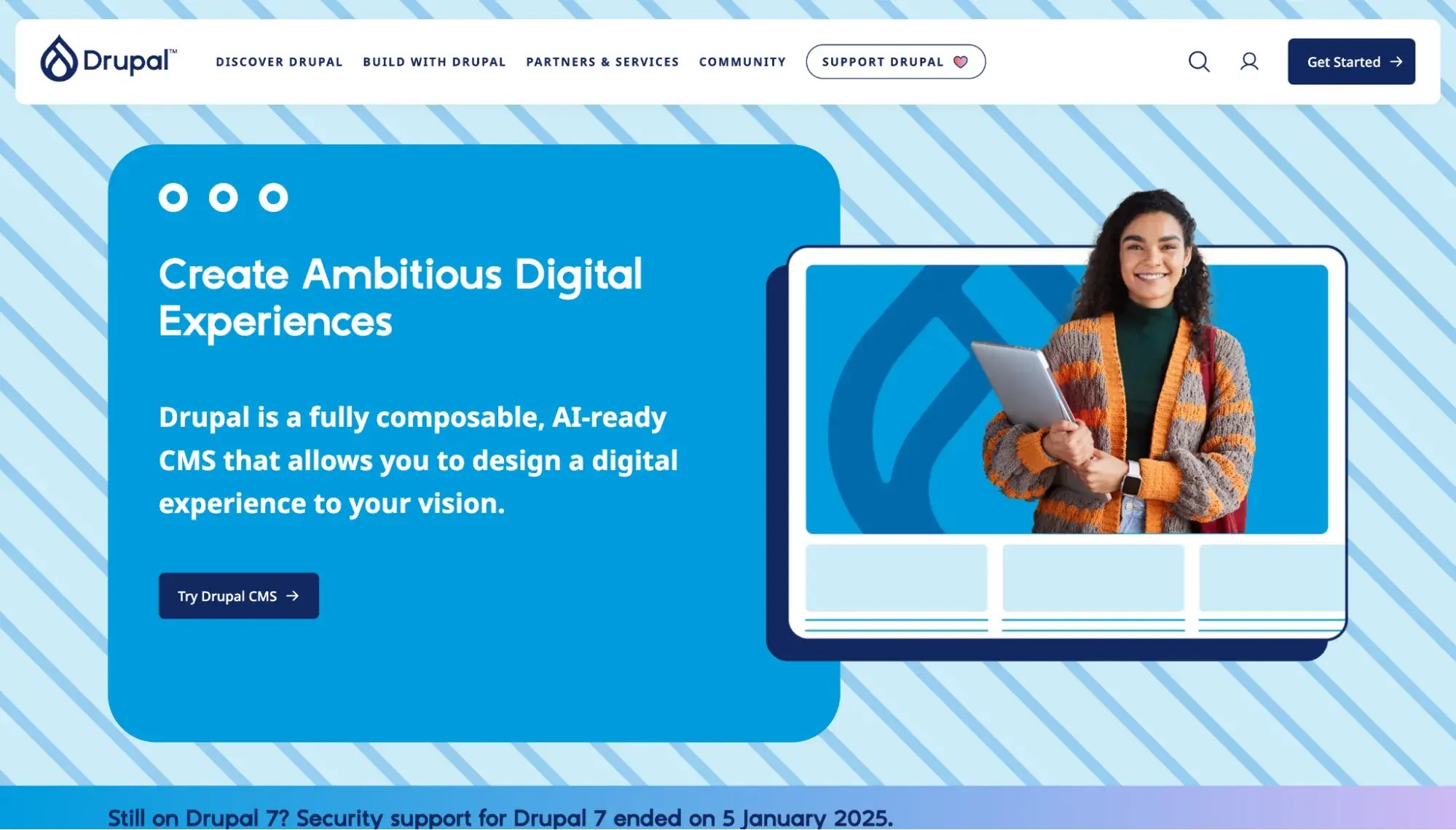
Best for: Teams with heavy developer resources wanting the ultimate flexibility
Drupal is an open-source CMS oriented toward developers and experienced programmers. Known for its robust functionality, flexibility, security, and large community, the Drupal CMS is also acclaimed for its ability to handle large volumes of traffic on large websites. It’s another great choice for sites and web apps that intend to scale, as long as you have one or more developers available.
Given the complexity of Drupal, the team has written documentation on how to optimize scaling Drupal websites for performance, which links to pages that target different aspects of your Drupal website. Here, I’ll mention a few to take special note of.
Caching is when webpages are stored temporarily to be fetched more quickly in the future. As of Drupal 8, page caching is enabled by default. See Drupal’s caching documentation to learn more.
Next up, as of Drupal 9.1, native lazy loading is enabled by default for images. There are also image optimization modules available for more advanced control over image compression and rescaling.
Finally, like WordPress, it’s wise to limit the number of extensions you implement on your site. Each Drupal module means more resources used up on your server, so consider disabling modules that you don’t absolutely need — you can always reactivate them later.
If you’re interested in finding a CMS similar to this one, check out our detailed article on Drupal alternatives.
4. Joomla

Best for: Intermediate users who want more flexibility than WordPress without Drupal's steep learning curve
Joomla is another well-known free CMS and is seen as a compromise in the open-source marketplace between Drupal’s flexibility and WordPress’s ease of use. Website owners have the option to modify the underlying PHP themselves or to go codeless with the CMS.
HubSpot's Free Website Builder
Create and customize your own business website with an easy drag-and-drop website builder.
- Build a website without any coding skills.
- Pre-built themes and templates.
- Built-in marketing tools and features.
- And more!
Joomla offers some performance features out of the box, including caching, which you can activate in your system settings — see Joomla’s cache documentation for instructions on how to turn on page caching, view caching, and module caching.
Next, you can apply GZIP compression to your files to get them to visitors in less time. Under System > Global Configuration > Server, toggle Gzip Page Compression to Yes.
Lastly, take advantage of Joomla performance extensions for the rest of your optimizations. There are plenty of third-party options to take care of tasks like image compression, image lazy loading, database optimization, code minification, and deferring unnecessary scripts.
Like other CMSs, Joomla works best when you use extensions in moderation. Delete unused extensions and audit each one you’re currently using to determine whether it’s worth the load on your server.
If Joomla's learning curve feels steep (or you want a platform with built-in hosting, ecommerce, or marketing tools), explore our top Joomla alternatives.
5. Ghost

Best for: Blogs, publications, and content-first websites prioritizing speed and simplicity
Ghost is a modern, open-source CMS built specifically for publishing, with a strong emphasis on performance, simplicity, and clean front-end output. Unlike general-purpose CMS platforms, Ghost intentionally limits its scope to content publishing in order to reduce complexity and improve speed.
Ghost claims to be 1,900% faster than WordPress. I also found a real-world comparison from developer Gary Bell, who switched to Ghost from WordPress and says his Ghost site is 47% faster than his WordPress site.
One of Ghost’s biggest performance advantages is that it’s a lightweight CMS. Ghost is built on Node.js, not PHP, and uses a minimal Handlebars-based templating system that it claims is “super fast.”
Ghost includes several performance optimizations out of the box:
- Automatic image optimization when you upload images to the Ghost editor
- Headless architecture, which separates the back end from the front-end presentation layer so developers can do more advanced configurations
- Caching options
- Built-in SEO, including automatic and custom metadata, XML sitemaps, and structured data
- Global CDN available on Ghost(Pro)
Because Ghost is purpose-built for publishing, it avoids the extensive plugin ecosystem seen in platforms like WordPress. This helps maintain performance consistency, but it also limits flexibility — advanced features, custom workflows, or deep integrations often require custom development or external services.
Ghost can be self-hosted or used via Ghost(Pro), the managed hosting service operated by the Ghost team. Ghost(Pro) includes managed infrastructure, global CDN delivery, automatic updates, and backups, allowing users to benefit from Ghost’s performance optimizations without managing servers themselves.
Overall, Ghost is a strong option for teams that want a fast, modern CMS for content-driven websites, especially where page speed, clean markup, and predictable performance matter more than extensibility or complex site architectures.
6. Duda
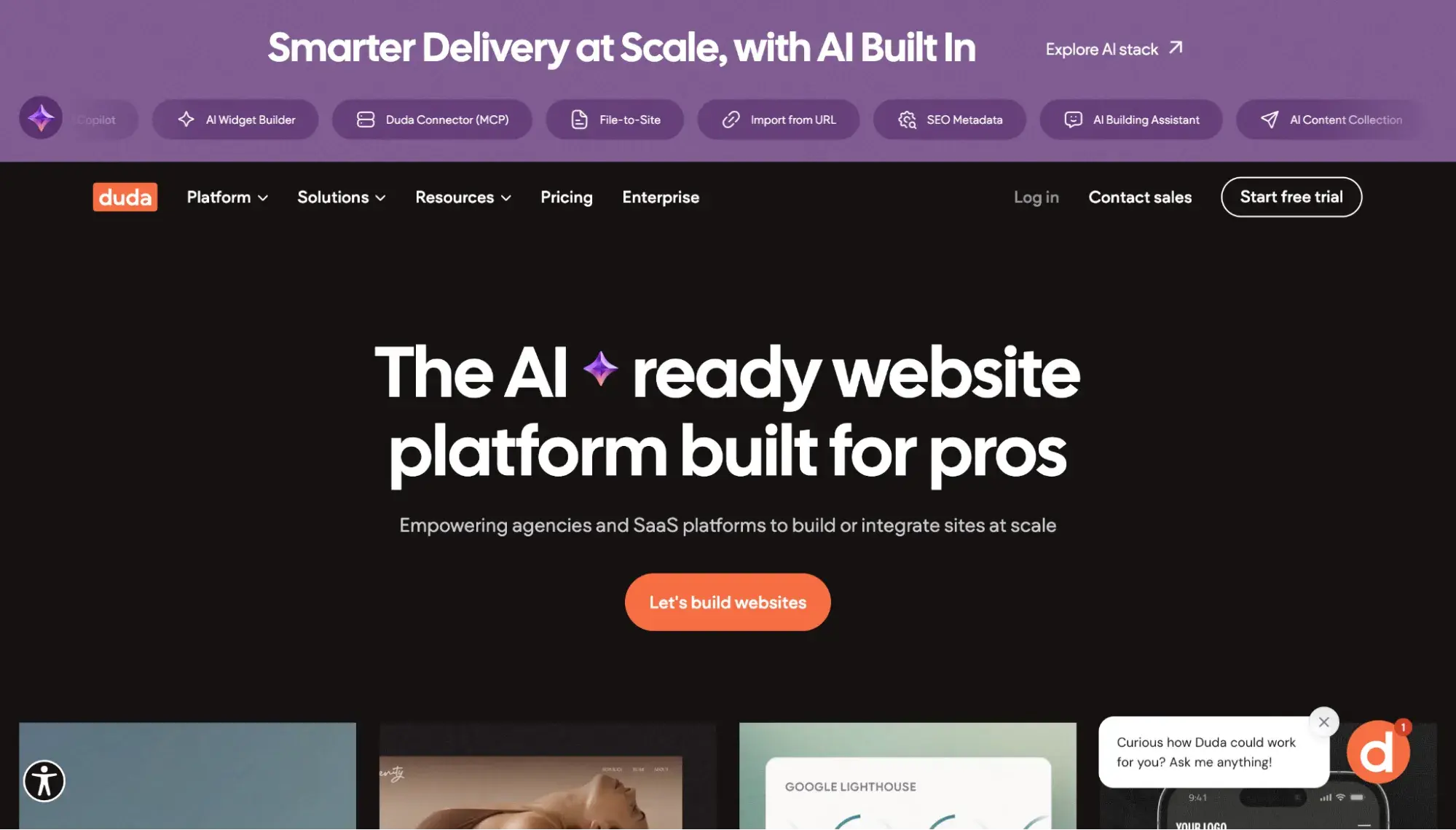
Best for: Agencies and SMBs that want managed performance with minimal technical overhead
Duda is a SaaS-based website builder and CMS designed for agencies and SMBs that want fast, responsive websites without managing servers or infrastructure. Because Duda is fully hosted, many performance optimizations — such as caching, CDN delivery, and server configuration — are handled automatically by the platform rather than manually by the site owner.
In December 2024, Duda became “the first CMS to achieve an impressive 80% Core Web Vitals (CWV) pass rate,” according to its website. According to the company, that means most Duda sites pass Google’s Core Web Vitals thresholds by default, helping sites deliver consistent speed and user experience without extensive optimization work.
Duda includes several performance features out of the box:
- Global CDN delivery: All Duda sites are served through a global CDN, reducing latency by delivering assets from locations closer to the end user.
- Automatic image optimization: Duda automatically resizes and optimizes images based on how they’re displayed on the page, and serves them in a WebP format to reduce file size.
- Lazy loading: Lazy loading for images happens automatically.
- CSS minification
- Automatic Google Pagespeed optimization
Because Duda is a hosted platform, infrastructure-level concerns like caching and CDN configuration are managed centrally. This reduces ongoing performance maintenance compared to self-hosted CMS platforms that rely on plugins or manual optimization.
Overall, Duda is a strong option for teams that want a fast, managed CMS with performance handled largely out of the box, particularly for agency sites, SMB websites, and content-driven landing pages where ease of use and consistent speed matter more than deep back-end customization.
How to Optimize Your CMS for Speed
If you have a self-hosted website, where your CMS and hosting provider are separate:
Consider Managed Hosting
With managed hosting, much of the server-level security and performance is taken care of by the web host. Content Hub offers managed hosting by default, complete with in-transit SSL encryption, web application firewall (WAF), and auto-scaling infrastructure. Other web hosts provide a managed hosting option that you can choose, such as Bluehost and SiteGround.
Turn on Caching
Caching is when the server stores copies of your page and serves the copies instead of regenerating the page every time. This speeds up page load times.
Implement a Content Delivery Network (CDN)
A content delivery network (CDN) stores copies of your website’s content in various edge servers all around the world, allowing it to serve the files from the server closest to your end user, resulting in faster load times.
To begin, check if your site is already using a CDN by typing your URL into CDN Finder. If the answer is no, consider adding one via Cloudflare or switching to a CMS that has a built-in CDN, like Content Hub.
HubSpot's Free Website Builder
Create and customize your own business website with an easy drag-and-drop website builder.
- Build a website without any coding skills.
- Pre-built themes and templates.
- Built-in marketing tools and features.
- And more!
Clean Up Your Plugins
A common issue that slows down WordPress in particular is “plugin bloat.” This is when you have so many plugins that it actually slows down your CMS. This can happen with extensions on Joomla or third-party apps on Content Hub, too. Quarterly, go through and delete unused plugins/extensions/apps. Be sure to keep your WordPress plugins updated, too.
If you choose a hosted CMS, like HubSpot, the infrastructure optimizations are taken care of for you. Content Hub already offers a global CDN, prerendering, and manages your hosting.
Modern CMS Alternatives for Maximum Speed
Of course, when it comes to finding the fastest CMS, you‘re not limited to traditional, or monolithic, architectures. Here are two modern alternatives that might give you the speed boost you’re looking for.
Static Site Generators
Static Site Generators (SSGs) like Hugo, Eleventy, and Astro take a fundamentally different approach to building websites. Instead of generating pages on the fly when a visitor requests them, SSGs pre-build your entire site into static HTML files during a build process. When someone visits your site, the server simply delivers these pre-built files — no database queries, no server-side processing, no waiting.
Pros:
- Delivers the fastest possible page loads because, unlike traditional CMSs that use dynamic rendering, an SSG has already pre-built the page and simply serves the stored version
- Inherently secure since there's no database to hack
- Inexpensive to host. Platforms like Netlify and Vercel offer free tiers that work well for static sites.
- Naturally CDN-friendly, making global delivery fast and simple
Cons:
- Because an SSG prebuilds pages, anytime you update a page, it has to rebuild the whole site, or at least the changed page. This is fine for small sites, but imagine you have hundreds or thousands of pages that need frequent updates (news articles, blog posts, inventory, or shipment tracking). In those cases, it could slow down your publishing workflow, as the updates won't show on the live site as soon as they would with dynamic rendering.
- Requires some technical knowledge to set up and deploy
Best for: Marketing sites, documentation, blogs, and portfolios where content changes are planned rather than constant
Headless CMSs
A headless CMS like Contentful, Sanity, or Strapi separates the back end from the front-end presentation layer entirely. Content is stored in the CMS and delivered via API to whatever front end you choose — a custom website, a mobile app, a digital kiosk, or all three.
Pros:
- Because the front-end presentation layer is separate from the back end, a headless CMS gives developers the most flexibility to optimize each layer independently — fine-tuning the back-end infrastructure for speed while choosing exactly how to serve content on the front end.
- Not locked into a specific theme or templating system; you can swap out the front end without touching your content.
- Ideal for omnichannel delivery (website, mobile app, IoT devices) from a single content source
Cons:
- More technical and requires developer resources to implement and maintain the front end, making it less attractive for marketing teams who want to make quick changes without technical help
- Typically involves higher costs, both for the CMS subscription and for the development work required to build and maintain custom front ends
Best for: Teams with dedicated developers, organizations delivering content across multiple channels, and projects where performance and flexibility outweigh simplicity
Pro tip: Some CMSs are hybrid, meaning they can be used headlessly. For example, HubSpot Content Hub can be used as a headless CMS thanks to its APIs.
Get the Most Out of Your CMS
It makes sense to look for a lightweight CMS to keep your site speedy. While there’s no objectively “fastest” content management system on the market, there are several steps you can take to make whatever CMS you choose into a well-oiled machine behind your fast website.
While built-in performance features are a plus, we recommend looking into how different CMSs fit with your needs. After all, you’ll be spending the most time with it, so it should work for you.
Fastest CMS FAQs
Which is the fastest CMS platform right now?
There’s no single fastest CMS in every scenario, but static site generators like Hugo can deliver the fastest raw page loads because they serve prebuilt HTML files. That removes database queries and server-side rendering, which add time.
Among traditional CMS platforms, HTTP Archive data from November 2025 shows Duda leading with 87% of sites passing Core Web Vitals, followed by HubSpot Content Hub at 72% — the highest among platforms in our list that combine CMS functionality with integrated marketing tools. Ghost follows at 67%, with Drupal, Joomla, and WordPress trailing at 64%, 56%, and 50% respectively.
These numbers reflect a key advantage of managed platforms: Content Hub includes built-in performance optimization features, such as automatic caching, CDN delivery, image compression, and code minification. Self-hosted platforms like WordPress can achieve competitive speeds, but require more hands-on optimization work to get there.
For teams who want speed and integrated marketing, sales, and service tools in one platform, Content Hub offers the best balance of performance and functionality.
Among full-featured CMS platforms, HubSpot Content Hub is one of the fastest out of the box because it includes built-in CDN delivery, caching, and asset minification by default.
HubSpot's Free Website Builder
Create and customize your own business website with an easy drag-and-drop website builder.
- Build a website without any coding skills.
- Pre-built themes and templates.
- Built-in marketing tools and features.
- And more!
What are the main differences between static site generators, headless CMS, and traditional CMS?
The key difference between CMS types is how content is rendered and delivered:
- Static site generators (SSGs) prebuild pages into static HTML, delivering the fastest load times but slower publishing workflows for large or frequently updated sites.
- Headless CMS platforms separate content management from presentation, offering maximum flexibility and performance potential at the cost of higher technical complexity.
- Traditional CMS platforms combine content management and presentation, making them easier for non-technical teams but more dependent on runtime processing.
HubSpot Content Hub bridges this gap by offering a traditional CMS experience with modern performance architecture built in. But it’s worth noting that teams can also use Content Hub as a headless CMS by utilizing HubSpot’s APIs.
How do I optimize my CMS for maximum speed?
The biggest performance gains usually come from infrastructure and configuration, not switching CMS platforms. Regardless of CMS, focus on:
- High-quality hosting and modern server infrastructure
- Multi-layer caching and CDN delivery
- Image optimization and lazy loading
- Reducing plugins, extensions, and third-party scripts
With self-hosted CMS platforms like WordPress or Drupal, these optimizations require plugins and manual setup. HubSpot Content Hub handles many of these automatically, including caching, CDN delivery, JavaScript and CSS minification, and image optimization. That reduces the technical work needed to achieve strong performance.
Should I switch my CMS if my website is slow?
Not always. Many slow websites suffer from poor hosting, heavy themes, unoptimized images, or plugin bloat, rather than CMS limitations. In many cases, optimizing your current setup can significantly improve speed.
However, if your CMS requires constant maintenance to stay fast — or if performance optimization competes with your team’s time and priorities — it may make sense to switch. HubSpot Content Hub is designed to minimize ongoing performance work by managing much of the infrastructure and optimization for you.
For teams that want speed without constant tuning, a managed CMS can be a practical upgrade.
How can I test my website’s CMS speed?
You can measure CMS performance using tools such as the following:
- Website Grader is a free tool for analyzing your current site's performance, SEO, mobile responsiveness, and security, giving you a baseline to compare against.
- Google PageSpeed Insights evaluates the Core Web Vitals like LCP and INP.
- WebPageTest tests across devices and geographic locations.
What’s the easiest CMS to use that’s also fast?
For many teams, the easiest fast CMS is one that handles performance optimization automatically. Platforms like HubSpot Content Hub and Duda deliver strong speed without requiring deep technical expertise.
WordPress remains accessible, but achieving similar performance may require managed hosting, careful plugin selection, and ongoing optimization work.
Among these, Content Hub stands out for combining speed with an integrated marketing platform, allowing teams to manage content, SEO, analytics, and optimization in one place.
Our team uses AI in our editorial process. Check out our full disclosure to learn more about how we use AI.
Editor's note: This post was originally published in April 2021 and has been updated for comprehensiveness.
HubSpot's Free Website Builder
Create and customize your own business website with an easy drag-and-drop website builder.
- Build a website without any coding skills.
- Pre-built themes and templates.
- Built-in marketing tools and features.
- And more!
Content Management System





![How to make a subscription website [+ 7 best membership website builders]](https://53.fs1.hubspotusercontent-na1.net/hubfs/53/how-to-make-a-subscription-website-1-20251230-3683850.webp)